
Citizen developer tools let business users build applications for their organization without formal programming training, and in 2026 that increasingly means AI-prompt generation alongside older drag-and-drop citizen developer low-code builders.
AI has folded itself into nearly every platform on this list, which changes both what a non-technical builder can attempt and what goes wrong when they do.
I evaluated the platforms that show up consistently across this category. On every platform that offered a trial, I built the same internal request-tracking app: a form, a database, an approval step, and role-based access. For the rest, I dug into pricing pages and real user reviews on G2 and Reddit.
Superblocks is on this list, and I'm not pretending otherwise. I also ran the same test on every competitor here, with the same pricing and the same cons, so you can weigh the tradeoffs yourself.
11 best citizen developer tools: TL;DR
Here are the 11 tools, ranked by which practice each fits best:
- Superblocks: Best for enterprise internal tools with governance built in.
- Retool: Best for mobile internal and external apps.
- Microsoft Power Apps: Best for teams already inside Microsoft 365.
- Airtable: Best for database-driven apps built on structured data.
- Lovable: Best for external web applications built from prompts.
- Replit: Best for code learning and collaborative prototyping.
- n8n: Best for open-source workflow automation.
- Glide: Best for turning a spreadsheet into an app fast.
- v0: Best for UI prototyping inside Vercel's platform.
- WeWeb: Best for no-code apps with real, exportable code.
- Bolt: Best for quick web app prototypes in the browser.
How I researched and tested these citizen developer tools
I built the same reference app, a request form feeding a database with an approval step and role-based access, on every platform offering a free tier or trial. For tools I couldn't fully build in, I relied on documentation, demos, and real user reports on G2 and Reddit.
Here's what mattered most across that testing:
- Ease of use for non-technical builders: Onboarding, template quality, and how much AI shortened the path versus just looking good in a demo.
- Integration depth: How cleanly each platform connects to real databases, APIs, and everyday tools like Slack or Stripe.
- Governance and control: Role-based permissions, audit logs, and authentication, since this is where citizen developer platforms and pure prototyping tools diverge hardest.
- Deployment flexibility: Cloud-only versus self-hosting or code export, for teams that need to own what gets built.
- Collaboration: Whether teams can co-build, review, and hand off apps to engineering when needed.
Running the same build across all 11 made the split in this category obvious: some platforms get a non-technical builder to something usable in minutes; others need meaningful technical comfort despite being marketed at citizen developers.
If you want the full range of low-code options beyond this shortlist, our broader low-code platforms roundup covers 25 tools.
11 best citizen developer tools: quick comparison
Pricing correct as of September 2026. Verify with vendor.
1. Superblocks: Best for enterprise internal tools with governance built in
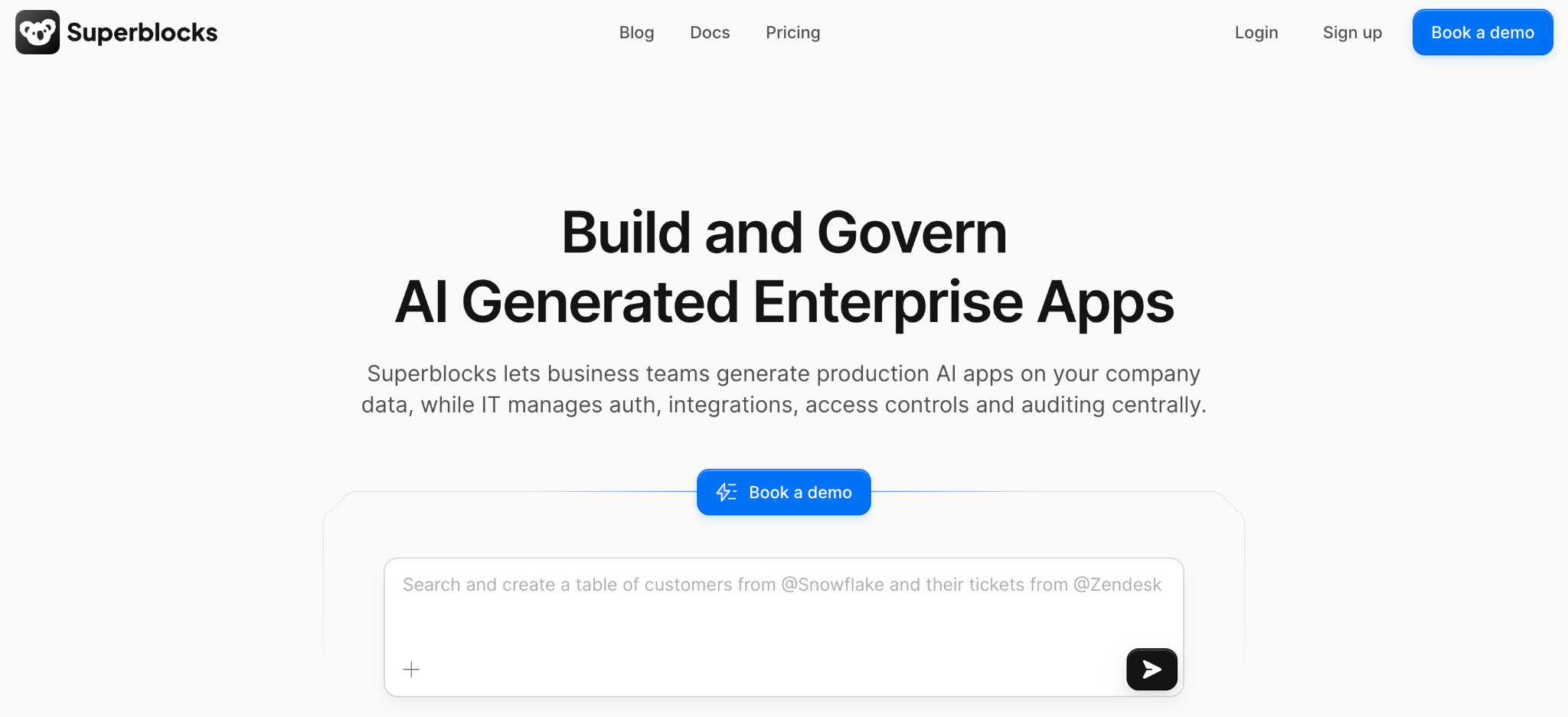
What it does: Superblocks is an AI-native platform for building production-grade internal applications, combining natural-language generation with a visual editor and full code access, all under one centrally governed layer.
Best for: Enterprises that want to open up app building to citizen developers without losing centralized control over data access and permissions.
Clark had the initial form and database schema running from a single prompt, and the whole build took about 25 minutes.
What stood out was watching the generated app automatically inherit my test user's existing permissions. A couple of the prototyping tools here defaulted to open access instead.
That kind of built-in oversight is what separates a governed citizen developer platform from an ungoverned prototyping tool. Our citizen developer governance framework covers what that oversight should include.
Key features
- Three development modalities: Generate with AI via Clark, refine visually, or code directly, with two-way sync so switching modes never loses context.
- Centralized governance layer: RBAC, SSO, and audit logs manageable from one dashboard across every app on the platform.
- AI guardrails: Customize prompt rules and design standards that Clark enforces automatically on every generated app.
- On-premise agent: Keeps sensitive data inside your own network while the control plane stays managed.
Pros
- ✅ AI generation follows existing governance rules automatically, with no separate review step required.
- ✅ Switching between AI, visual, and code modes didn't break my build once.
- ✅ RBAC applies to every plan; audit logs and SSO are bundled into Enterprise rather than sold as a separate add-on.
Cons
- ❌ Focused mainly on internal tooling, not consumer-facing product launches.
- ❌ Smaller template and community base than Retool or Power Apps at this point.
What Users Say
“It's very easy to develop internal tooling. It offers a lot of functionality out of the box.” Max H, G2

“There are some backend limitations, and components lack reusability across applications; also, it's still lacking diversity in its components offering.” Oscar C, G2
Pricing
Teams costs $125 monthly for up to 15 builders, including 100 Governed Agent Units and one hosted app, with RBAC included. Additional hosted apps cost $10 monthly each. Enterprise is custom, adding SSO, VPC deployment, and audit logs. See Superblocks pricing for details.
Bottom Line
Superblocks is the pick if governance can't be an afterthought to speed. If you're a solo builder with no compliance requirements, the governance layer is more than you need.
2. Retool: Best for mobile internal and external apps
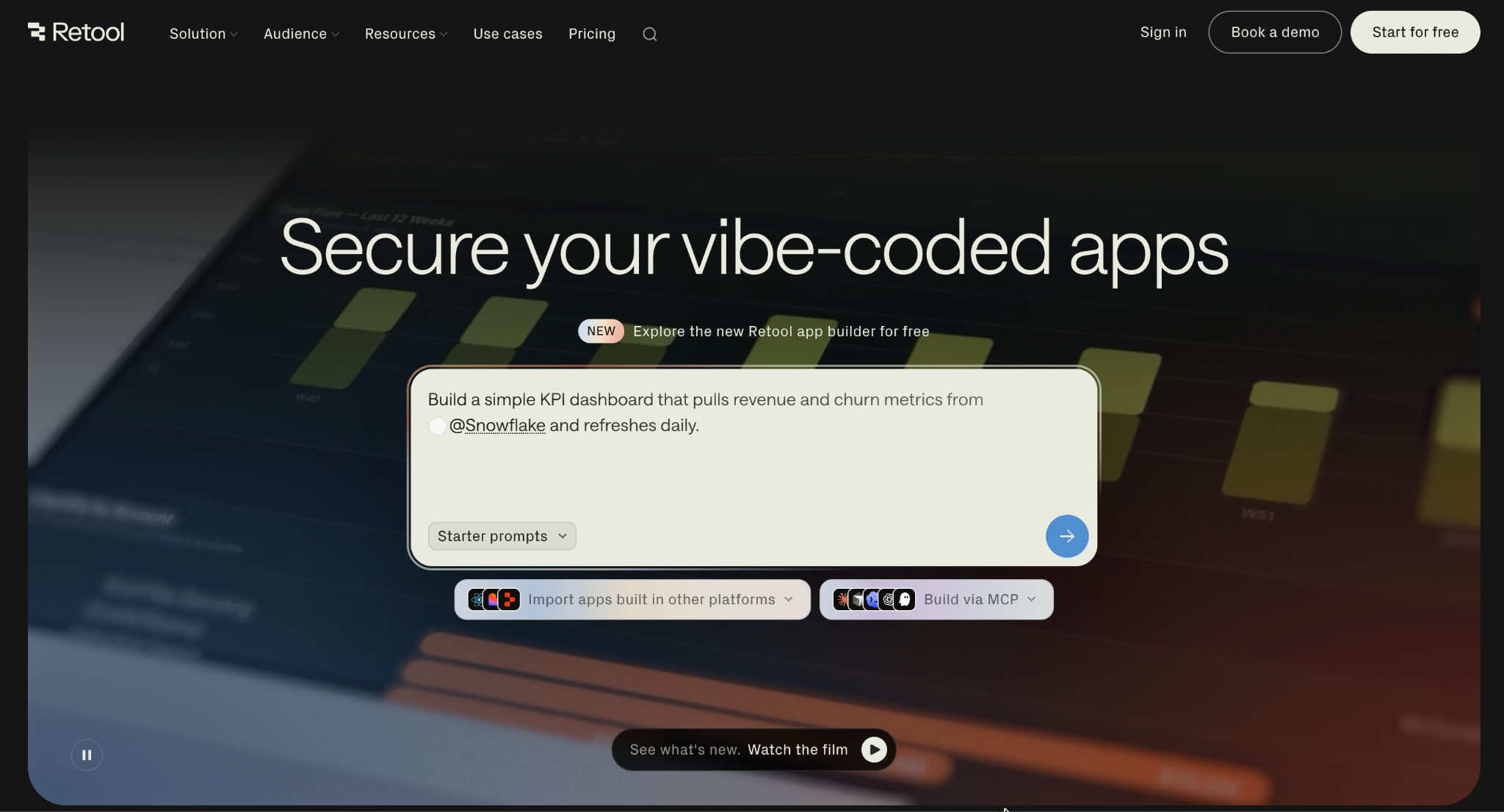
What it does: Retool is a popular low-code platform for building internal and external apps fast, with a large library of pre-built UI components and real JavaScript access when logic gets complex.
Best for: Teams needing native mobile apps or a fully self-hosted app builder.
My reference build took about 35 minutes, mostly adjusting to Retool's proprietary DSL compared to writing plain JavaScript. Once past that, the connector library made wiring up the database and approval logic fast.
Key features
- Extensive integration library: Native connectors across databases, APIs, and third-party services.
- Drag-and-drop interface: Assemble tables, charts, forms, and buttons visually.
- Workflow automation: Conditional logic and scheduled runs with scripting support.
- Retool AI: Assists with queries, UI layouts, and logic autocompletion.
Pros
- ✅ Usable for native mobile apps, which several tools here can't do.
- ✅ Large library of pre-built components and templates.
- ✅ Full self-hosting available for strict infrastructure needs.
Cons
- ❌ Proprietary DSL has a steep learning curve versus plain code.
- ❌ Advanced design customization needs genuine technical expertise.
What Users Say
“What I like most about Retool is how quickly it lets you build internal tools and operational dashboards.” Natanael G, G2

“The performance of large apps and complex dashboards gets slow, affecting the results for this app.” Luciana S, G2
Pricing
Free for up to 5 users. Team costs $12 per builder monthly plus $7 per internal user monthly. Business runs $65 per builder monthly plus $18 per internal user monthly. Enterprise is custom. See Retool's pricing.
Bottom Line
Retool earns its place for teams needing mobile apps or full self-hosting. For an AI-native build experience with similar code depth, Superblocks covers similar ground with less setup.
3. Microsoft Power Apps: Best for teams already inside Microsoft 365
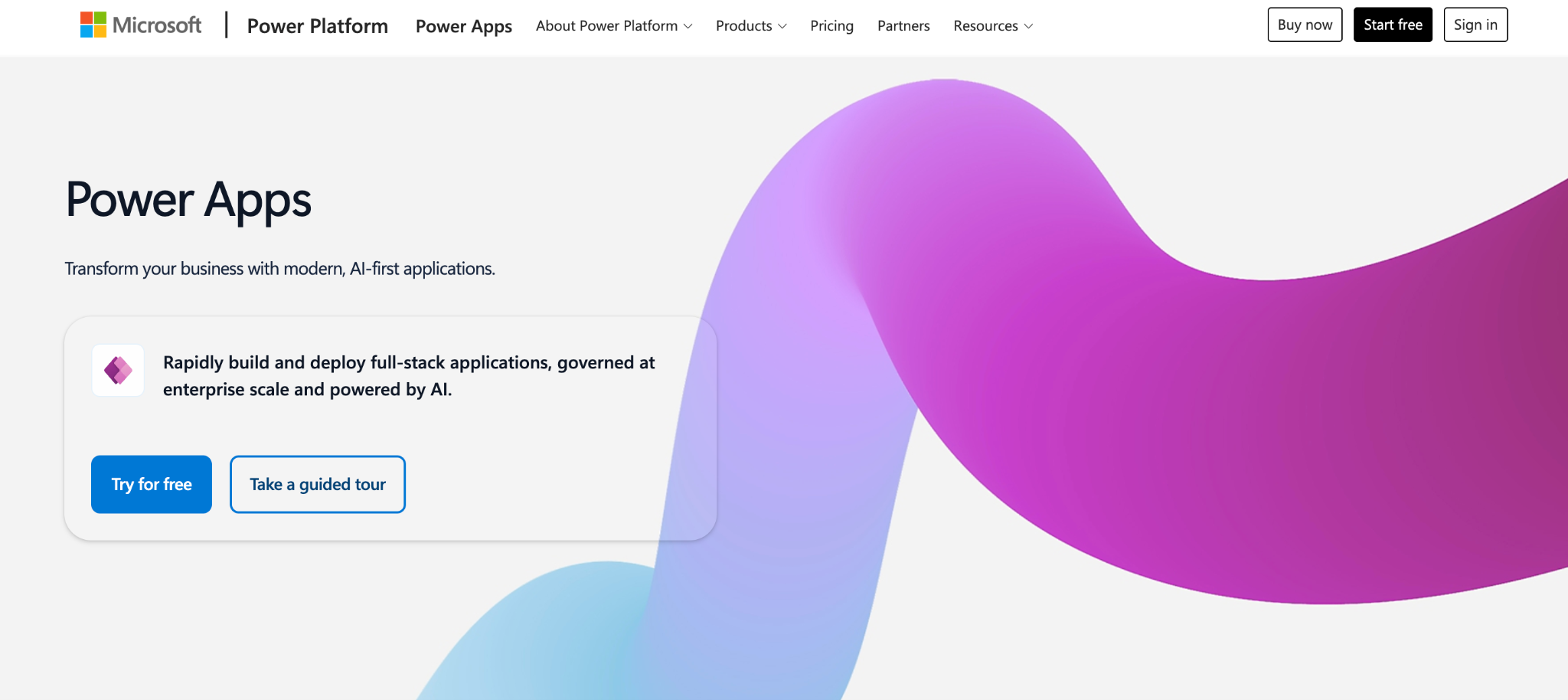
What it does: Power Apps is Microsoft's low-code citizen developer platform, natively integrated with Microsoft 365, Dataverse, and Azure, historically one of the platforms most associated with popularizing the term "citizen developer" itself.
Best for: Organizations already standardized on Microsoft 365, where app building slots into tools teams use daily.
Most of the roughly 30-minute build went into Dataverse setup rather than the builder itself, which assumes genuine familiarity with Microsoft's data platform up front.
Key features
- Canvas and model-driven apps: A WYSIWYG editor built from components, formulas, and templates.
- Native Microsoft 365 integration: Direct connections to SharePoint, Teams, and Dynamics 365.
- AI Builder: Built-in document processing, prediction, and image recognition.
Pros
- ✅ Feels like a natural extension for teams already living in Microsoft 365.
- ✅ Azure AD integration and DLP policies bring meaningful security by default.
- ✅ 300-plus connectors cover most common enterprise scenarios.
Cons
- ❌ Migrating an app off Power Apps later means rebuilding largely from scratch.
- ❌ No access to underlying code, so complexity has a hard ceiling.
What Users Say
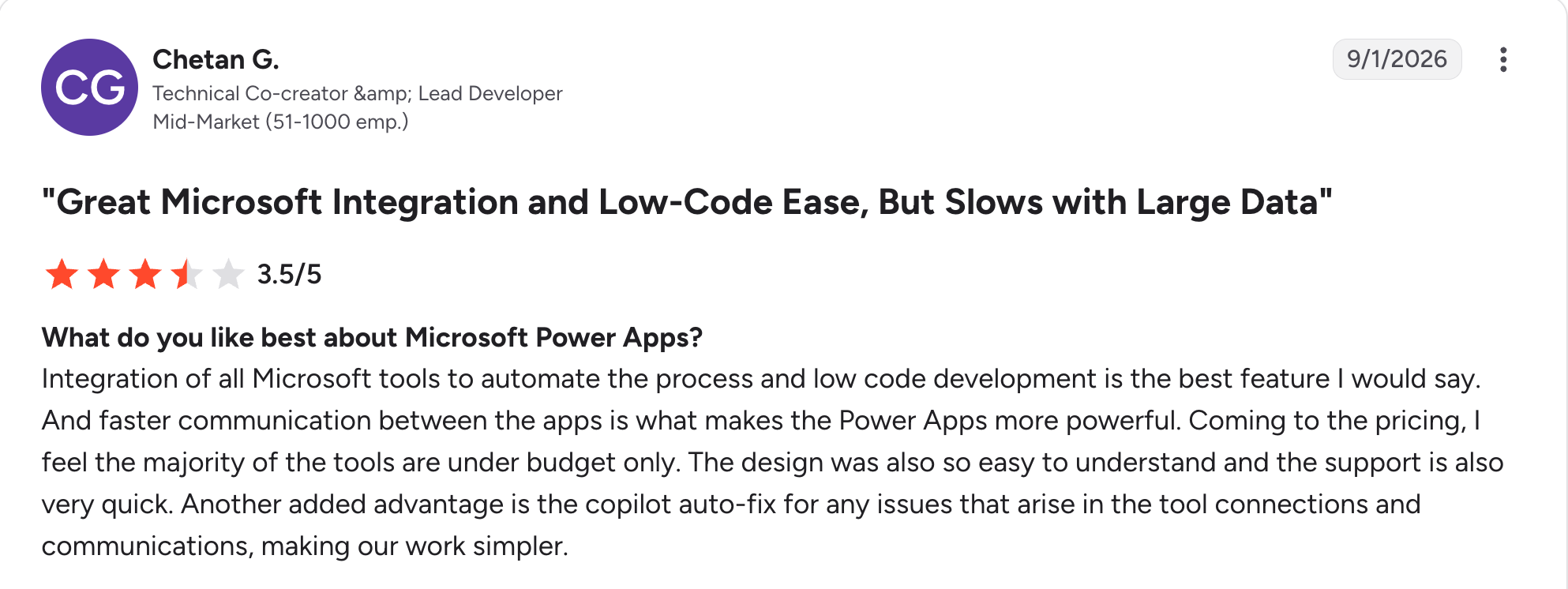
“Integration of all Microsoft tools to automate the process and low-code development is the best feature, I would say.” Chetan G, G2

“The AI builder is not very effective.” Swati J, G2
Pricing
Free developer plan for non-production apps. Power Apps Premium costs $20 per user, with volume pricing at $12 per user for 2,000-plus seats. See Power Apps' pricing.
Bottom Line
Power Apps is the obvious choice inside a Microsoft-standardized org. Outside that world, the lock-in outweighs the convenience.
4. Airtable: Best for database-driven apps built on structured data
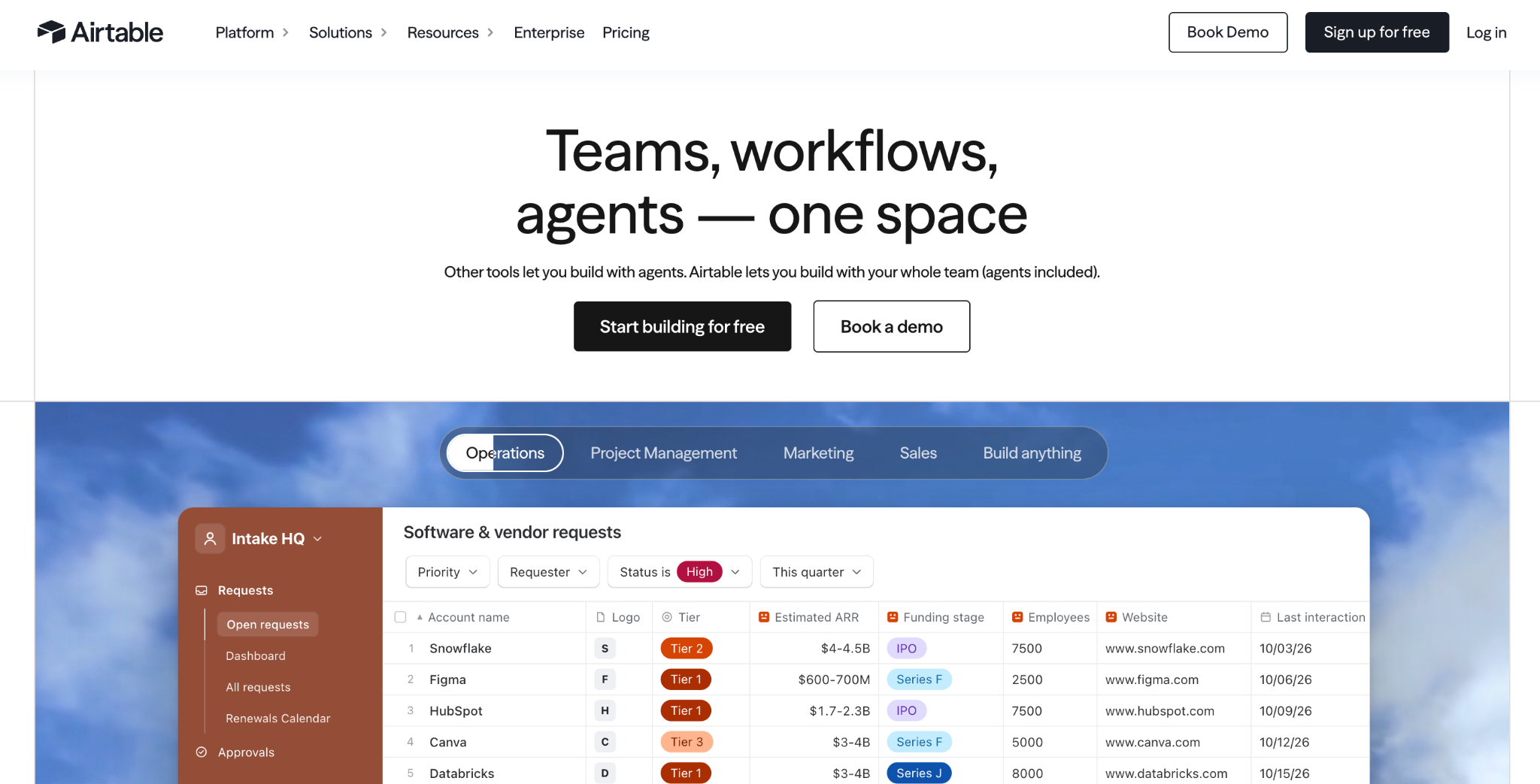
What it does: Airtable evolved from a spreadsheet-database hybrid into an AI-native app platform, letting citizen developers build views, automations, and light apps directly on structured data through its Omni assistant.
Best for: Teams that already run their work through Airtable and want an app layer on top of data that's already there.
Building the database and views took under 20 minutes, since I already had structured data patterns Airtable understands natively. The approval workflow needed a bit more configuration than the AI-prompt tools on this list, but it held together cleanly.
Key features
- Flexible relational databases: Linked tables with a spreadsheet-friendly interface.
- Omni AI app builder: Generates tables, interfaces, and automations from plain-English prompts.
- Field agents: AI bots that summarize activity across many records automatically.
- Enterprise governance controls: Permissioning, audit logs, and encryption on higher tiers.
Pros
- ✅ No separate database, form builder, and automation tool needed.
- ✅ Everything Omni generates stays editable with visual drag-and-drop tools.
- ✅ Fastest tool here for anything already shaped like structured business data.
Cons
- ❌ Interface design leans on pre-built views, not full custom UI freedom.
- ❌ Performance can slow with very large tables or complex formulas.
What Users Say
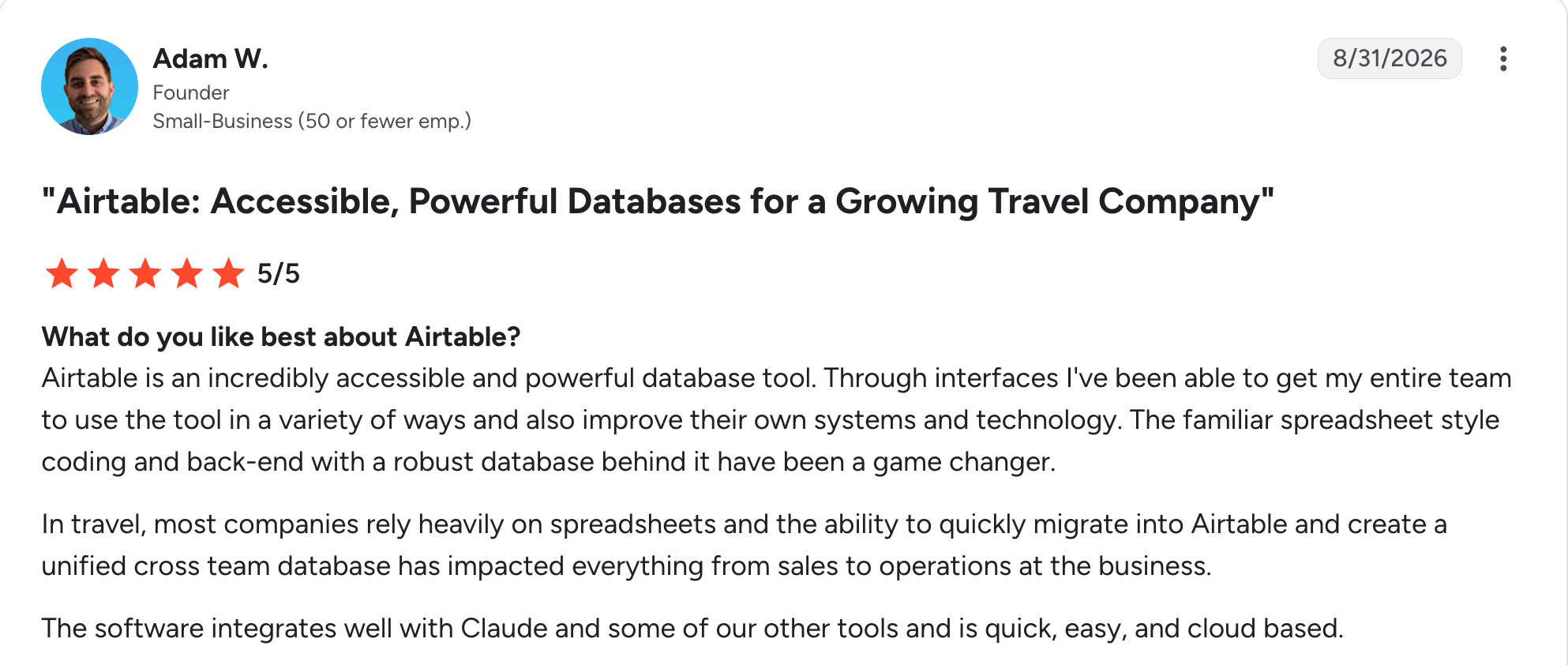
“Through interfaces, I've been able to get my entire team to use the tool in a variety of ways and also improve their own systems and technology.” Adam W, G2

“The learning curve is quite steep, and for some users it's way too much.” Vykintas G, G2
Pricing
Free plan with unlimited bases up to 1,000 records each. Team costs $24 per seat monthly. Business runs $54 per seat monthly. Enterprise Scale is custom. See Airtable's pricing.
Bottom Line
Airtable is the right call when your app is a data problem with a UI on top. Once logic gets complex, you'll want a full builder instead.
5. Lovable: Best for external web applications built from prompts
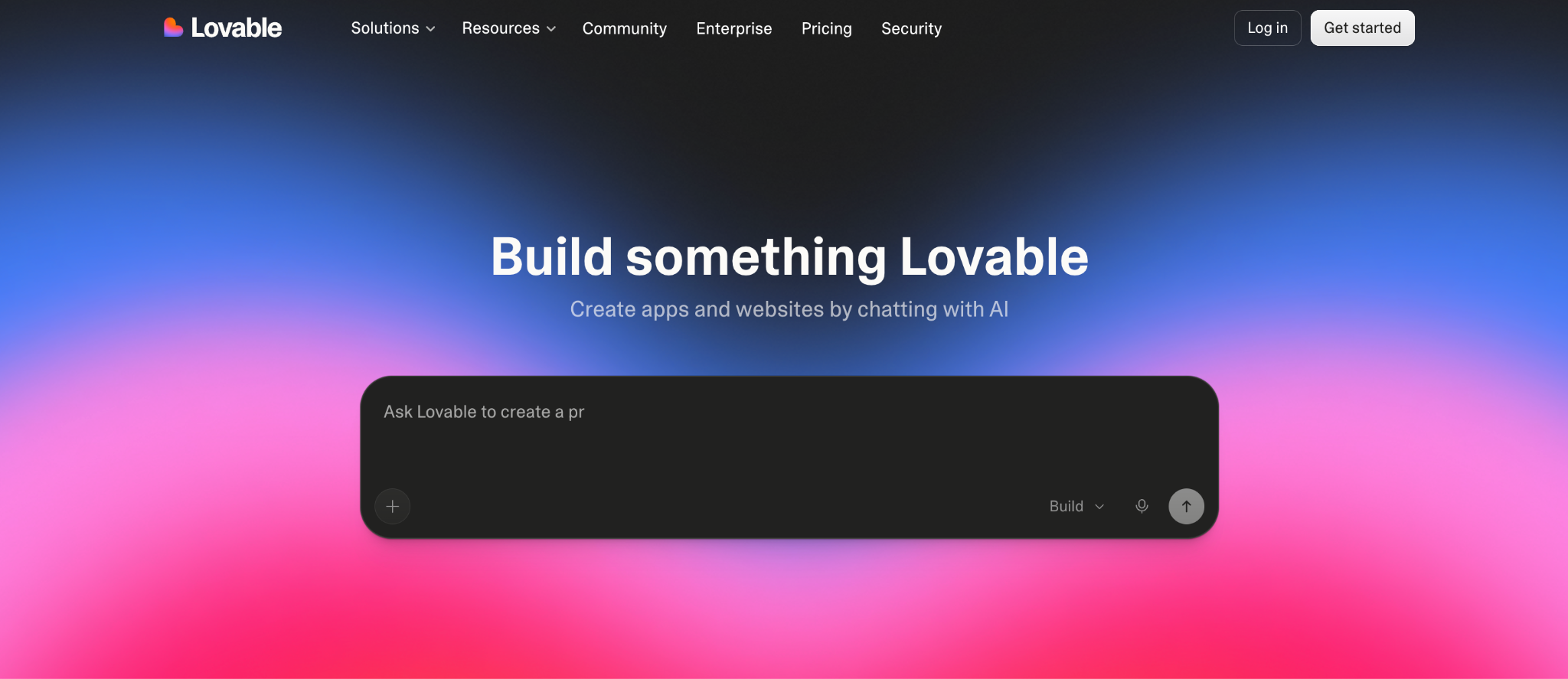
What it does: Lovable generates complete web applications from natural-language prompts, producing standard React and TypeScript code with Supabase handling the backend by default.
Best for: Founders and citizen developers with limited coding experience who want to move straight from an idea to a working prototype.
My reference build came together in about 15 minutes, the fastest of any AI-prompt tool tested, though the generated styling needed substantial cleanup before it looked like anything I'd ship externally.
Key features
- Conversational app generation: Scaffolds a full-stack app from a chat interface.
- Visual editing: Real-time, drag-and-drop changes to generated components.
- Code access: Review, edit, export, or sync generated code with GitHub.
Pros
- ✅ Fastest path from idea to a working prototype of the AI-prompt tools tested.
- ✅ GitHub sync makes handing off to a developer straightforward.
- ✅ The visual editor fixes issues the AI's first pass gets wrong.
Cons
- ❌ Struggles with intricate, multi-layered app logic.
- ❌ No governance layer, which rules out apps touching sensitive business data.
What Users Say
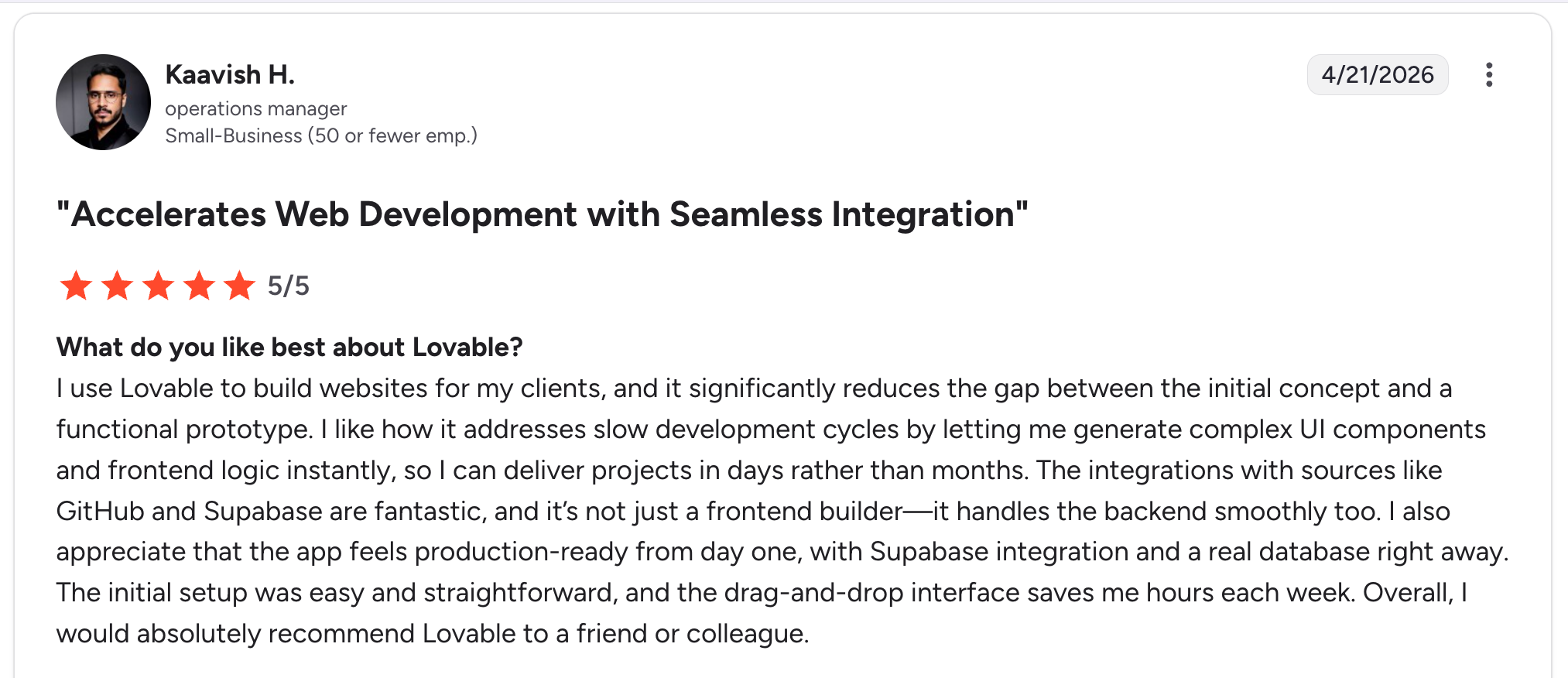
“I like how it addresses slow development cycles by letting me generate complex UI components and frontend logic instantly.” Kaavish H, G2

“The main drawback is that the pricing and credit model can take some getting used to.” Himanshu J, G2
Pricing
Free plan with 5 AI generations daily. Pro starts at $25 monthly. Business runs $50 monthly for teams needing SSO and shared governance. Enterprise is custom. See Lovable's pricing.
Bottom Line
Lovable lowers the barrier to becoming a citizen developer with minimal coding background. For complex logic or sensitive data, look elsewhere on this list.
6. Replit: Best for code learning and collaborative prototyping
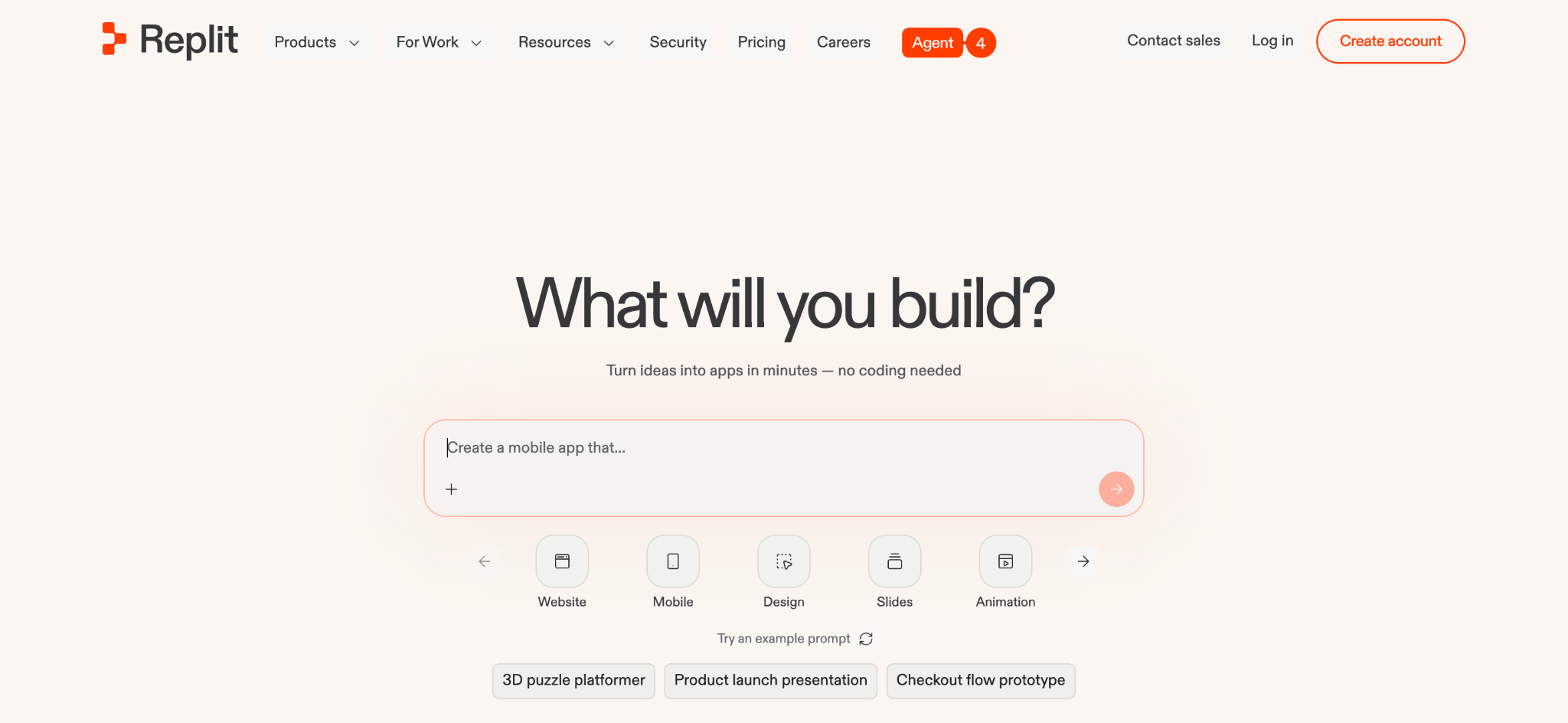
What it does: Replit provides a browser-based development environment where users code, collaborate, and deploy directly, with an AI agent that turns plain-English descriptions into working applications.
Best for: Individuals, students, and small teams shipping MVPs collaboratively without managing local environments.
The reference app came together in about 30 minutes, and the real-time multiplayer editing was the standout: watching a teammate's cursor move through the same file live made pairing on the approval logic easy.
Key features
- AI agent coding assistance: Autocompletes functions, explains bugs, and generates context-aware code.
- Real-time multiplayer: Live cursor tracking, shared terminals, and built-in voice chat.
- One-click deployment: Turns projects into live apps without separate hosting setup.
Pros
- ✅ Real-time multiplayer coding makes remote collaboration easy.
- ✅ Supports over 50 programming languages in the same workspace.
- ✅ Fast to get something live without any deployment configuration.
Cons
- ❌ Limited enterprise governance and security controls.
- ❌ No drag-and-drop building, only prompts and direct code.
What Users Say
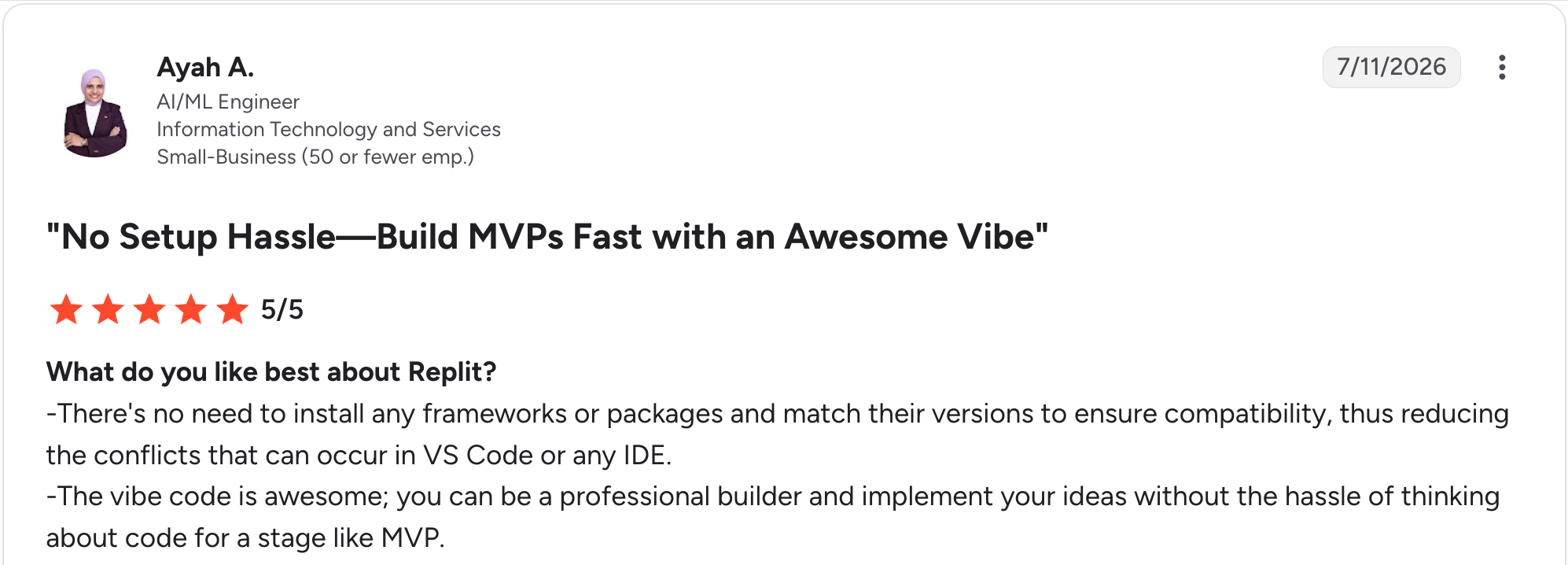
"There's no need to install any frameworks or packages and match their versions to ensure compatibility, thus reducing the conflicts that can occur in VS Code or any IDE." Ayah A, G2

“There were occasional bugs while I was creating the website and app, and my app failed a couple of times.” Ashwini R, G2
Pricing
Free Starter tier. Core costs $20 monthly, including AI integrations and access to Free Mode chat hours. Pro is $100 monthly with 10 parallel agents and premium support. Enterprise is custom. See Replit's pricing.
Bottom Line
Replit is ideal for prototyping, learning, or collaborating on side projects. It lacks the governance a citizen developer platform needs for production internal tools.
7. n8n: Best for open-source workflow automation
What it does: n8n is an open-source workflow automation platform, similar in spirit to Zapier or Make, connecting apps and services through a visual, node-based interface with code extensibility.
Best for: Technical business users and automation engineers who want an open alternative to SaaS-only automation tools.
My reference build here was a backend automation more than a UI app, and it took about 25 minutes to wire up the approval step so it writes to a database once the workflow completes.
If workflow automation and integration platforms are what you're after, rather than app building specifically, our citizen integrator tools roundup covers that adjacent category in depth.
Key features
- Visual workflow builder: Node-based canvas for multi-step automations.
- Open source and self-hosting: Full source access and infrastructure control.
- Native AI capabilities: Integrates with models like GPT-4 or Claude for document processing and summarization.
Pros
- ✅ Full self-hosting for teams that need genuine infrastructure control.
- ✅ Large community with active forums and shared workflows.
- ✅ Strong native AI integration for automation-heavy use cases.
Cons
- ❌ Steeper learning curve than simpler automation tools like Zapier.
- ❌ Complex workflows can get visually overwhelming fast.
What Users Say
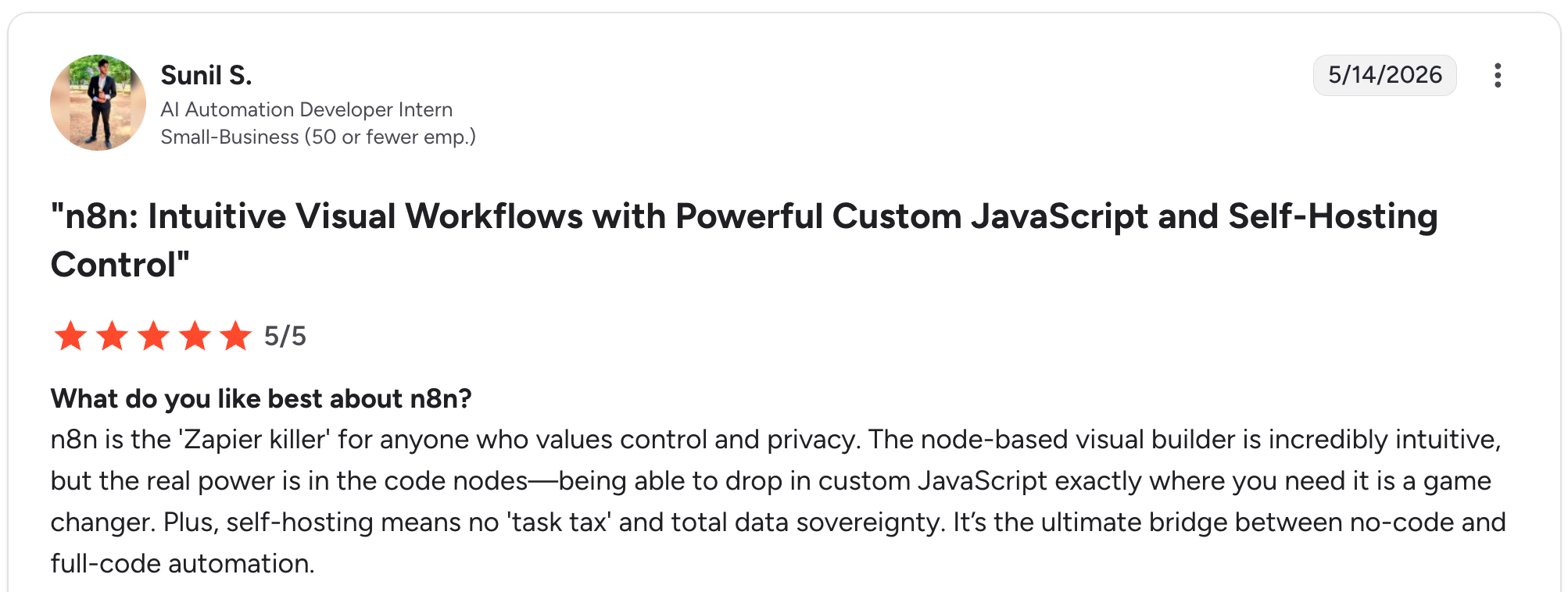
"n8n is the 'Zapier killer' for anyone who values control and privacy." Sunil S, G2

"While n8n is incredibly powerful, it still doesn’t have the “Enterprise-First” deployment rigor I expect as an architect." Akansha C, G2
Pricing
Community edition is free to self-host. Starter costs $24 monthly for 2,500 executions. Pro runs $60 monthly for 10,000 executions. Business is a self-hosted tier at $960 monthly for 40,000 executions. Enterprise is custom. See n8n's pricing.
Bottom Line
n8n is the right tool when the "app" you're building is a backend automation more than a UI-driven internal tool.
8. Glide: Best for turning a spreadsheet into an app fast
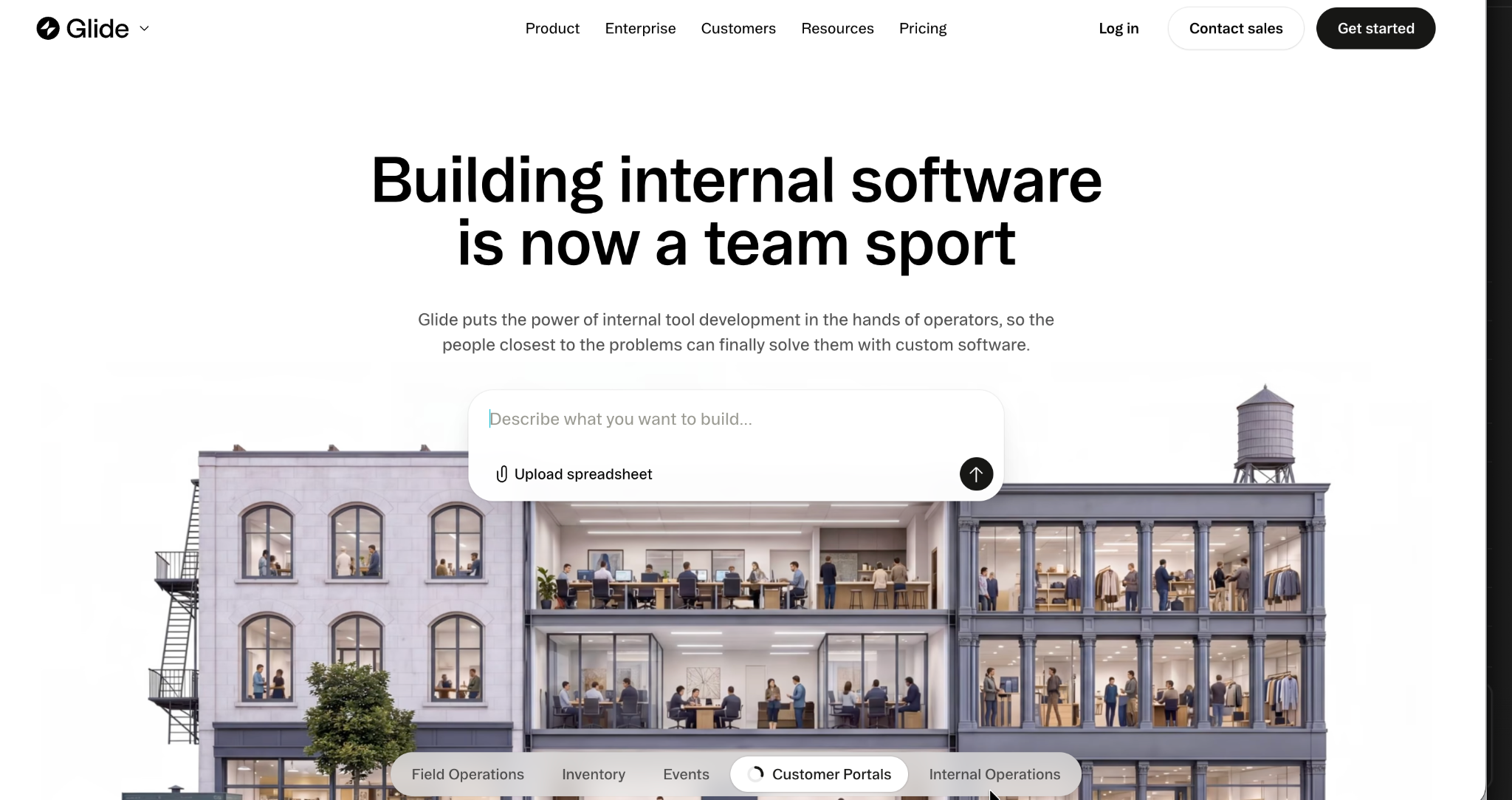
What it does: Glide turns spreadsheet data into functional web and mobile apps, built specifically for citizen developers who already think in rows and columns.
Best for: Solo builders and small teams who want a working app from existing spreadsheet data within a day.
Building a working app from a sample spreadsheet took under 20 minutes, the fastest spreadsheet-to-app experience I tested, though the pricing model's update-based metering is worth understanding before committing.
Key features
- Spreadsheet-native building: Apps generate directly from Google Sheets, Airtable, or native Glide Tables.
- Visual app builder: Layouts, actions, and logic without writing code.
- Glide AI: Assists with generating and refining app logic from prompts.
Pros
- ✅ The fastest path from a spreadsheet to a usable app of the tools tested.
- ✅ Approachable for builders with zero technical background.
- ✅ Mobile-friendly output by default.
Cons
- ❌ Update-based pricing can escalate quickly on data-heavy apps.
- ❌ No code export, so you're dependent on the platform long-term.
What Users Say
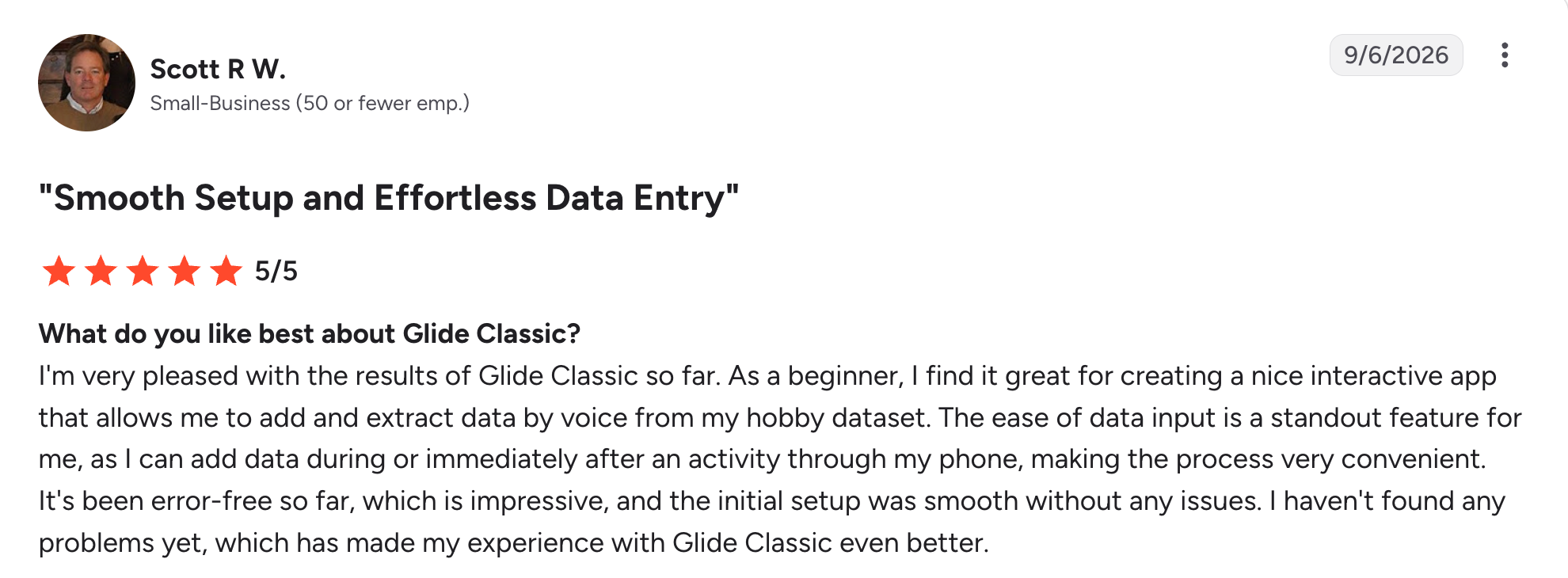
“ As a beginner, I find it great for creating a nice interactive app that allows me to add and extract data by voice from my hobby dataset.” Scott R W, G2

“The fixed structure of apps and the different components are quickly limiting the designs of apps.” Christian B, G2
Pricing
Free to start. Basic costs $25 monthly, Plus runs $50 monthly, and Pro is $125 monthly for teams starting at 5 members. Enterprise is custom-priced. See Glide's pricing.
Bottom Line
Glide is the fastest option here specifically for spreadsheet-native builders. Model your expected usage before committing, since overages add up.
9. v0: Best for UI prototyping inside Vercel's platform
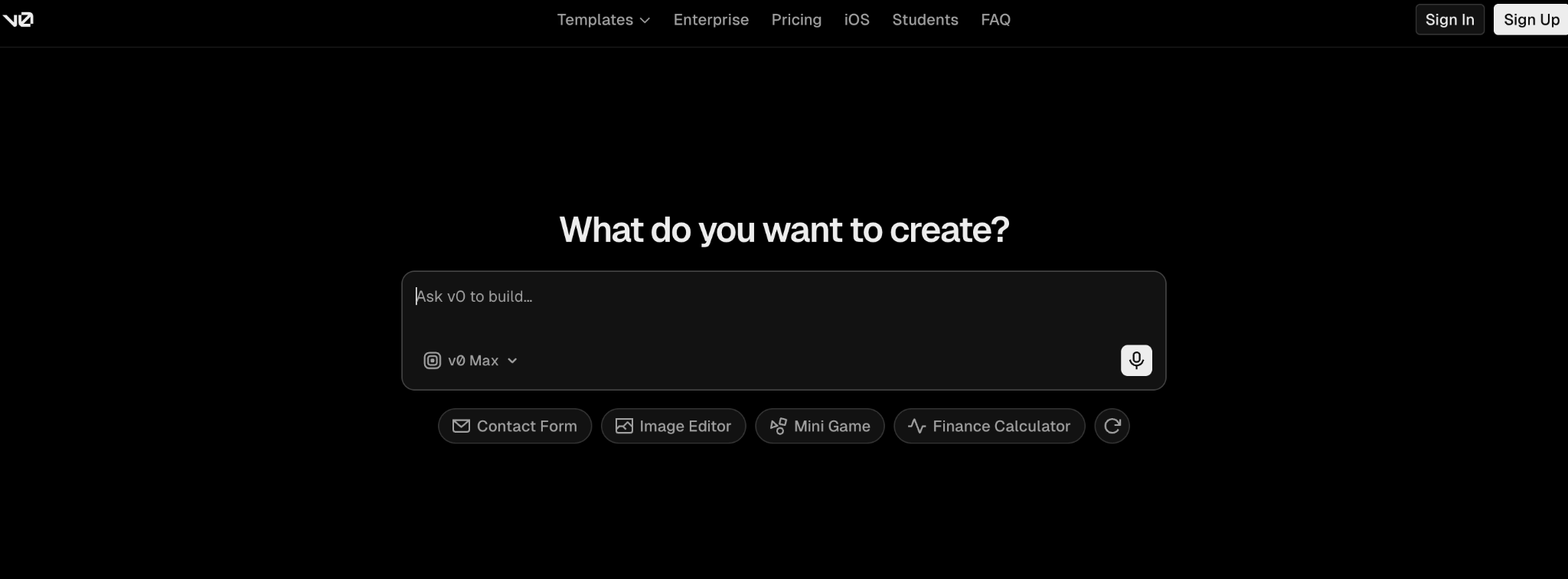
What it does: v0 by Vercel converts a written description into web app components, UIs, and deployable sites, built on Vercel's infrastructure for instant preview deployments.
Best for: Product managers, designers, and developers prototyping interfaces who want to stay inside Vercel's platform.
Generating a working form layout took under 10 minutes, but the backend logic for the approval step needed manual work, since v0 doesn't handle that on its own; I leaned on Vercel's own docs to fill the gap.
Key features
- Text-to-UI generation: Describe an interface and get working Next.js code.
- Multiple input types: Upload mockups or connect Figma designs directly.
- Vercel platform integration: Instant preview deployments, custom domains, and SSL.
Pros
- ✅ Output is a standard Next.js app in your own GitHub repo, so you keep code ownership.
- ✅ Designers and developers can collaborate on live prototypes together.
- ✅ Fast iteration on frontend design specifically.
Cons
- ❌ Limited backend capabilities out of the box.
- ❌ Generated designs often need manual customization to feel less generic.
What Users Say
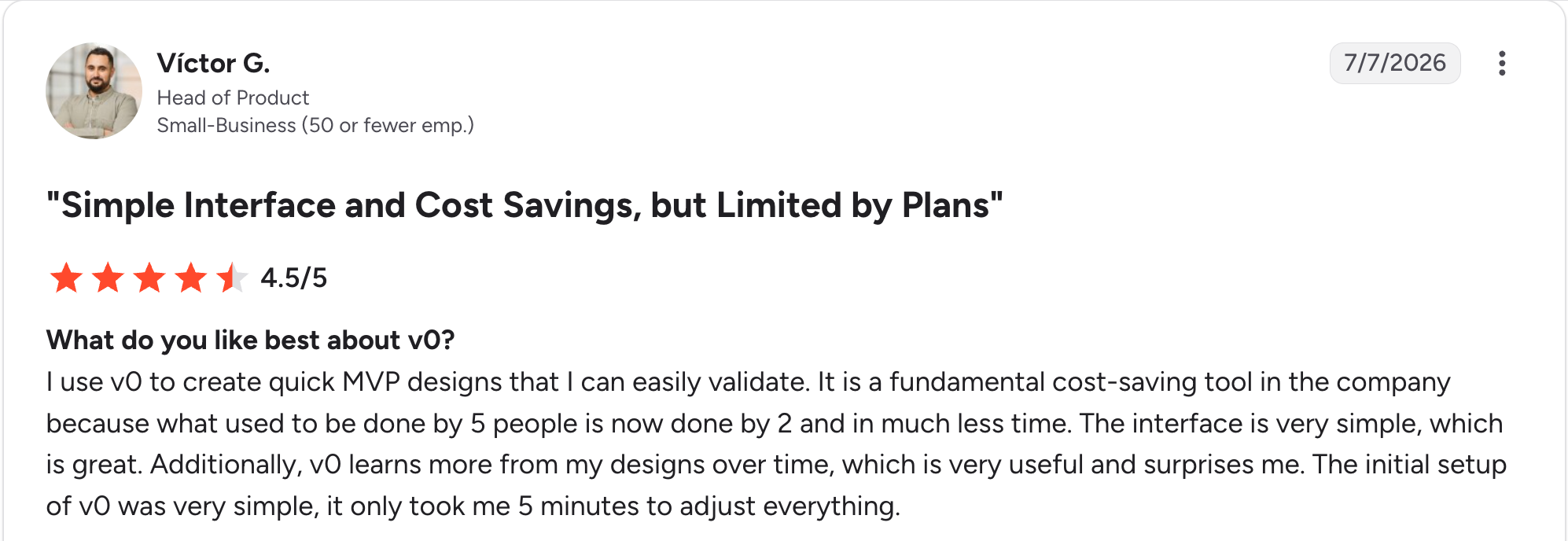
"I use v0 to create quick MVP designs that I can easily validate." Víctor G, G2

“v0 often hallucinates, and that's a big problem.” Arjun S, G2
Pricing
Free tier with $5 in one-time credits. Plus, now the entry paid tier for new signups costs $30 per user monthly with a pooled credit allowance. Business runs $100 per user monthly. Enterprise is custom. See v0's pricing.
Bottom Line
v0 accelerates frontend work specifically, but backend logic and governance are outside its scope.
10. WeWeb: Best for no-code apps with real, exportable code
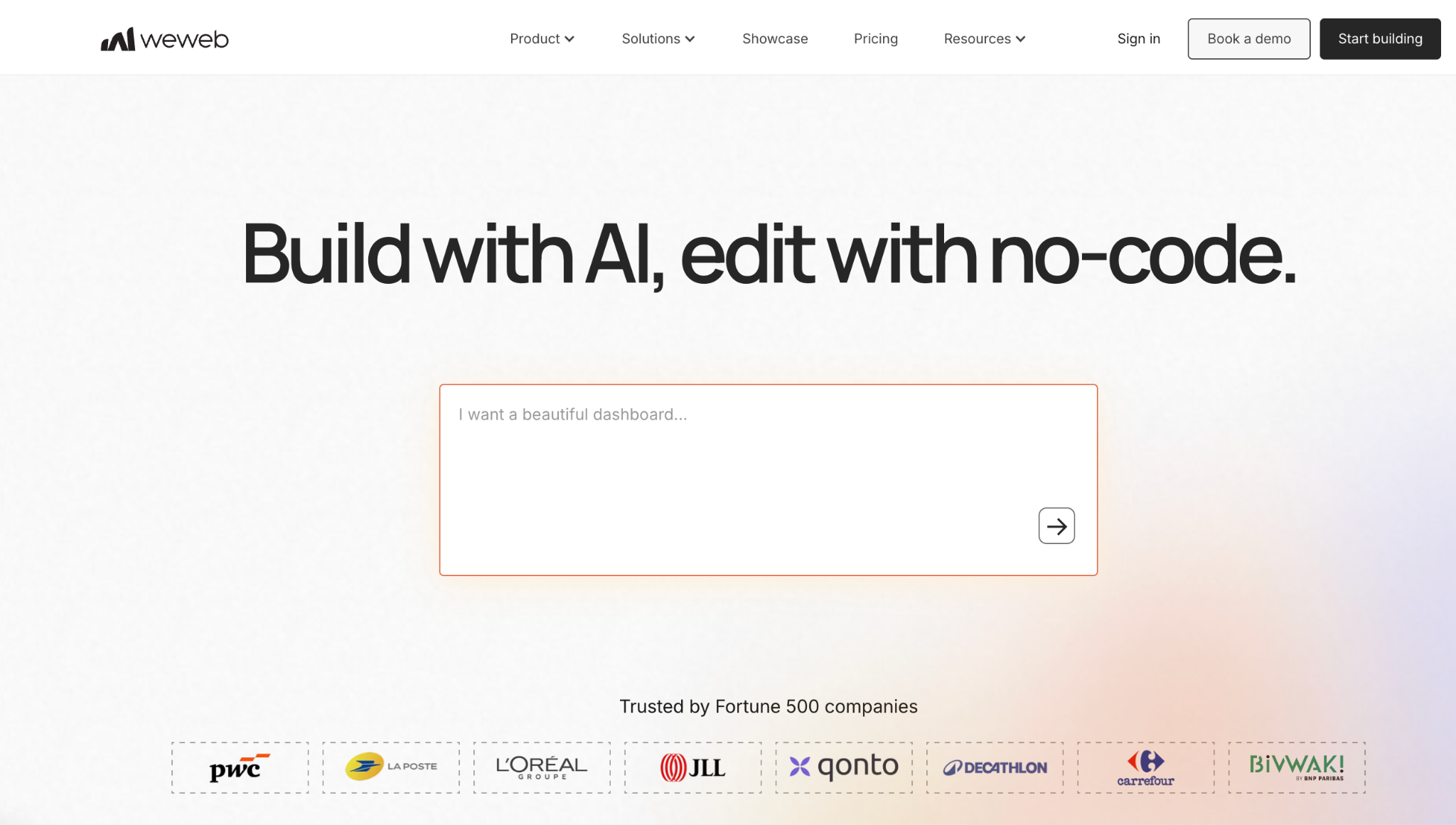
What it does: WeWeb is a visual, no-code frontend builder that generates a real Vue.js application you can inspect, export, and self-host, connecting to any backend or database through APIs rather than a proprietary data layer.
Best for: Teams that want no-code speed without a black box, since IT can review and deploy the actual generated code rather than trusting a closed platform.
Building the reference app's UI took about 20 minutes with the drag-and-drop editor, and exporting the underlying code to see what IT would be reviewing was the moment this felt different from every other builder on this list.
Key features
- Visual no-code editor: Drag-and-drop component building with custom JavaScript and API connections when logic gets complex.
- Code export: Generates an actual Vue.js single-page app you can inspect, version, and self-host on your own infrastructure.
- Backend-agnostic: Connects to any database or API, with no proprietary backend to lock you in.
Pros
- ✅ Exported code is reviewable by IT, not a black box.
- ✅ Self-hosting removes platform lock-in entirely once you export.
- ✅ Backend-agnostic design works with whatever database or API your team already runs.
Cons
- ❌ No server-side rendering, which limits SEO for public-facing pages.
- ❌ AI token limits can run out fast on complex builds, even on paid tiers.
What Users Say
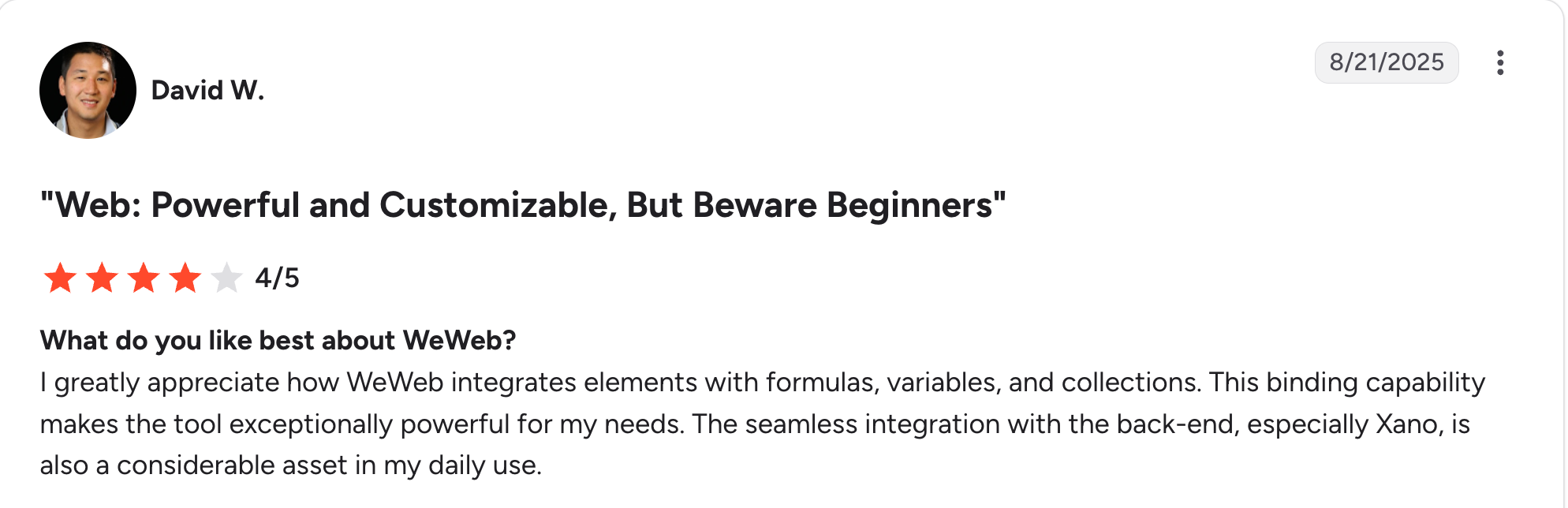
“I greatly appreciate how WeWeb integrates elements with formulas, variables, and collections.” David W, G2

“The public API to publish a project programmatically is missing on all plans.” Keshav S, G2
That balance is exactly where WeWeb tends to sit on the spectrum. Our low-code vs. no-code guide covers how that distinction plays out across the rest of this list.
Pricing
Free to build, with 1 million AI tokens and limited cloud deployment included. Essential costs $25 monthly with 10 million tokens and adds code export, GitHub sync, and full self-hosting rights. Pro runs $60 monthly per developer with a larger, adjustable token allowance. See WeWeb's pricing for agency and enterprise options.
Bottom Line
WeWeb makes sense for teams that want no-code speed without giving up code ownership. Skip it if your app needs server-rendered pages for SEO.
11. Bolt: Best for quick web app prototypes in the browser
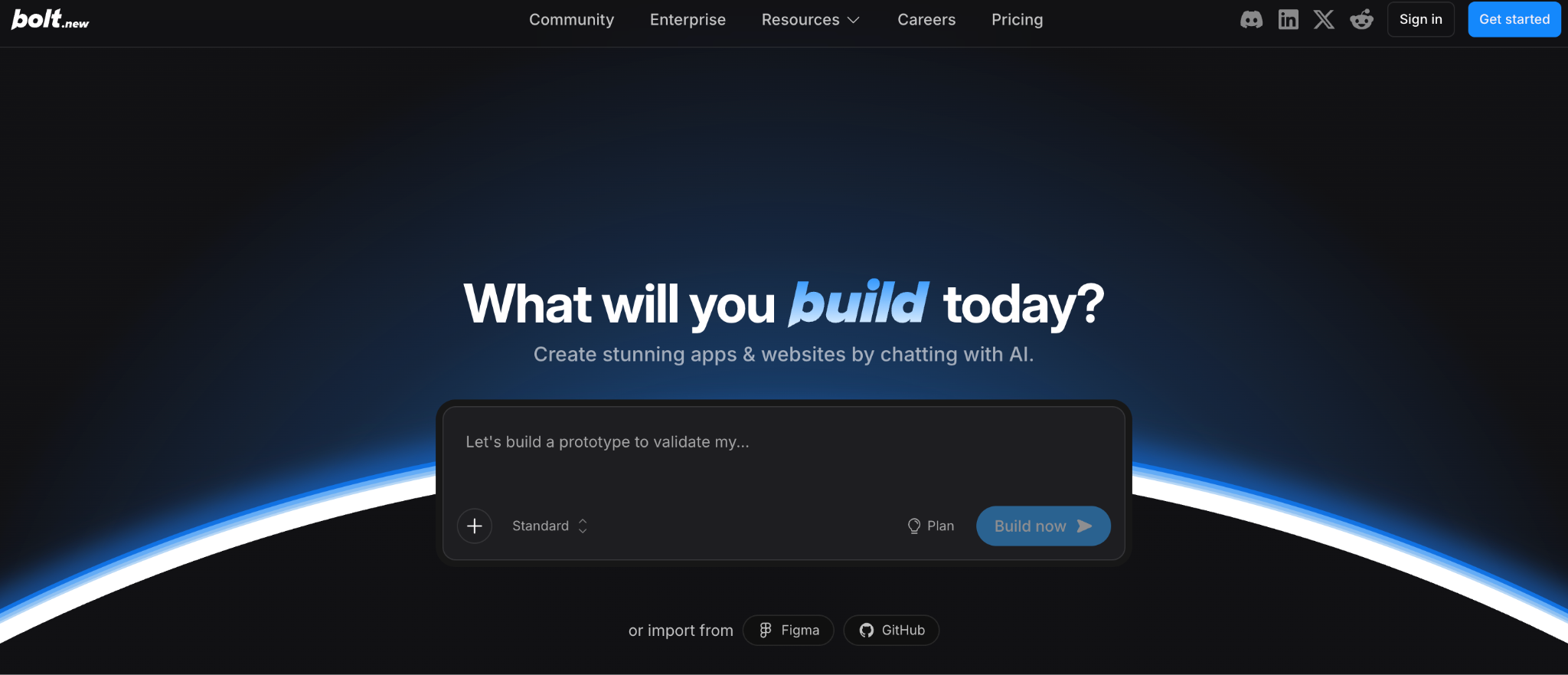
What it does: Bolt is a browser-based app builder that scaffolds full-stack web and mobile applications from a plain-English description, with everything running directly in the browser.
Best for: Individuals and small teams validating an idea who'd rather skip local setup entirely.
My reference build took about 15 minutes, and the in-browser IDE with live preview let me see and edit generated files immediately without switching tools.
Key features
- AI code generation: Generates a working project from a described feature or app.
- In-browser IDE: Full VS Code-like editing with live preview built in.
- One-click deployment: Integrated Netlify deployment with a single click.
Pros
- ✅ Browser-native, so there's no local environment to set up at all.
- ✅ Works with popular frameworks including React, Next.js, and Expo.
- ✅ Fast from prompt to a shareable live link.
Cons
- ❌ Performance bottlenecks show up on larger apps.
- ❌ Generated code sometimes needs manual refinement for consistency.
What Users Say
"The speed at which you can get an initial prototype up and running is crazy." Abhijit S, G2

“One thing I dislike about Bolt.new is that it sometimes generates code that still needs manual adjustments, especially on more complex projects.” Javan T, G2
Pricing
Free tier supports 1M tokens monthly. Pro costs $25 per user monthly for 10M tokens. Teams runs $30 per member monthly. Enterprise is custom. See Bolt's pricing.
Bottom Line
Bolt excels at rapid prototyping and concept validation. Larger or deeply customized builds will need manual refinement or a different platform.
Which citizen developer tool should you choose?
Match the platform to who's building and what they're building, since these 11 split into a handful of real use cases.
Choose Superblocks if you:
- Need enterprise internal tools with governance and access control built in.
- Want AI generation that respects existing permissions automatically.
Choose Retool or Power Apps if you:
- Need native mobile apps, deep Microsoft integration, or full self-hosting.
- Have some technical comfort or engineering support available.
Choose Airtable or Glide if you:
- Already have structured data in a spreadsheet or database.
- Want the fastest possible path from existing data to a usable app.
Choose n8n if you:
- Need workflow and system automation more than a user-facing internal app.
- Want open-source, self-hostable infrastructure with full control over deployment.
Choose Lovable or Bolt if you:
- Want a working full-stack app running from a plain-English description within minutes.
- Are comfortable with AI-generated code needing cleanup before it's production-ready.
Choose Replit if you:
- Want to code alongside teammates in real time inside one shared workspace.
- Are learning to code, or teaching others, with AI assistance built in.
Choose v0 if you:
- Already build on Next.js and Vercel and want frontend UI generated fast.
- Need designers and developers reviewing the same live prototype together.
Choose WeWeb if you:
- Want no-code speed without getting locked into the platform long-term.
- Need IT able to review the actual generated code before anything ships.
Skip citizen developer tools entirely if:
- Your application has requirements complex enough that a professional custom build is the better investment.
Final verdict
For enterprise internal tools that need to scale past a single team without becoming shadow IT, Superblocks was the strongest combination of AI accessibility and governance in my testing.
Retool and Power Apps are the right call if you need native mobile or deep platform integration and have some technical resources to invest.
If you just need to validate an idea fast with no governance requirements yet, Lovable, Bolt, or Replit are hard to beat on raw speed.
Match the tool to what you're building and who's building it. The biggest name on this list isn't automatically the right one.
Our citizen developer guide covers the broader role these tools all serve, if you're building out a program rather than picking a single platform.
Frequently asked questions
What are the key traits of citizen developers?
Citizen developers are non-technical employees who build software solutions, usually internal tools or workflow automations, using low-code, no-code, or AI-assisted citizen developer platforms. They typically work in operations, product, or marketing teams, not engineering.
Are citizen developer tools secure?
Citizen developer tools can be secure with proper governance and access controls. Look for platforms offering role-based access control, SSO, and audit logging, since these are what separate a governed citizen developer platform from an ungoverned prototyping tool.
Why is AI citizen developer adoption booming in 2026?
AI citizen developer adoption is booming in 2026 because generative AI has become accessible enough to embed directly into the development workflow. Business users can now describe what they want in plain language and get a working app or workflow without traditional coding.
What's the difference between citizen developer low code and no-code?
Citizen developer low-code involves visual builders with some configuration or light scripting, while no-code platforms remove code entirely in favor of pure visual assembly. AI-prompt tools now blur that line further by generating real code from natural language.
What is the best citizen developer platform for a large enterprise?
The best citizen developer platform for a large enterprise depends on existing infrastructure. Superblocks fits teams wanting AI-native building with governance from day one, Power Apps suits Microsoft shops, and Retool fits teams needing native mobile apps or self-hosting.
At Virgin Voyages, non-technical teams now build their own AI apps, with IT governance fully intact. The result: 15+ production apps, seven departments onboard, and zero dedicated frontend engineers.
At Matthews, a marketing manager with zero coding background built an app that auto-generates offering memorandums, cutting turnaround from days to hours. See how the brokerage is putting AI builders on every team, with full governance intact.


Stay tuned for updates
Get the latest Superblocks news and internal tooling market insights.
Request early access
Step 1 of 2
Request early access
Step 2 of 2

You’ve been added to the waitlist!
Book a demo to skip the waitlist
Thank you for your interest!
A member of our team will be in touch soon to schedule a demo.
production apps built
days to build them
semi-technical builders
traditional developers
high-impact solutions shipped
training to get builders productive
SQL experience required
See the full Virgin Voyages customer story, including the apps they built and how their teams use them.

"Those tools are great for proof of concept. But they don't connect well to existing enterprise data sources, and they don't have the governance guardrails that IT requires for production use."
Table of Contents
%20(1).png)

Multiple authors
What Is Secrets Sprawl? 7 Places Keys Hide and How to Fix It
Secrets sprawl explained: what counts as a secret, the 7 places credentials hide, the warning signs, 2026 leak data, and a 5-step plan to fix it.


%20(1).png)