
Rapid application development used to mean picking a low-code platform and accepting its trade-offs.
In 2026, the category has split into AI-native builders, classic model-driven platforms, developer-first IDEs, and workflow automation tools, and picking the wrong rapid application development tool costs you months, not days.
I evaluated the platforms that show up consistently across this category, then narrowed the field to the 11 that held up under a real build. I built the same internal approval workflow on every tool, an app with a database, role-based access, and an external API call, and dug into pricing pages, docs, and real user reviews on G2 and Reddit to see where each one held up.
If you want the broader methodology behind these steps, our rapid application development framework guide covers the four phases this testing was built around.
Superblocks is on this list, and I'm not pretending otherwise. I also ran the same test on every competitor here, with the same pricing and the same honest cons, so you can weigh the tradeoffs yourself and land wherever fits your team.
11 best rapid application development tools: TL;DR
- Superblocks: Best for governed internal apps at enterprise scale.
- Retool: Best for developer-heavy teams building data-driven tools.
- Mendix: Best for model-driven apps across web and mobile.
- Lovable: Best for solo founders prototyping an MVP fast.
- Airtable: Best for business teams layering apps on structured data.
- Budibase: Best for teams that want open-source and self-hosting.
- Cursor: Best for professional developers coding with AI in their IDE.
- Bubble: Best for non-technical founders building a full web app without code.
- n8n: Best for developers needing open-source workflow automation.
- Microsoft Power Apps: Best for enterprises standardized on Microsoft.
- Claude Code: Best for developers managing large codebases with AI agents.
How I researched and tested these RAD tools
I built the same reference app, an internal approval workflow with a database, role-based access, and a call to an external API, on every tool that offered a free tier or trial.
For tools I couldn't fully build in, like Power Apps' Dataverse-heavy setup, I relied on official docs, demos, and cross-checked user reports on G2, Reddit, and Capterra.
Here's what I weighed most heavily:
- Speed to first value: How fast could I get from a blank workspace to something functional, and did AI or templates meaningfully shorten that path?
- Connector depth: A RAD tool is only as useful as the systems it can reach, so I dug into real database, API, and SaaS integration quality myself, since the pricing page rarely tells the whole story.
- Governance and access control: RBAC, SSO, audit logs, and deployment flexibility, since this is where enterprise tools and prototyping tools diverge hardest.
- AI quality versus AI theater: Plenty of tools now bolt on an AI assistant. I checked whether it saved real time or just looked good in a demo.
- Total cost at realistic scale: What a plan costs once you add the users, builders, or usage a real rollout needs, beyond the headline number.
Running the same build across all 11 made the differences concrete fast. Some tools got me a working prototype in under 20 minutes, others took an hour just to wire up authentication, and a couple never got past a demo-quality build no matter how much time I put in.
11 best rapid application development tools: quick comparison
Pricing correct as of September 2026. Verify with vendor.
1. Superblocks: Best for governed internal apps at enterprise scale
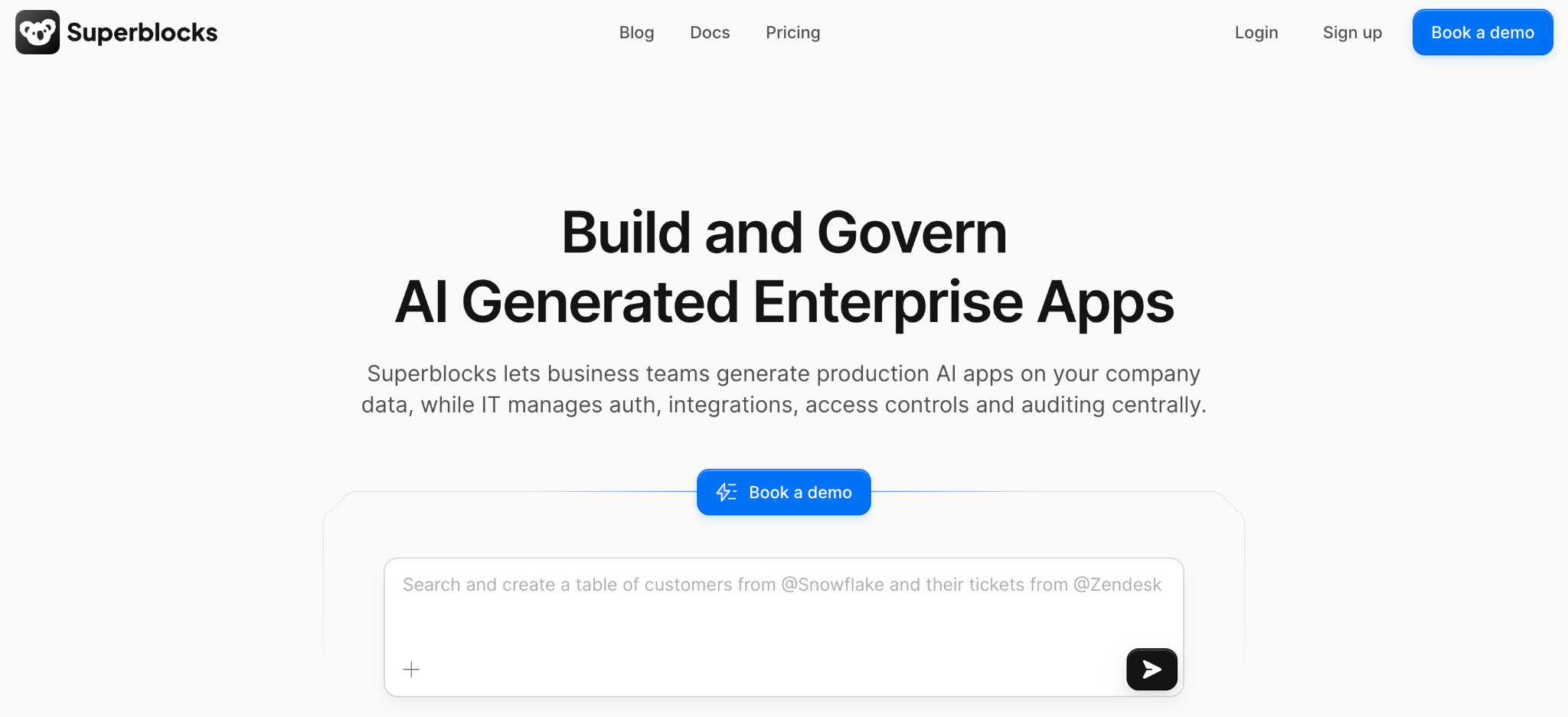
What it does: Superblocks is the governed enterprise vibe coding platform, combining natural-language app generation through Clark with a visual editor and full code access in one place.
Best for: Engineering and platform teams that need to move fast without losing centralized control over data access, permissions, and deployment.
Clark generated the initial workflow and database schema from a single prompt, and the whole build came together in about 25 minutes. Switching to the visual editor to adjust the approval logic felt native rather than bolted on.
What stood out was watching the generated app automatically inherit my test user's existing permissions. A couple of other AI builders I tested defaulted straight to open access.
Key features
- Three development modes: Build with AI prompts, the visual editor, or code, and changes in one stay in sync with the others.
- Governed AI generation: Clark operates within each builder's existing permissions, so generated apps can't reach data or systems the user isn't already authorized to touch.
- Role-based access control: RBAC comes included on the Teams plan, governing who can build, view, and deploy across every app on the platform.
- Enterprise governance layer: SSO/SAML, audit logs, and VPC or on-premise deployment are available on Enterprise, for teams that need centralized identity and a full activity record.
Pros
- ✅ AI generation respects governance automatically, skipping the separate review step other tools require.
- ✅ Switching between AI, visual, and code modes didn't break my build once.
- ✅ RBAC shipped with Teams from day one, no enterprise-tier add-on required.
Cons
- ❌ No customer-operated deployment exists yet, though Cloud-Prem puts the full platform inside your own VPC while Superblocks keeps running it.
- ❌ Smaller template and community base than Retool or Power Apps at this point.
What users say
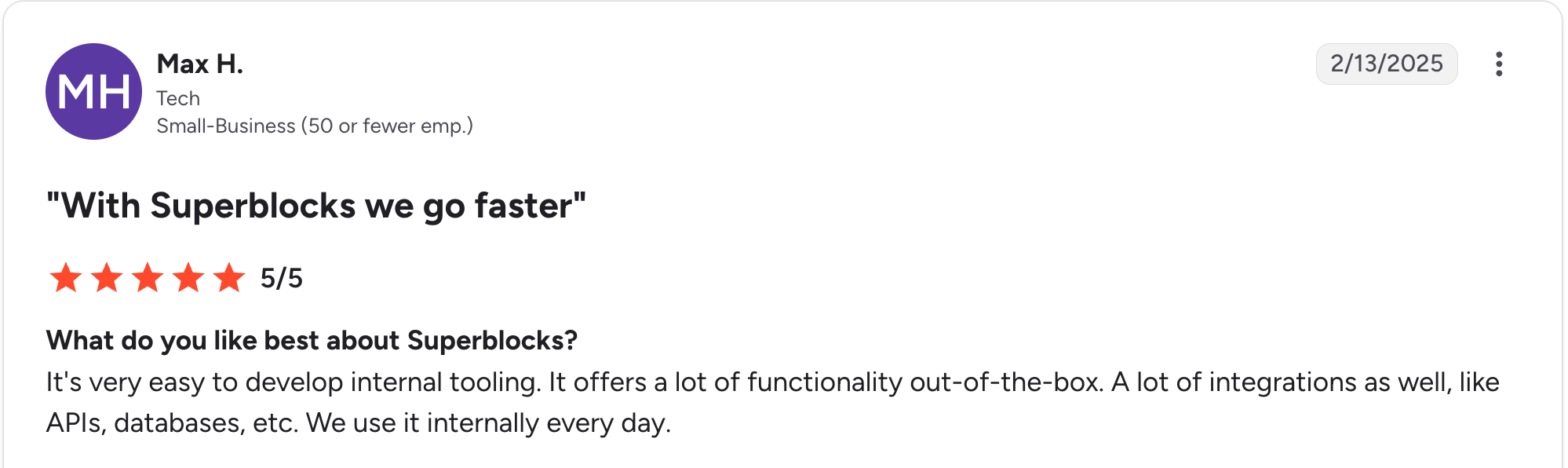
“It's very easy to develop internal tooling. It offers a lot of functionality out of the box.” Max H, G2

“There are some backend limitations, and components lack reusability across applications; also, it's still lacking diversity in its components offering.” Oscar C, G2
Pricing
Teams is a flat $125/month, covering up to 15 builders with RBAC included. Enterprise moves to custom pricing and layers on SSO/SAML, audit logs, and VPC or on-premise deployment. See Superblocks pricing for details.
Bottom line
I'd recommend Superblocks specifically if governance can't be an afterthought to speed, especially for teams already thinking about broader enterprise app development standards. If you're a solo builder with no compliance requirements, the governance layer is more than you need.
2. Retool: Best for developer-heavy teams building data-driven tools
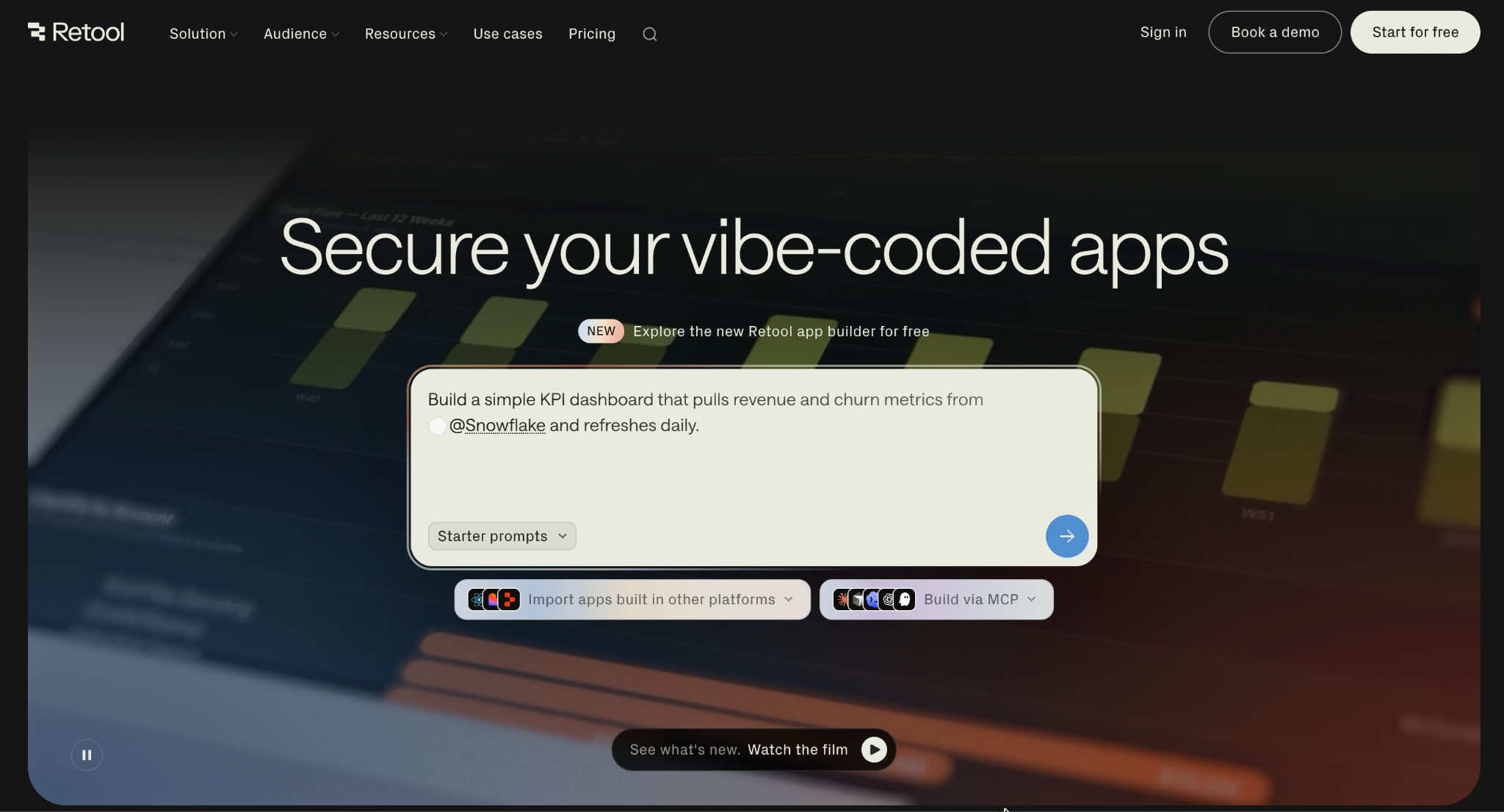
What it does: Retool is a low-code platform combining a drag-and-drop UI builder with real JavaScript access, a large connector library, and backend workflow automation.
Best for: Teams building native mobile internal apps, external-facing apps, or anything that needs to be fully on-premises.
Retool's proprietary DSL took some adjusting to compared with writing plain JavaScript, which stretched my reference build to about 35 minutes. Once past that, the connector library made wiring up the database and external API fast.
Key features
- Drag-and-drop with code injection: Prebuilt components for tables, charts, and forms, with JavaScript available anywhere logic gets complex.
- Large connector library: Dozens of native integrations across SQL, NoSQL, REST, GraphQL, and common SaaS tools.
- Deployment flexibility: Cloud-hosted by default, with self-hosting available on Enterprise.
Pros
- ✅ Usable for native mobile apps, which several competitors here can't do.
- ✅ Large connector library reduces setup time noticeably.
- ✅ Full self-hosting available for teams that need it.
Cons
- ❌ The proprietary DSL has a real learning curve versus writing plain code.
- ❌ Self-hosting adds operational overhead most teams underestimate upfront.
What users say
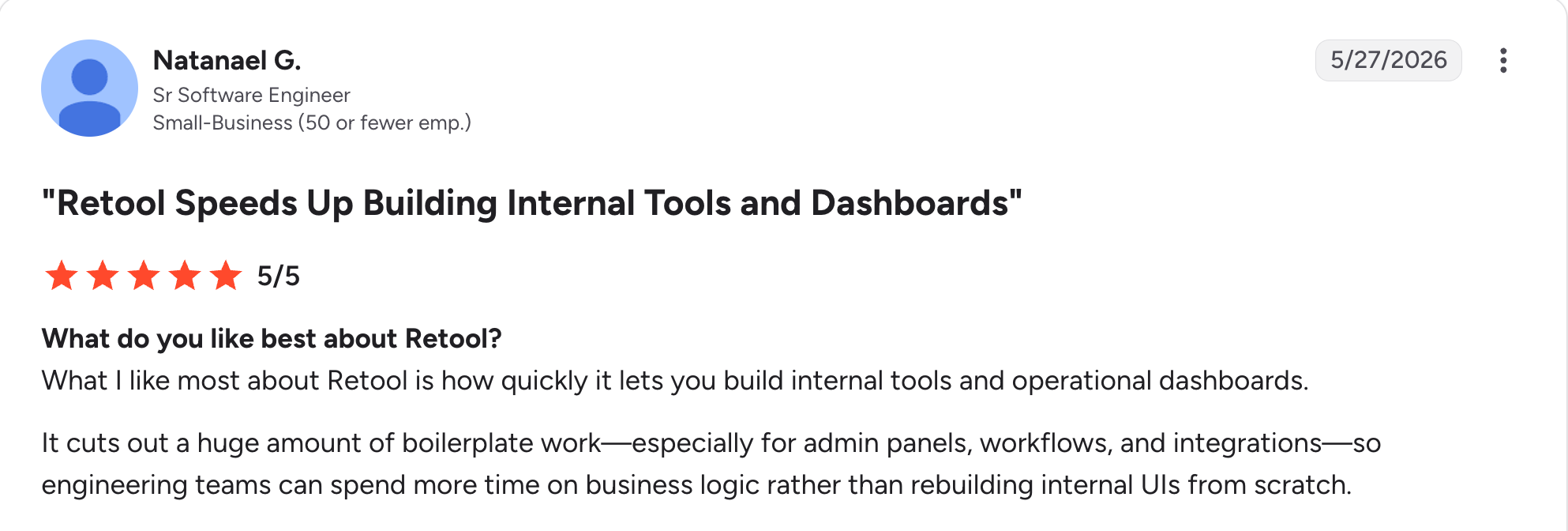
“What I like most about Retool is how quickly it lets you build internal tools and operational dashboards.” Natanael G, G2

“The performance of large apps and complex dashboards gets slow, affecting the results for this app.” Luciana S, G2
Pricing
Free for up to 5 builders and 5 internal users. Team costs $12/builder/month plus $7/month per internal user. Business costs $65/builder/month plus $18/month per internal user. Enterprise is custom-priced. See Retool's pricing.
Bottom line
Retool earns its place for teams that need mobile apps or full self-hosting. If you want an AI-native build experience with the same code depth, Superblocks covers similar ground with less setup.
3. Mendix: Best for model-driven apps across web and mobile
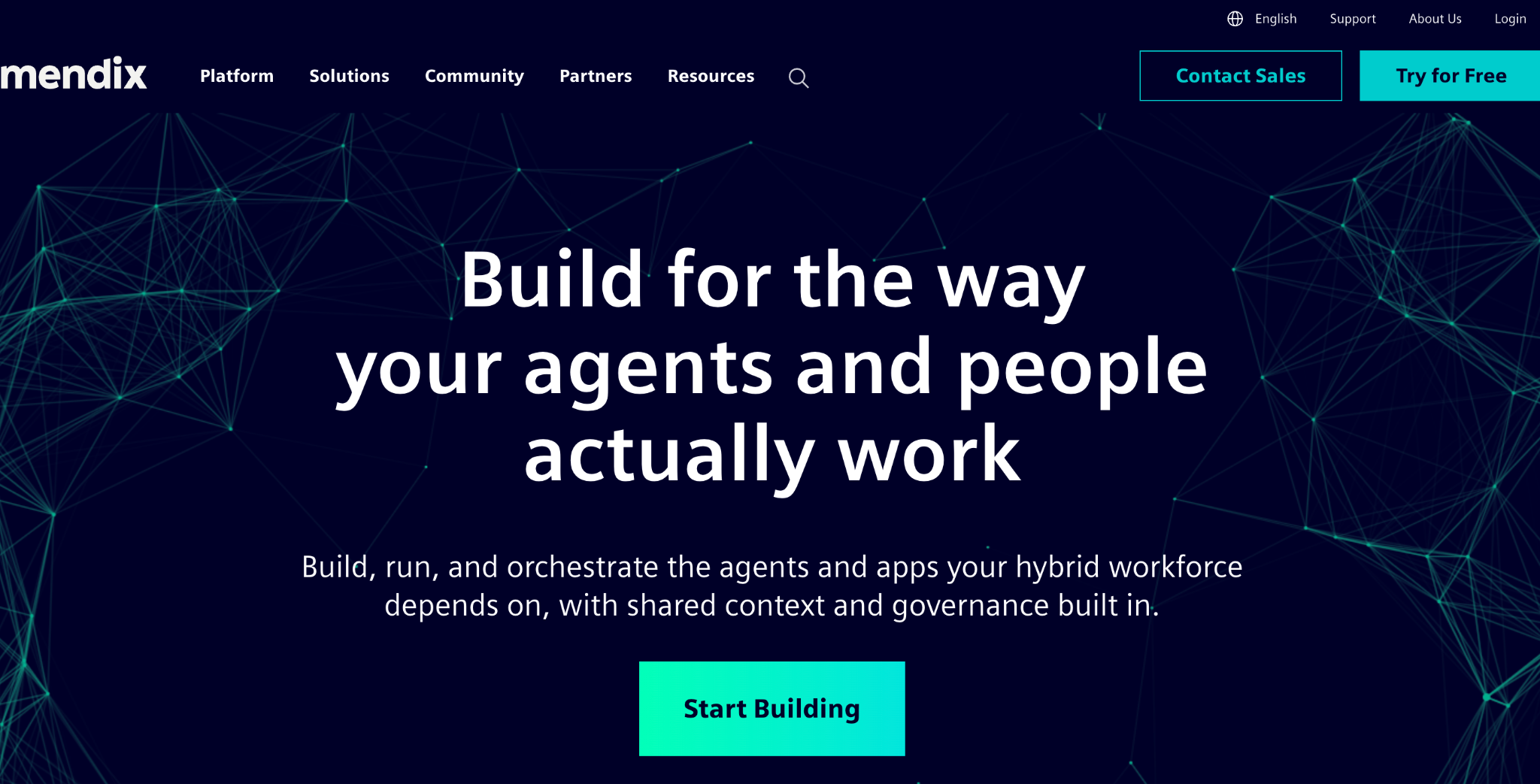
What it does: Mendix is a full-stack, model-driven low-code platform with separate environments for business users and professional developers, built for multi-experience apps spanning web, mobile, and offline use.
Best for: Teams that need one build to work across web and mobile, including offline-capable field apps.
Getting comfortable in Mendix took the longest of any tool on this list, close to an hour for my reference build, since the dual-IDE model has real depth to learn. Once past the learning curve, generating a working mobile view from the same model as the web app was the standout moment.
Key features
- Dual IDEs: Mendix Studio for business users, Studio Pro for professional developers, on the same underlying model.
- Mendix Assist: AI-assisted suggestions and validations during the build process.
- Offline mobile support: Apps that function without a network connection, uncommon among the tools here.
Pros
- ✅ One model drives both the web and mobile experience.
- ✅ Offline mobile capability most competitors on this list don't offer.
- ✅ Usable by both citizen developers and professional engineers on the same platform.
Cons
- ❌ The steepest learning curve of any tool I tested for this piece.
- ❌ UI customization is more contained than fully code-first platforms.
What users say
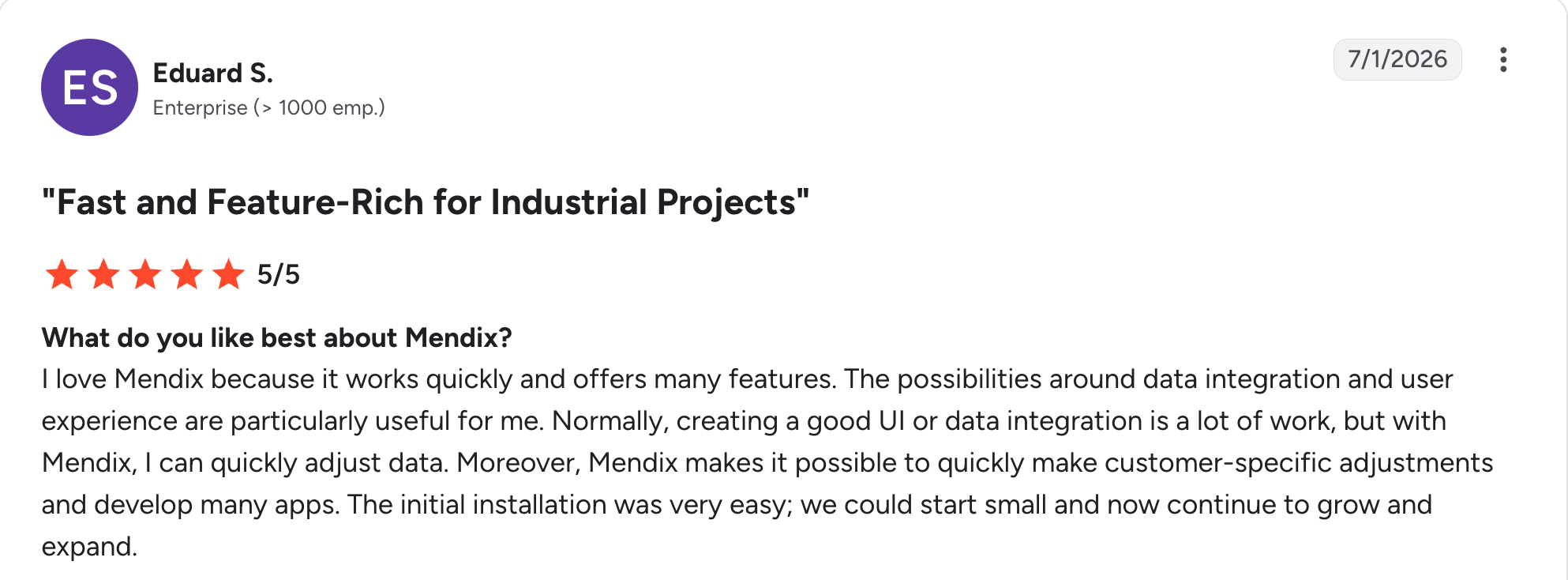
“The possibilities around data integration and user experience are particularly useful for me.” Eduard S, G2

“Version control in large projects can be confusing and generate conflicts that are difficult to resolve visually.” Gabriel B, G2
Pricing
Free for one app to start testing. Standard starts at $1,090/month for department-wide business applications. Premium is quote-based for mission-critical core systems. See Mendix's pricing.
Bottom line
Go with Mendix when multi-experience, offline-capable apps are the real requirement. For a straightforward internal tool, that depth is more than most teams need.
4. Lovable: Best for solo founders prototyping an MVP fast
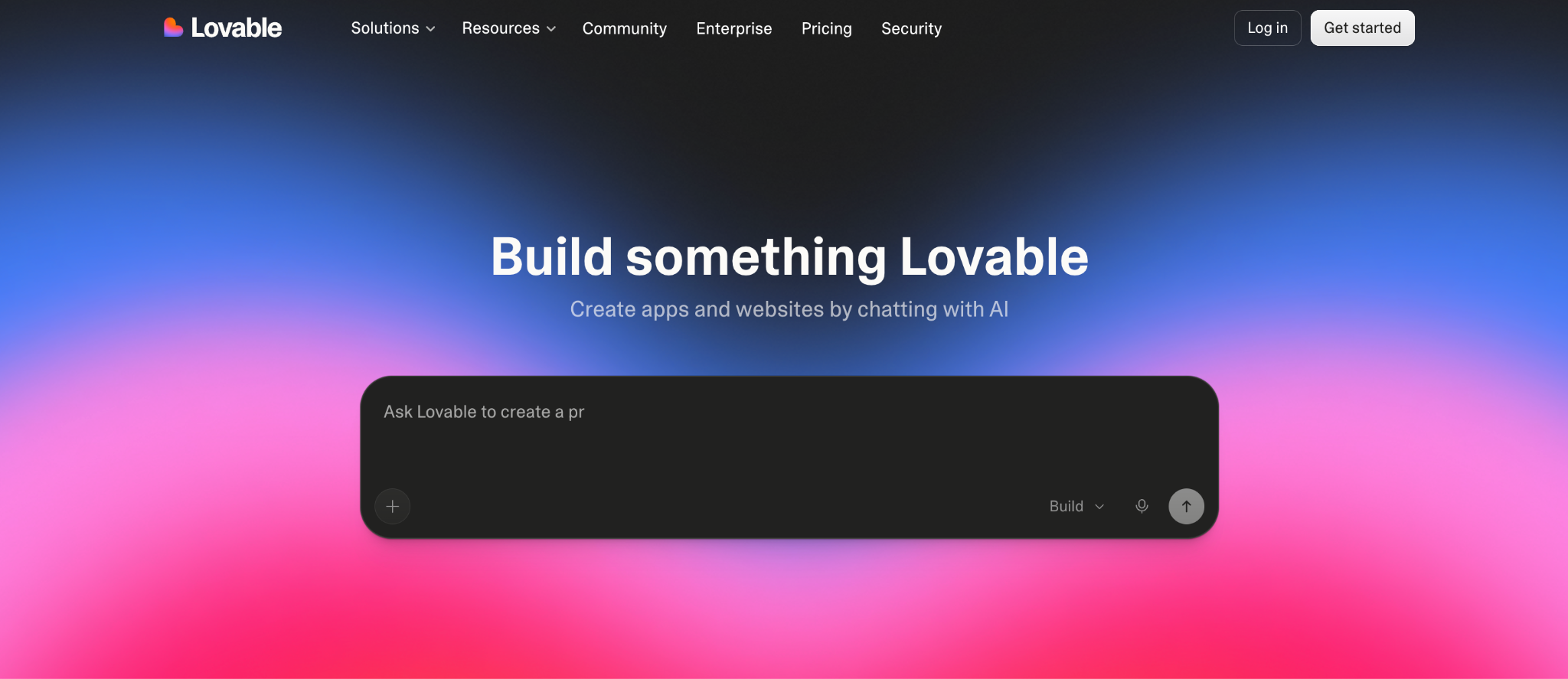
What it does: Lovable turns natural-language prompts into a full-stack web application, typically using Supabase for the backend by default, with a visual editor to refine the result.
Best for: Founders, product managers, and solo builders who want a working MVP without hiring engineers.
Fifteen minutes got me a working reference build in Lovable, the fastest of any tool here, though the generated styling needed real cleanup before it looked like anything I'd ship.
Key features
- Prompt-to-app generation: Generates app structure, database schema, and UI from a single prompt.
- Visual editor: Fine-tune the generated UI and logic without touching code directly.
- GitHub sync: Push the generated code to a repo for version control or handoff.
Pros
- ✅ Fastest path from idea to a working prototype of anything I tested.
- ✅ GitHub sync makes handing off to a developer straightforward.
- ✅ Visual editor fixes issues the AI's first pass gets wrong.
Cons
- ❌ Generated code isn't production-ready without a meaningful cleanup pass.
- ❌ No governance layer, so it's not built for apps touching sensitive business data.
What users say
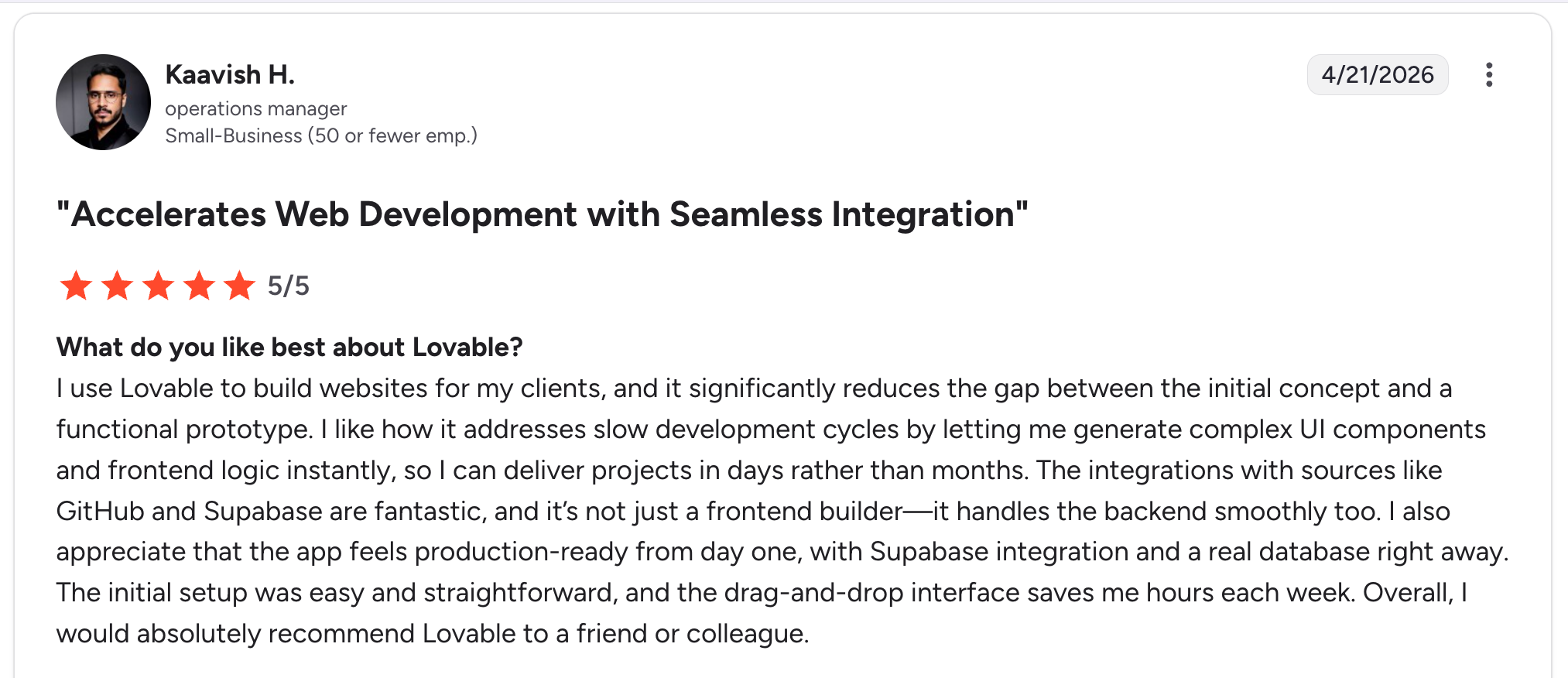
“I like how it addresses slow development cycles by letting me generate complex UI components and frontend logic instantly, so I can deliver projects in days rather than months.” Kaavish H, G2

“The main drawback is that the pricing and credit model can take some getting used to, especially if my usage grows quickly or my prompts become more complex.” Himanshu J, G2
Pricing
Free to start. Pro costs $25/month with 100 monthly credits. Business costs $50/month, also with 100 monthly credits but adding team features. Enterprise is a custom platform fee. See Lovable's pricing.
Bottom line
Nothing here beats Lovable's raw speed for getting a prototype in front of people. It's the wrong tool once that app needs to touch real business data under real governance.
5. Airtable: Best for business teams layering apps on structured data
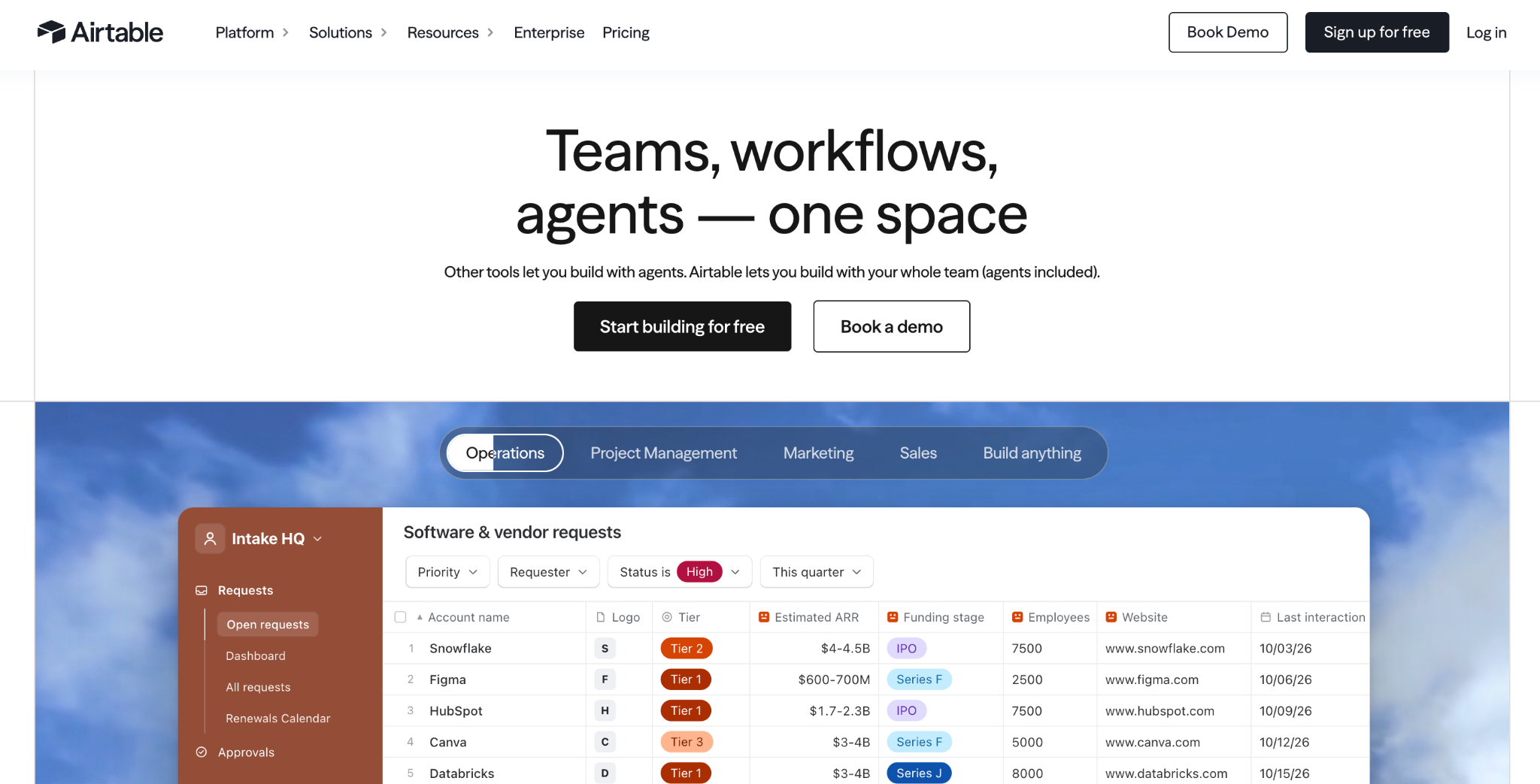
What it does: Airtable is a spreadsheet-database hybrid that's evolved into an AI-native app platform, letting teams build and automate apps on structured data through its Omni assistant.
Best for: Business users, project managers, and operations teams building apps on top of data they already manage in Airtable.
Building the database and views took under 20 minutes, since I already had structured data patterns Airtable understands natively. The external API call was the sticking point. Airtable has no native connection for that, so I routed it through Zapier to make it work.
Key features
- AI app-building: Build views, automations, and light apps through conversational prompts with Omni.
- Field agents: Embedded AI tools that summarize documents and enrich records automatically.
- Relational bases with visual UIs: Grid, Kanban, Timeline, and custom interface views on linked data.
Pros
- ✅ Fastest tool here for anything already shaped like structured business data.
- ✅ Conversational app-building lowers the bar for non-technical teams.
- ✅ Strong native automation for routine business processes.
Cons
- ❌ Monthly AI credit caps limit heavy usage without paying for top-ups.
- ❌ No option to export generated apps as standalone code.
What users say
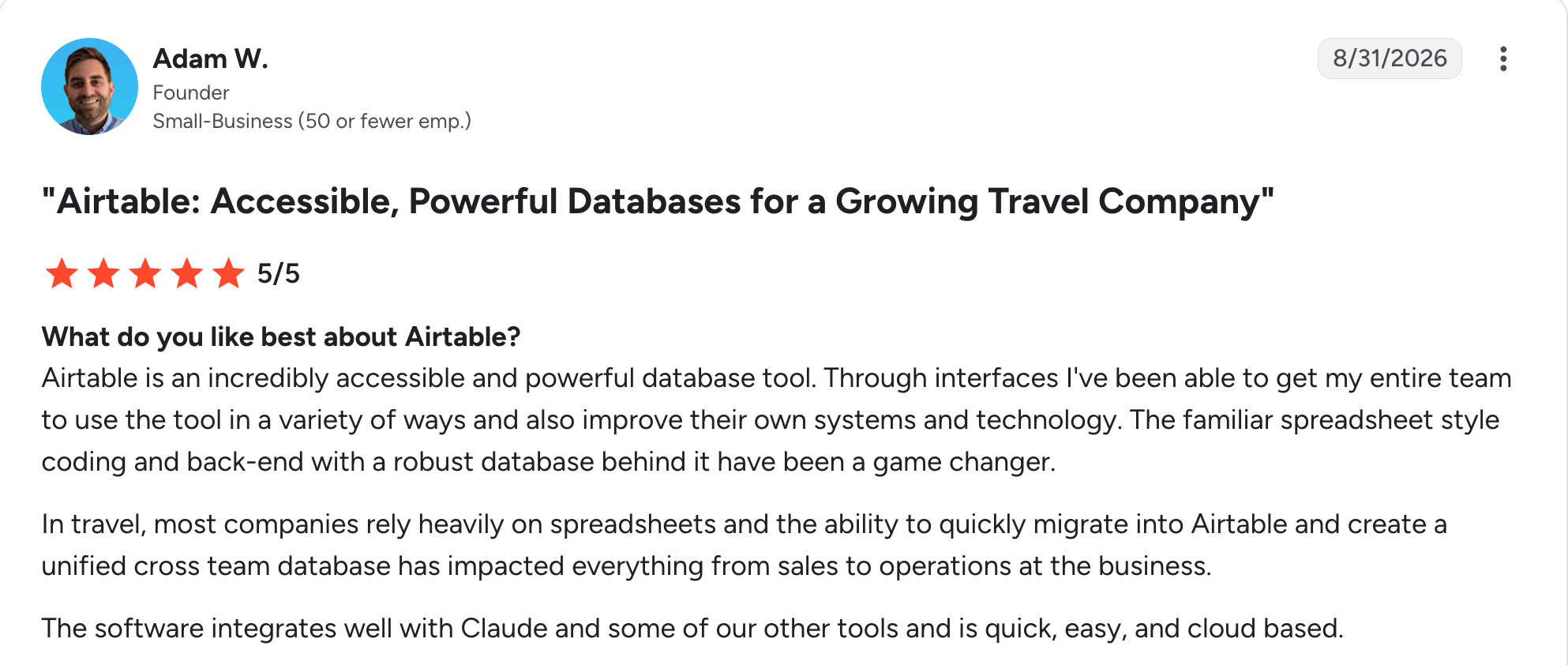
“Through interfaces, I've been able to get my entire team to use the tool in a variety of ways and also improve their own systems and technology.” Adam W, G2

“The learning curve is quite steep, and for some users it's way too much.” Vykintas G, G2
Pricing
Free for up to 5 editors. Team costs $24/user/month. Business costs $54/user/month. Enterprise Scale is custom-priced. See Airtable's pricing.
Bottom line
When your app is fundamentally a data problem with a UI on top, Airtable is the right call. Once logic gets complex, a full development environment does the job better.
6. Budibase: Best for teams that want open-source and self-hosting
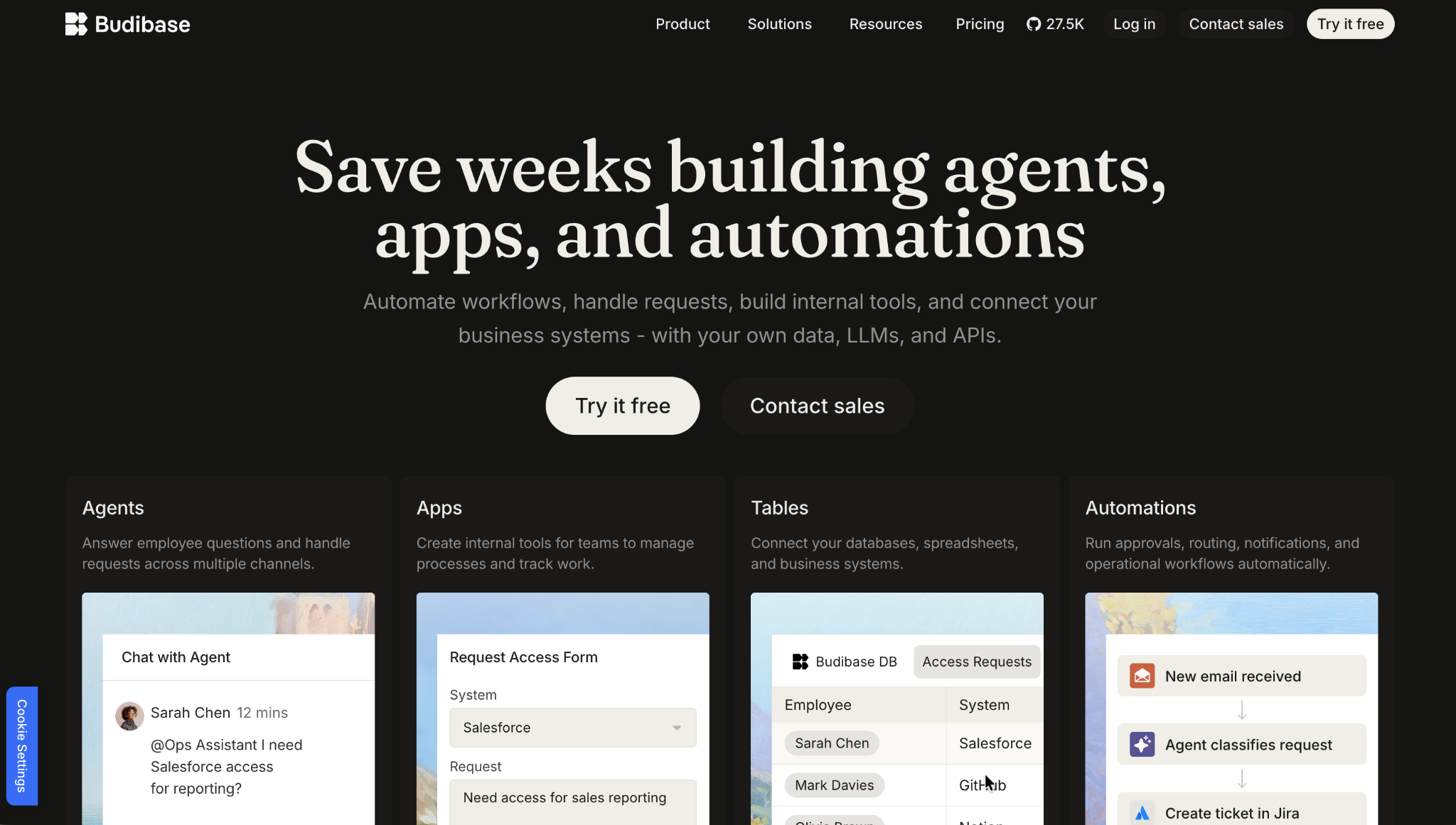
What it does: Budibase is an open-source low-code platform with a visual builder, a built-in database, and support for self-hosting or managed cloud.
Best for: Teams that want a Retool-like experience without a per-seat platform fee.
Getting Budibase self-hosted took about 20 minutes end to end, and the reference build itself took another 30 minutes, slower than Superblocks but with zero platform cost for a team under 5 users.
Key features
- Open-source core: Self-host for free or use managed Budibase Cloud.
- Built-in database: CouchDB included for quick prototypes alongside external connectors.
- Built-in auth: SSO and role-based access included on the free, self-hosted tier.
Pros
- ✅ Free for small teams self-hosting their own infrastructure.
- ✅ SSO and RBAC ship on every tier, enterprise or not.
- ✅ Apps are responsive across screen sizes by default.
Cons
- ❌ Complex UI logic sometimes needs workarounds the visual builder doesn't handle cleanly.
- ❌ No prompt-to-app AI generation yet.
What users say
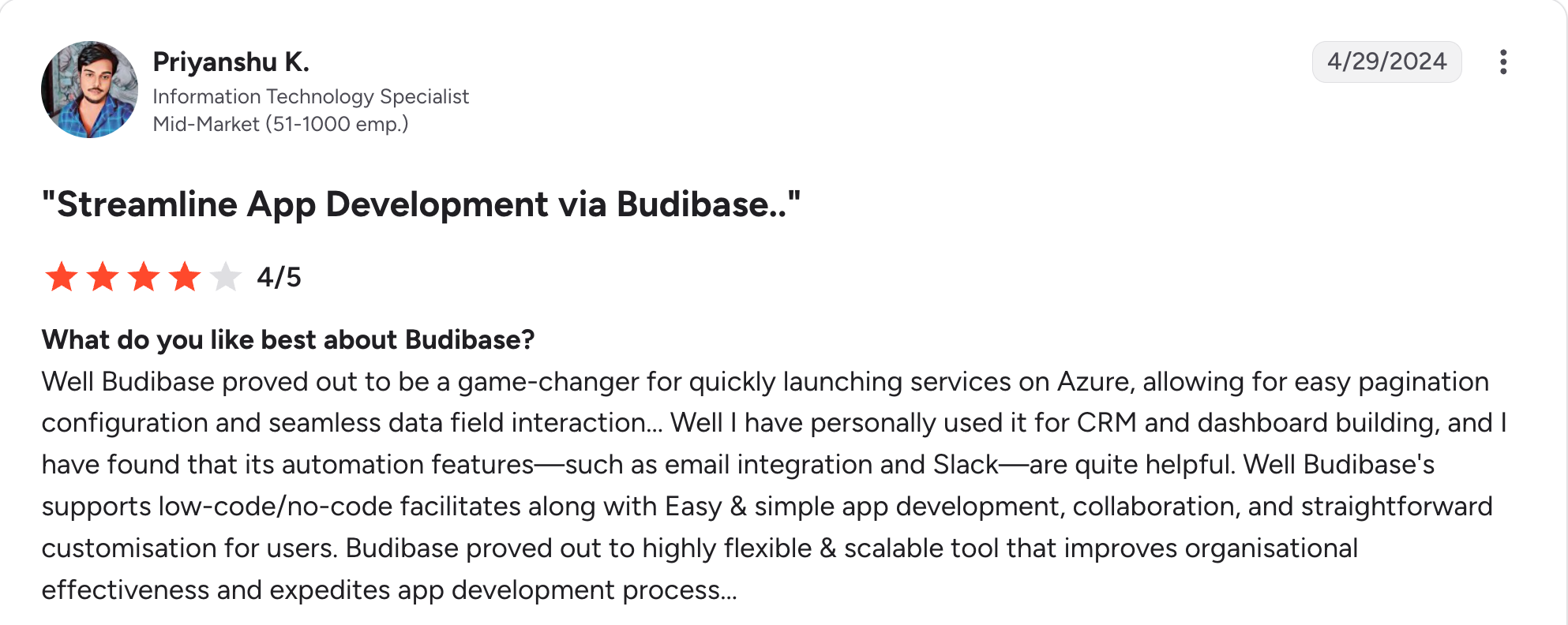
“Well, Budibase proved to be a game-changer for quickly launching services on Azure, allowing for easy pagination configuration and seamless data field interaction.” Priyanshu K, G2

“While Budibase offers community support, some potential enterprise users may encounter limitations in receiving timely assistance.” Ajay J, G2
Pricing
Free to self-host. On Budibase Cloud, Pro costs $23/month for 5K actions. Premium costs $59/month for 20K actions. Business costs $359/month for 250K actions. Enterprise is custom-priced. See Budibase's pricing.
Bottom line
Avoiding a per-seat platform fee is Budibase's strongest case, more than the appeal of AI-assisted generation.
7. Cursor: Best for professional developers coding with AI in their IDE
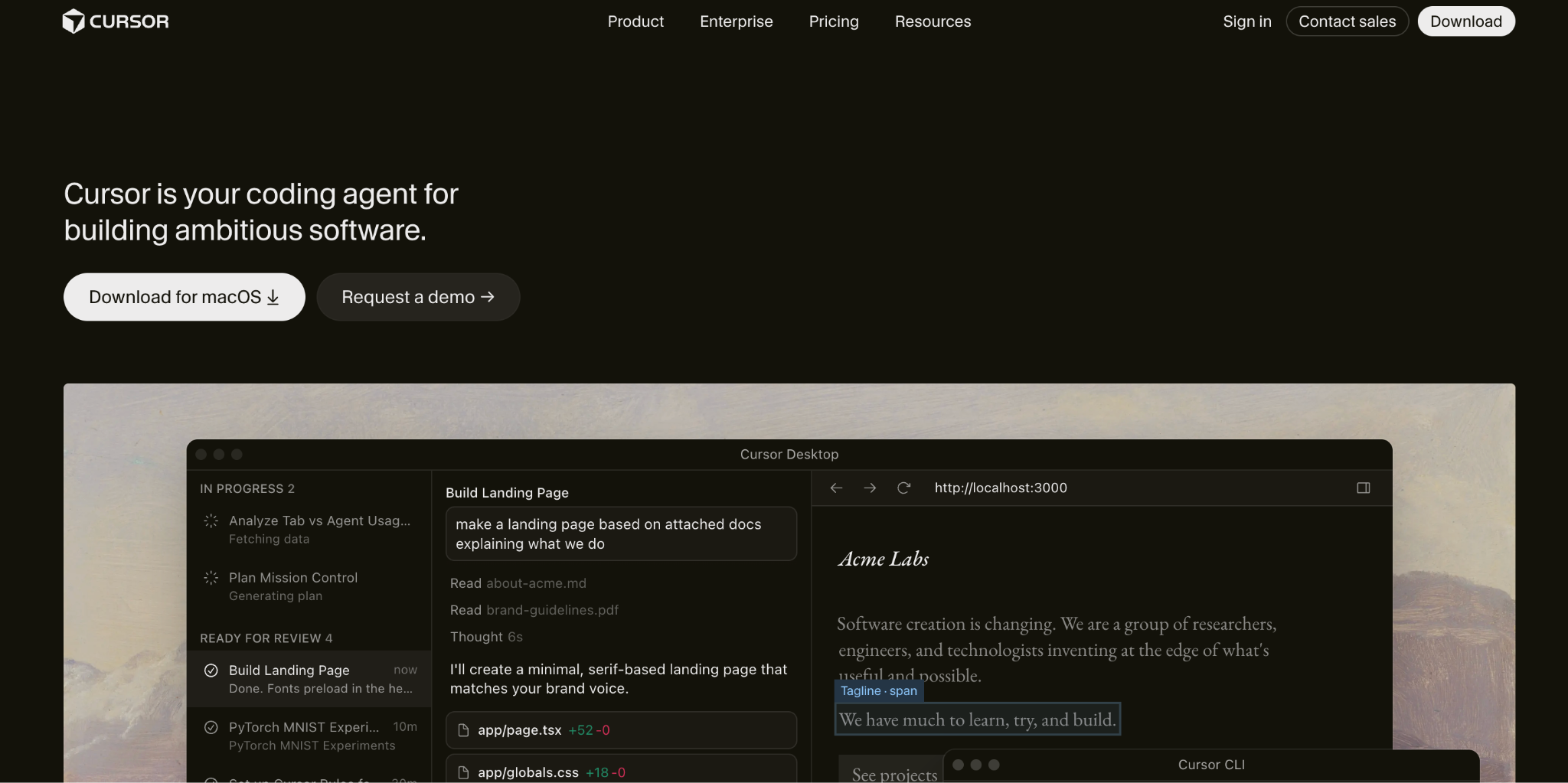
What it does: Cursor is an AI-first fork of VS Code that generates code, refactors existing projects, and reasons across a full codebase directly inside the editor.
Best for: Professional developers who want AI acceleration without leaving a familiar, code-first environment.
Forty minutes of active coding got my reference app working in Cursor, since it's a developer tool rather than a low-code builder. The multi-file context awareness was the standout, since it correctly referenced my database schema in generated API logic without me re-explaining it.
Key features
- Composer agent mode: Multi-file, multi-step task execution across a codebase.
- Context-aware autocomplete: Suggestions draw on the whole project's context, spanning every file in the codebase.
- Bugbot: Highlights an error and gets a suggested fix in return.
Pros
- ✅ Codebase-wide context made suggestions meaningfully more relevant than typical autocomplete.
- ✅ VS Code extension compatibility meant zero relearning for my existing setup.
- ✅ Useful for boilerplate, tests, and documentation.
Cons
- ❌ Still requires real programming knowledge; it accelerates coding, it doesn't replace it.
- ❌ Costs roughly double Copilot's entry price for similar core functionality.
What users say
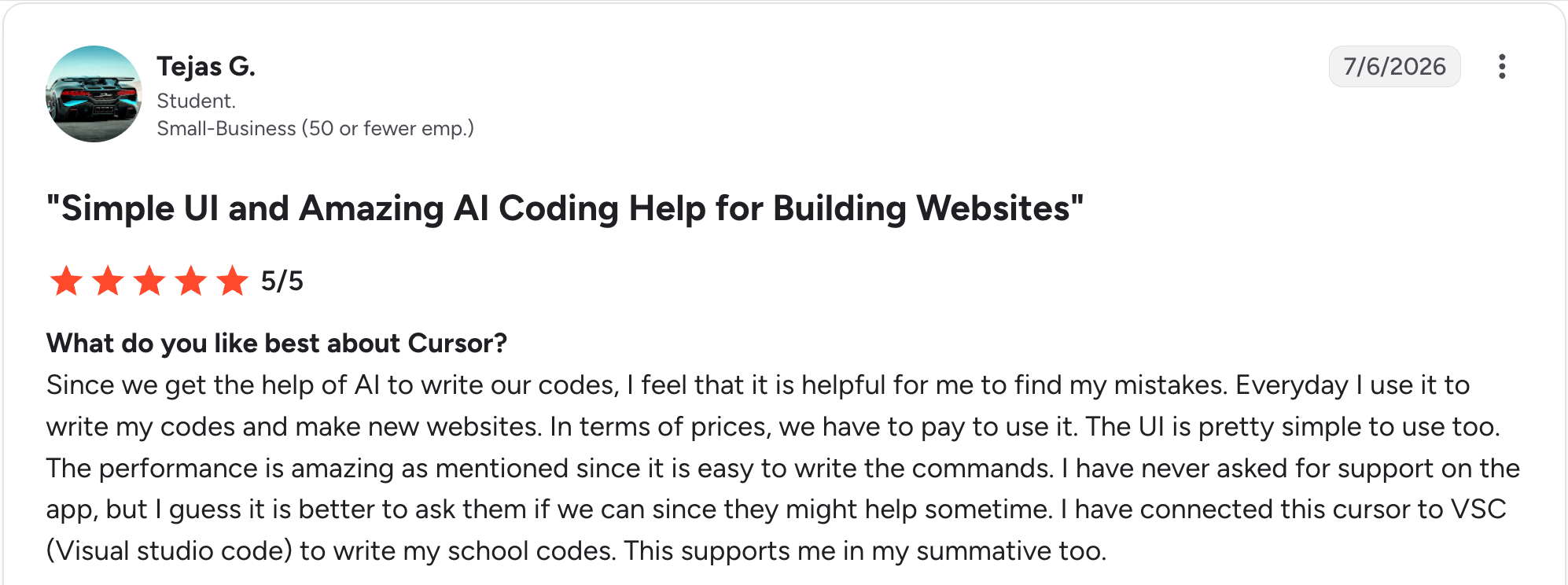
"The performance is amazing, as mentioned, since it is easy to write the commands." Tejas G, G2

“The token allocation system feels a bit unclear.” Bo K, G2
Pricing
Hobby is free, with limited Agent requests. Pro costs $20/month with extended Agent limits. Pro+ costs $60/month with 3x Pro's Agent limits. Ultra costs $200/month with 20x Pro's Agent limits. See Cursor's pricing.
Bottom line
Developers who want to stay in code, with AI acceleration layered in, should reach for Cursor over a RAD tool built for non-technical builders.
8. Bubble: Best for non-technical founders building a full web app without code
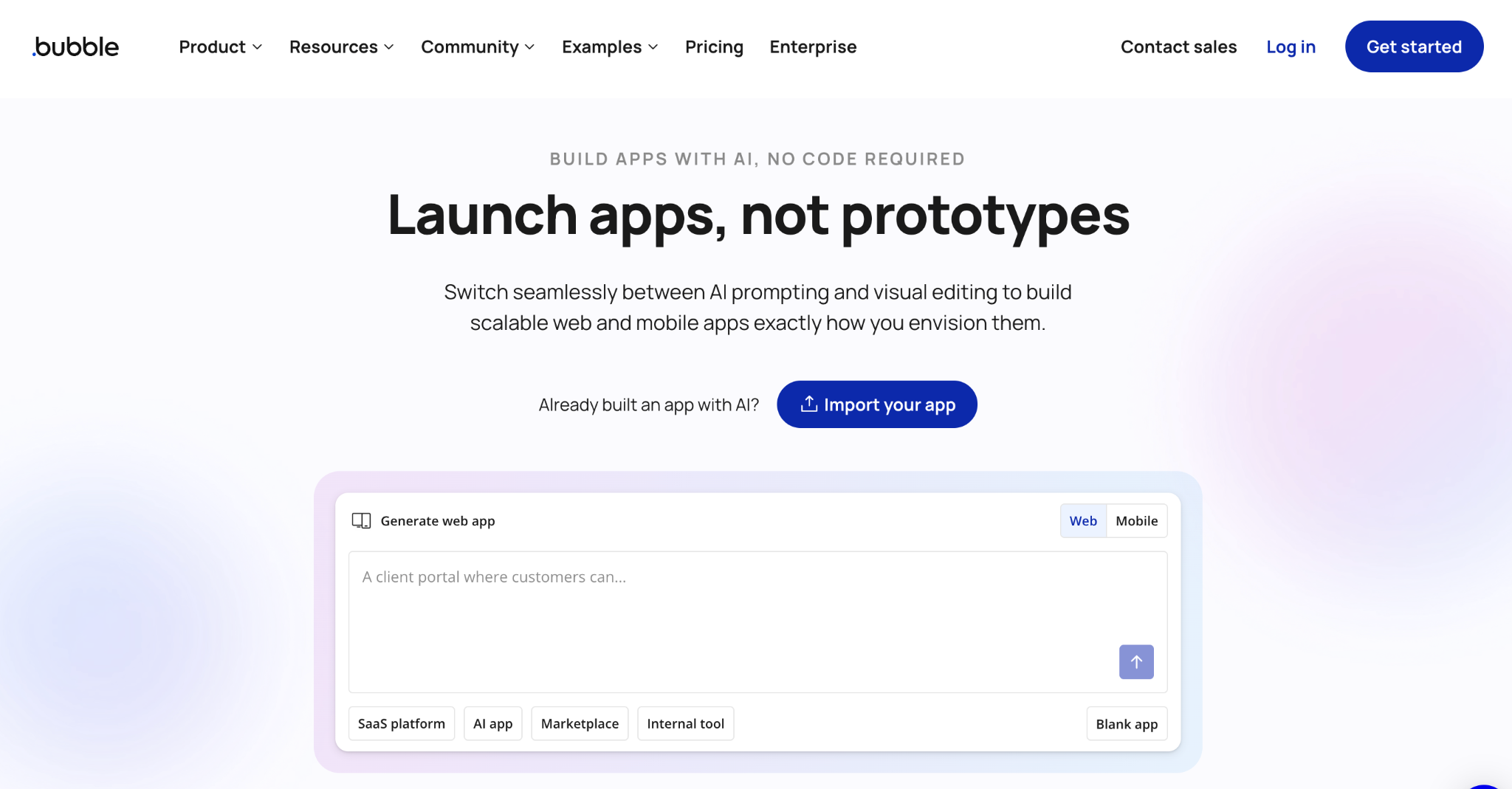
What it does: Bubble is a no-code platform that builds full-stack web applications through a visual editor, a built-in relational database, and drag-and-drop workflow logic.
Best for: Non-technical founders and small teams who want to build a complete web app, database included, without hiring engineers.
Bubble's database came together first, since it treats data structure as a first-class citizen from the start. The workflow editor took longer to click, closer to visual programming than a simple form builder, and my reference build landed around 45 minutes total.
Key features
- Visual workflow editor: Build backend logic through drag-and-drop conditions, actions, and events.
- Built-in relational database: Data types, fields, and privacy rules are defined visually and sit at the center of every app.
- Plugin and template marketplace: Thousands of community-built plugins and templates extend what's possible without custom code.
Pros
- ✅ Most mature no-code platform on this list, with over a decade of plugins and community templates.
- ✅ Visual workflow logic makes complex backend behavior traceable without reading code.
- ✅ Database and permissions run deep for a no-code tool.
Cons
- ❌ Workload-unit pricing ties cost to real usage, so seat count alone won't predict the bill.
- ❌ No code export, so long-term, you're building inside Bubble itself.
What users say
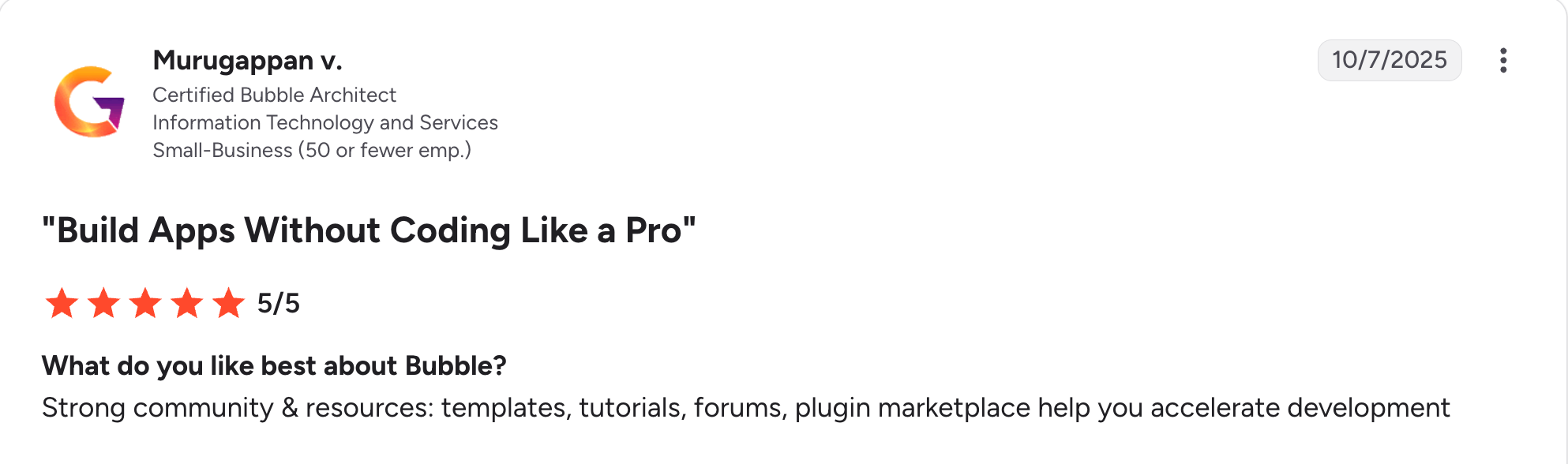
“Strong community & resources: templates, tutorials, forums, plugin marketplace help you accelerate development.” Murugappan V, G2

“In order to get all functions you need to pay; wish there was a longer free trial or more robust free option.” Verified User, G2
Pricing
Free to start with limited workload units for testing. On the Web track, Starter costs $32/month, Growth costs $134/month, and Team costs $399/month. Mobile pricing runs higher, with Starter at $49/month, Growth at $199/month, and Team at $529/month. Enterprise is custom-priced on either track. See Bubble's pricing.
Bottom line
Full ownership of the build without writing code is Bubble's real strength here. Teams that need to hand code off to engineers later should look at Lovable or Retool instead.
9. n8n: Best for developers needing open-source workflow automation
What it does: n8n is an open-source, self-hostable workflow automation tool that connects apps and services through a visual, node-based editor with code extensibility.
Best for: Development teams automating backend processes who want the option to self-host and extend with custom code.
Wiring the workflow together, the external API call plus a database write on completion, took about 25 minutes. This reference build was fundamentally a backend automation rather than a UI app.
Key features
- 400+ native integrations: Plus HTTP request nodes for anything not natively supported.
- Deployment flexibility: Self-host via Docker or Kubernetes, run air-gapped, or use the hosted cloud.
- Code nodes: Extend any workflow with custom functions, npm, or Python packages.
Pros
- ✅ Full self-hosting gives genuine data ownership.
- ✅ Unlimited workflow complexity without the cost scaling with it.
- ✅ Code nodes mean almost nothing is out of reach if you can script it.
Cons
- ❌ Self-hosting requires real DevOps knowledge most low-code buyers don't have.
- ❌ The interface gets cluttered fast on large, multi-step workflows.
What users say
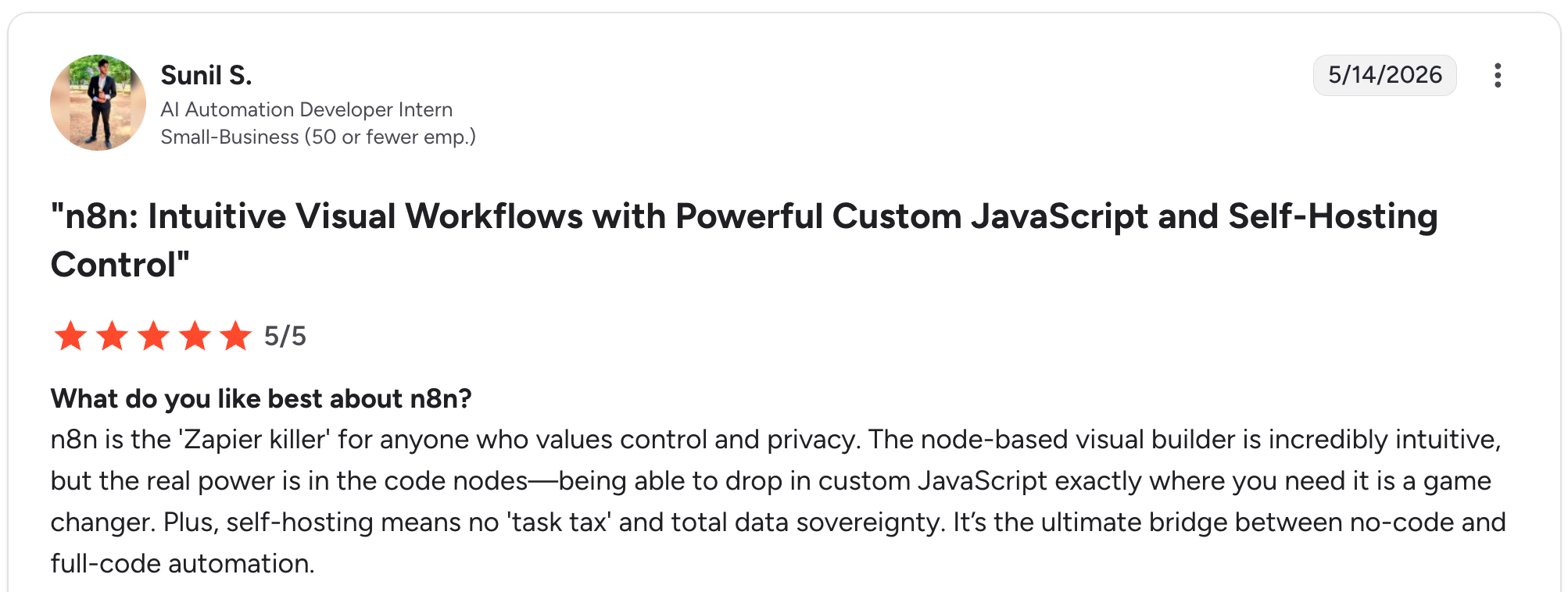
"n8n is the 'Zapier killer' for anyone who values control and privacy." Sunil S, G2

"While n8n is incredibly powerful, it still doesn’t have the “Enterprise-First” deployment rigor I expect as an architect." Akansha C, G2
Pricing
n8n's Community edition is free to self-host. On n8n Cloud, Starter runs $24/month for 2,500 executions, and Pro is $60/month for 10,000. Business costs $960/month for 40,000 executions, but only on a self-hosted deployment, since n8n Cloud doesn't offer that tier. Enterprise stays custom-priced. See n8n's pricing.
Bottom line
Reach for n8n when the "app" you're building is fundamentally a backend automation running behind the scenes.
10. Microsoft Power Apps: Best for enterprises standardized on Microsoft
What it does: Power Apps is Microsoft's low-code platform for building business applications natively integrated with Microsoft 365, Dataverse, and Azure.
Best for: Organizations already standardized on Microsoft 365 who want app building without leaving that stack.
Thirty minutes got my reference app built in Power Apps, and the friction wasn't the builder itself. It was Dataverse setup, which assumes real familiarity with Microsoft's data platform before you get moving.
Key features
- Canvas and model-driven apps: A WYSIWYG editor for screens built from components and formulas.
- Native Microsoft 365 integration: Direct connections to SharePoint, Teams, Excel, and Dynamics 365.
- AI Builder: Built-in document processing, image recognition, and prediction tools.
Pros
- ✅ Feels like a natural extension for teams already living in Microsoft 365.
- ✅ Azure AD integration and DLP policies bring real security out of the box.
- ✅ 300-plus connectors cover most common enterprise scenarios.
Cons
- ❌ Migrating an app off Power Apps later means rebuilding from scratch.
- ❌ No access to underlying code, so complexity has a real ceiling.
What users say
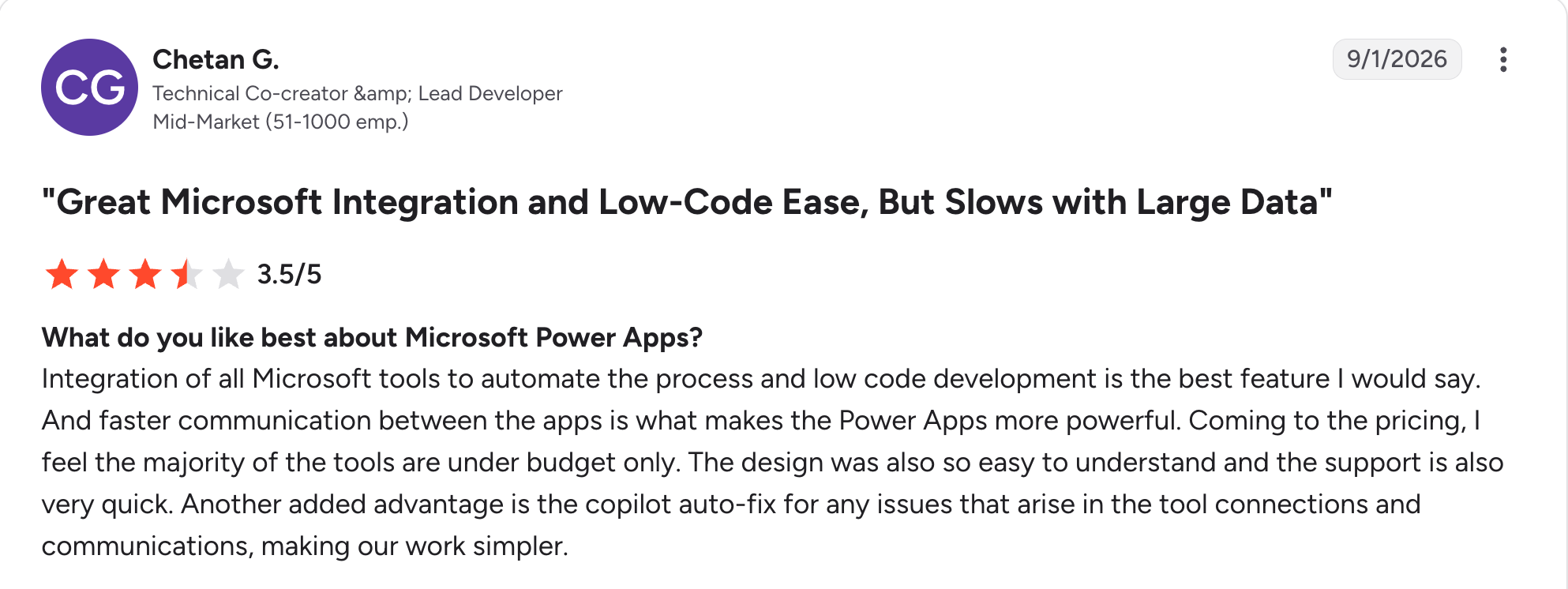
“Integration of all Microsoft tools to automate the process and low-code development is the best feature, I would say.” Chetan G, G2

“The AI builder is not very effective.” Swati J, G2
Pricing
Free developer plan for unlimited non-production apps. Premium costs $20/user/month, paid yearly. With a 2,000-seat minimum, Premium drops to $12/user/month, also paid yearly. See Power Apps' pricing.
Bottom line
Inside a Microsoft-standardized org, Power Apps is the obvious choice. Outside that world, the lock-in outweighs the convenience.
11. Claude Code: Best for developers managing large codebases with AI agents
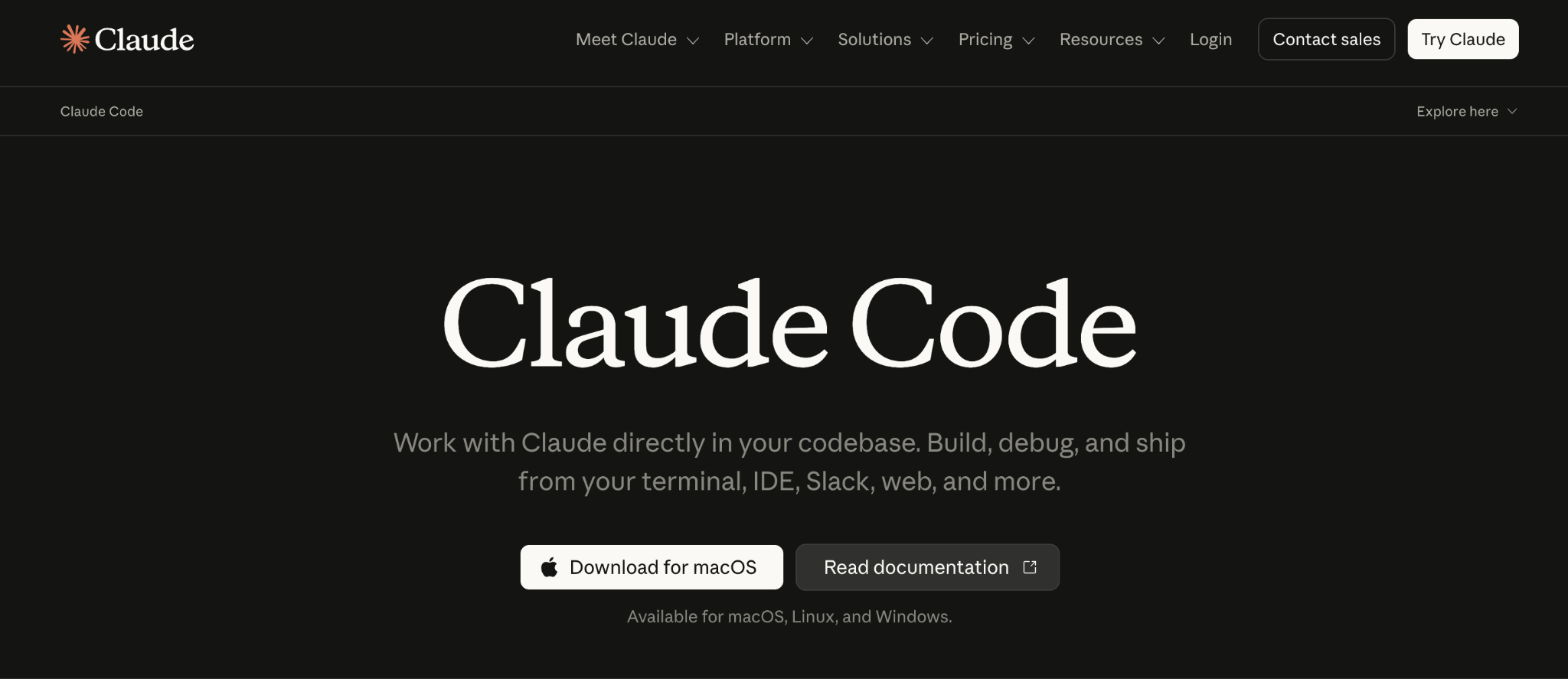
What it does: Claude Code is Anthropic's AI coding agent, working from the terminal or IDE to handle refactors, testing, and documentation across an entire codebase through conversational commands.
Best for: Engineering teams working in large, complex codebases who need an agent that reasons across the entire codebase at once.
I pointed Claude Code at a mid-sized, existing repo and asked it to add a feature end-to-end. It correctly traced dependencies across a dozen files without me pointing it to them individually.
Key features
- Project-aware coding: Agentic search understands full codebase structure without manual context setup.
- Multi-step agent commands: Executes complex tasks conversationally, with custom slash commands for repeated workflows.
- AI-assisted Git workflows: Stages, commits, and documents changes following your existing conventions.
Pros
- ✅ Handled cross-file dependencies in a real codebase better than any other tool tested here.
- ✅ Useful for documentation and test generation on legacy code.
- ✅ Terminal-first workflow fits naturally for developers who live there already.
Cons
- ❌ Asks for explicit permission on edits by default, which slows down heavy usage until you configure around it.
- ❌ Not built for non-technical users; there's no visual builder at all.
What users say
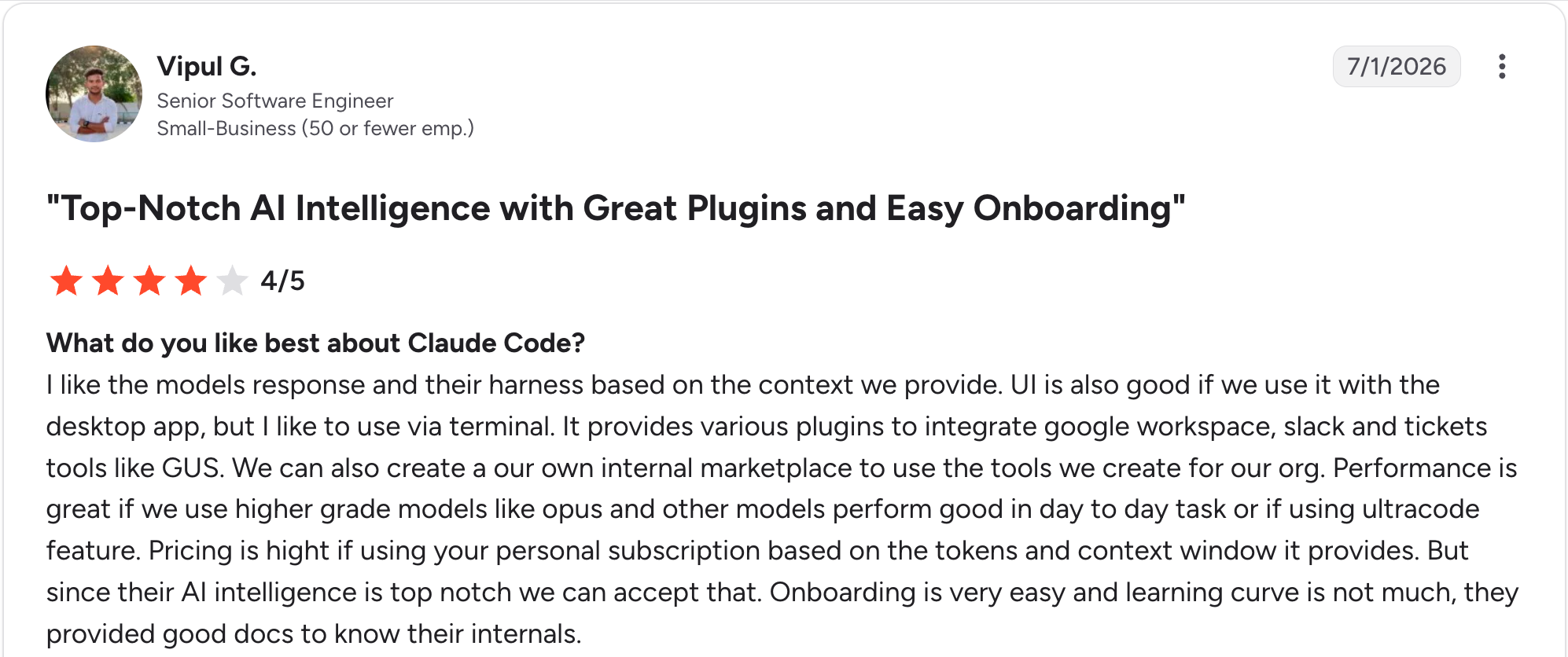
"I like the model's response and their harness based on the context we provide." Vipul G, G2

"It does give a bit less depth to the thinking of the model, at least how I have seen it configured." Chukwudi I, G2
Pricing
Claude Code requires at least Claude Pro, which costs $20/month. Higher-usage Max plans start at $100/month for teams that need more capacity. See Anthropic's pricing.
Bottom line
Working inside an existing large codebase is where Claude Code performs best of any agent here. Starting a new internal app from nothing calls for a different tool.
Which RAD tool should you choose?
The right choice comes down to what you're building, who's building it, and how much governance you need. If none of these 11 quite fit, our broader low-code platforms roundup covers a wider field of 12 tools.
Choose Superblocks if you:
- Need internal apps built fast without losing centralized governance.
- Want AI generation that respects existing permissions automatically.
Choose Retool or Budibase if you:
- Need native mobile apps, full self-hosting, or both.
- Have engineering resources to manage the extra setup that comes with it.
Choose Mendix if you:
- Need one build to work across web and mobile, including offline capability.
- Have the time to invest in a steeper learning curve for that depth.
Choose Airtable if you:
- Already manage your data in spreadsheets and want an app layer on top of it.
- Need light automation more than a full development environment.
Choose Lovable if you:
- Want the fastest possible path to a prototype or MVP.
- Don't yet need governance, since it isn't built for sensitive production data.
Choose Bubble if you:
- Want to build a complete web app, database included, without writing any code.
- Are comfortable with a real learning curve in exchange for full ownership of the build.
Choose n8n or Microsoft Power Apps if you:
- Are automating a backend workflow rather than building a UI-driven app.
- Want the open, self-hostable route (n8n) or deep Microsoft 365 integration (Power Apps).
Choose Cursor or Claude Code if you:
- Are a professional developer who wants AI acceleration inside real code.
- Don't need a visual builder at all.
Skip RAD tools entirely if:
- Your application has requirements so specific that a custom build from scratch is the better investment. Our low-code use cases guide covers where RAD tools tend to fit versus where they don't.
Final verdict
For internal apps that need to scale past a single team without turning into shadow IT, Superblocks was the strongest overall combination of speed and governance in my testing, and it's my pick if that's your situation.
Retool and Mendix are the right call if you need native mobile or true multi-experience apps and have the engineering time to invest.
If you just need a fast prototype with no governance requirements yet, nothing in this list generates a working app faster than Lovable. Match the tool to the job in front of you, name recognition aside.
See how AI-governed app generation works in practice with the Superblocks Quickstart Guide, which walks through building an app with permissions already in place.
Or book a demo to see how Superblocks fits into your team's existing development workflow.
Frequently asked questions
What is the best rapid application development tool in 2026?
Superblocks is the best rapid application development tool for building governed internal apps, since its Clark AI agent generates apps from natural language while respecting existing permissions and coding practices. Retool and Mendix lead for teams needing native mobile apps, and Lovable is fastest for ungoverned prototypes.
What are the biggest pros and cons of RAD tools?
The biggest advantage of RAD tools is dramatically faster app development and better collaboration between teams. The main disadvantages are vendor lock-in on proprietary platforms and a real ceiling on complexity once an application outgrows the tool's abstractions, covered in more depth in our benefits of low-code guide.
How much do rapid application development tools cost?
Rapid application development tools typically cost $10 to $25 per user monthly for developer-focused platforms. Superblocks' Teams plan runs higher, at a flat $125/month for up to 15 builders. Enterprise pricing for platforms like Mendix scales up from there based on usage and governance needs.
What are the risks of RAD methodology?
The main risk of RAD is shadow IT, where teams build apps outside official oversight, creating security gaps and compliance violations. Enterprises reduce this risk by standardizing on platforms that offer RBAC, SSO, and audit logs, keeping fast app-building under real oversight.
How do AI-native RAD tools differ from traditional low-code platforms?
AI-native RAD tools like Superblocks and Lovable generate apps from natural-language prompts, while traditional platforms like Mendix and Power Apps rely on visual, model-driven building. Our guides to Mendix alternatives and OutSystems competitors cover that category further.
At Virgin Voyages, non-technical teams now build their own AI apps, with IT governance fully intact. The result: 15+ production apps, seven departments onboard, and zero dedicated frontend engineers.
At Matthews, a marketing manager with zero coding background built an app that auto-generates offering memorandums, cutting turnaround from days to hours. See how the brokerage is putting AI builders on every team, with full governance intact.


Stay tuned for updates
Get the latest Superblocks news and internal tooling market insights.
Request early access
Step 1 of 2
Request early access
Step 2 of 2

You’ve been added to the waitlist!
Book a demo to skip the waitlist
Thank you for your interest!
A member of our team will be in touch soon to schedule a demo.
production apps built
days to build them
semi-technical builders
traditional developers
high-impact solutions shipped
training to get builders productive
SQL experience required
See the full Virgin Voyages customer story, including the apps they built and how their teams use them.

"Those tools are great for proof of concept. But they don't connect well to existing enterprise data sources, and they don't have the governance guardrails that IT requires for production use."
Table of Contents
%20(1).png)

Multiple authors
What Is Secrets Sprawl? 7 Places Keys Hide and How to Fix It
Secrets sprawl explained: what counts as a secret, the 7 places credentials hide, the warning signs, 2026 leak data, and a 5-step plan to fix it.


%20(1).png)