
For a developer team shipping AI features, the best responsible AI tools are Superblocks for governed AI app building, the Microsoft Responsible AI Toolbox for fairness checks, and Fiddler or Arize for monitoring models after they ship.
Each of these tools covers a different layer. An analysis dashboard can't stop a prompt injection, and a guardrail won't tell an auditor who approved the model, so many of the picks below tell you which second tool to pair them with.
To compare them, any tool with a free tier, trial, or open-source package went through the test that matches what it does. Fairness and governance tools got a loan-approval model, and runtime and LLM tools got an internal support agent.
Superblocks is our product and sits at #1. Every tool got the same pricing check and at least one con.
The 10 best responsible AI tools in 2026: TL;DR
- Choose Superblocks if you need to govern the internal apps teams build with AI.
- Choose the Microsoft Responsible AI Toolbox if you want open-source fairness and error analysis on tabular models.
- Choose the Google Responsible Generative AI Toolkit if you're safety-testing generative AI apps before launch.
- Choose Fiddler AI if you need low-latency guardrails on LLM and agent traffic.
- Choose IBM watsonx.governance if you're a regulated enterprise tracking models across several clouds.
- Choose Arthur AI if you need to discover and police AI agents at runtime.
- Choose Credo AI if you want policy-led governance mapped to AI regulations.
- Choose Holistic AI if you need bias and red-team testing tied to compliance evidence.
- Choose DataRobot if your team wants to build, deploy, and govern models on one platform.
- Choose Arize AI if you want LLM tracing and evals you can start free with Phoenix.
How I researched and tested these responsible AI tools
Each tool got one of two jobs, depending on what it's designed to check. The first was a loan-approval classifier trained on tabular applicant data, the classic case for fairness and explainability checks.
For the second job, I set up an internal support agent and fed it a prompt injection and a fake Social Security number in the same message.
For the platforms with a free tier, trial, or open-source package, I ran the matching job myself. Credo AI and Holistic AI don't offer self-serve access, so I worked from their product documentation and demo material for those two.
I also read recent reviews on G2 and Gartner Peer Insights, and checked each price against the vendor's pricing page, or its marketplace listing where it doesn't publish one, on October 1, 2026.
- Fairness and explainability: Whether the tool shows which groups a model fails and why a single prediction came out the way it did.
- Runtime protection: What happens to a prompt injection or leaked PII while the app is live, and how fast.
- Governance and audit: What each tool records about who created, approved, or changed an AI system, and if a compliance team could pass that trail to an auditor.
- Developer experience: How quickly an engineer can install it and connect it to an existing stack, and whether they can get a result without a sales call.
The two jobs split the field by design. Runtime tools like Fiddler and Arthur act on the request itself, while analysis tools like the Microsoft toolbox look at model behavior after training.
Three names from older roundups didn't make the cut.
- TruEra now belongs to Snowflake, and truera.com redirects to its site, so it's no longer sold as a standalone product.
- IBM Watson OpenScale appeared in our previous version of this list. IBM now sells model monitoring and evaluation inside watsonx.governance, the entry you'll find at #5.
- MIT rAI-toolbox is a PyTorch library for adversarial-testing research. With 61 GitHub stars it's still small, so I moved it to the open-source section at the end of this article.
The 10 best responsible AI tools in 2026: quick comparison
Starting prices mix flat monthly plans (Superblocks, Arthur, Arize), usage-based billing (Fiddler per trace, Google per token, IBM pay-as-you-go), and custom quotes. Pricing is correct as of October 2026. Verify with each vendor.
1. Superblocks: Best for governing the internal apps teams build with AI
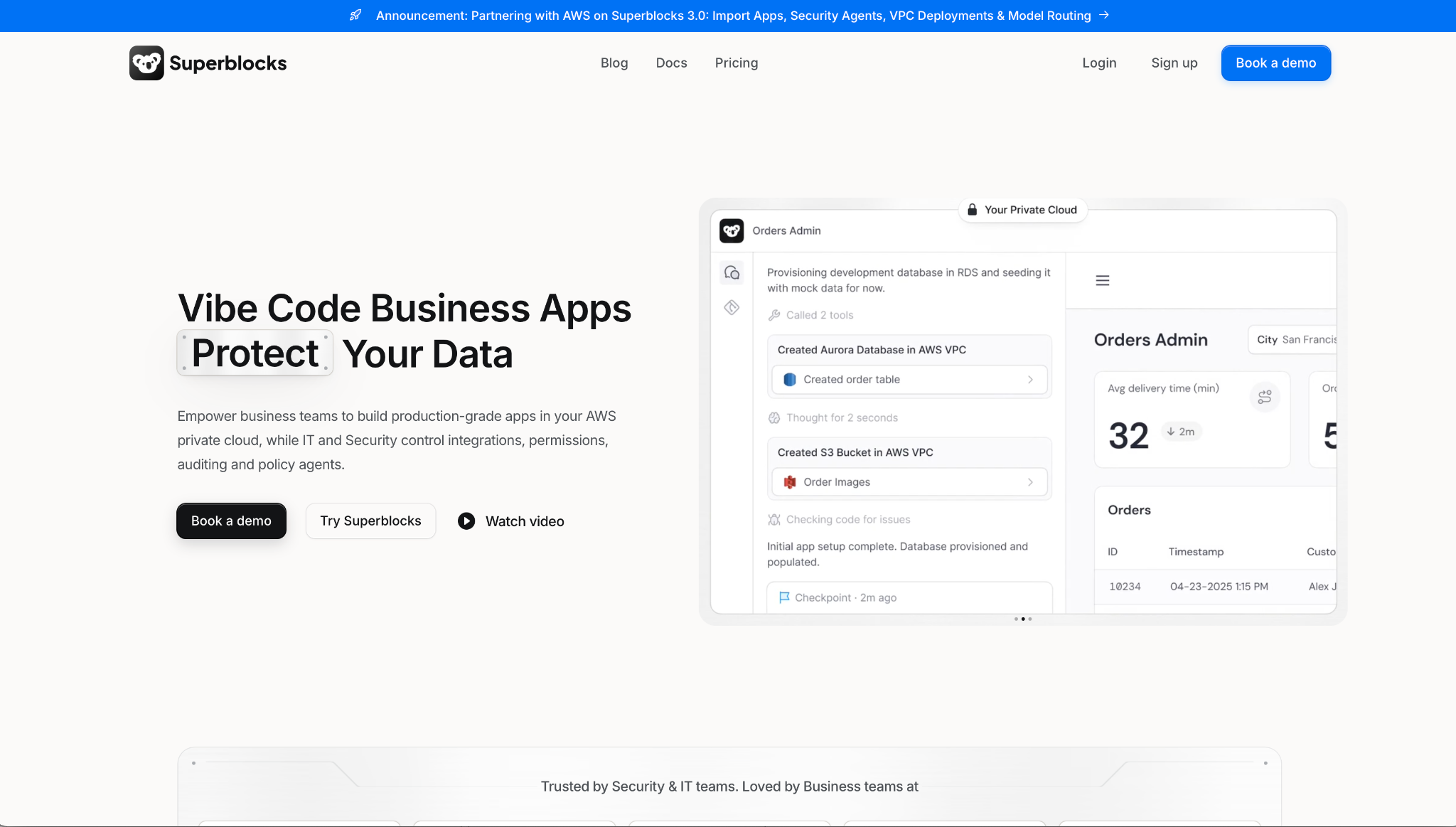
What it does: Superblocks is a governed enterprise vibe coding platform. People build internal apps with Clark, its AI builder, while IT sets the guardrails at the org level, and new apps inherit them.
Best for: Engineering and IT leaders who need AI-assisted apps to ship safely, with a trail showing who made each one and what data it touched.
Superblocks governs AI-generated apps as they're created, so the org's rules are in place before an app ships.
To test that, I set up a loan-review screen over the same applicant data I used for the fairness tools. Clark generated it from one prompt, and it inherited the org's RBAC and connection rules before I changed a setting.
Superblocks doesn't score the classifier behind that app for bias or drift, so I used the Microsoft toolbox for the model itself.
Key Features
- Clark by Superblocks: Generates internal apps from plain-language prompts inside IT's guardrails, in code engineers can review.
- Superblocks MCP and audit logs (Enterprise): IT can look up who created each app and what data it touches. Access lists, audit logs, and usage events are on record too.
- BYO inference and VPC deployment (Enterprise): Send Clark's model calls through your own Amazon Bedrock account on Cloud-Prem deployments, or run Superblocks in your AWS VPC.
Pros and Cons
Pros:
✅ Org-level guardrails apply to new apps by default, regardless of who creates them.
✅ Generated code lives in Git, where engineers can review it and open pull requests.
✅ On Enterprise, inference and data can stay in your own AWS account, through Amazon Bedrock on Cloud-Prem deployments.
Cons:
❌ Governs apps and builders, so model bias and drift testing needs another tool.
❌ Audit logging, SAML SSO, and VPC deployment are Enterprise-only features.
❌ Bring-your-own inference needs a Cloud-Prem deployment, so hosted customers run Clark on Superblocks' own inference.
What Users Say
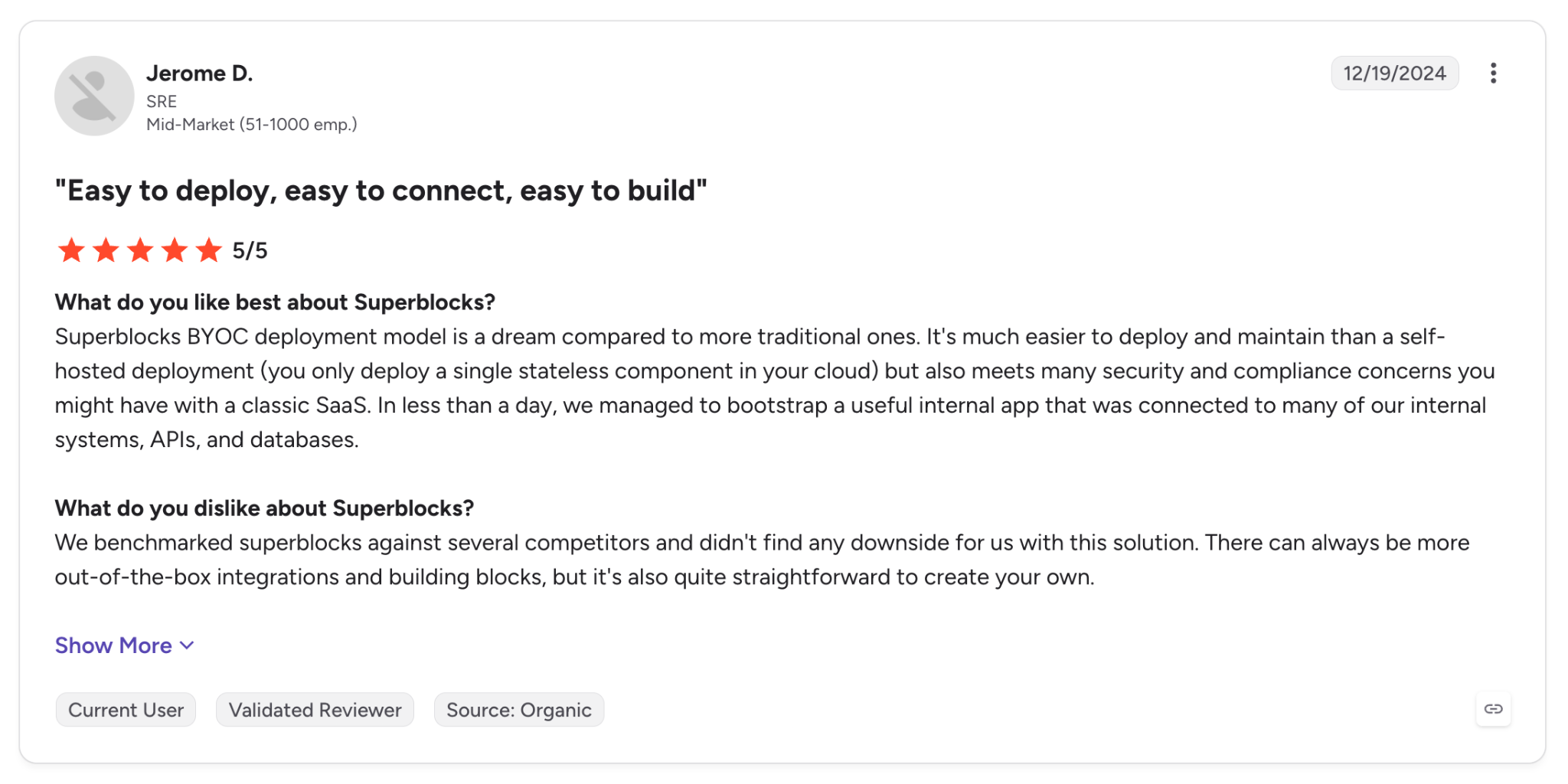
"Superblocks BYOC deployment model is a dream compared to more traditional ones." - Jerome D., G2.
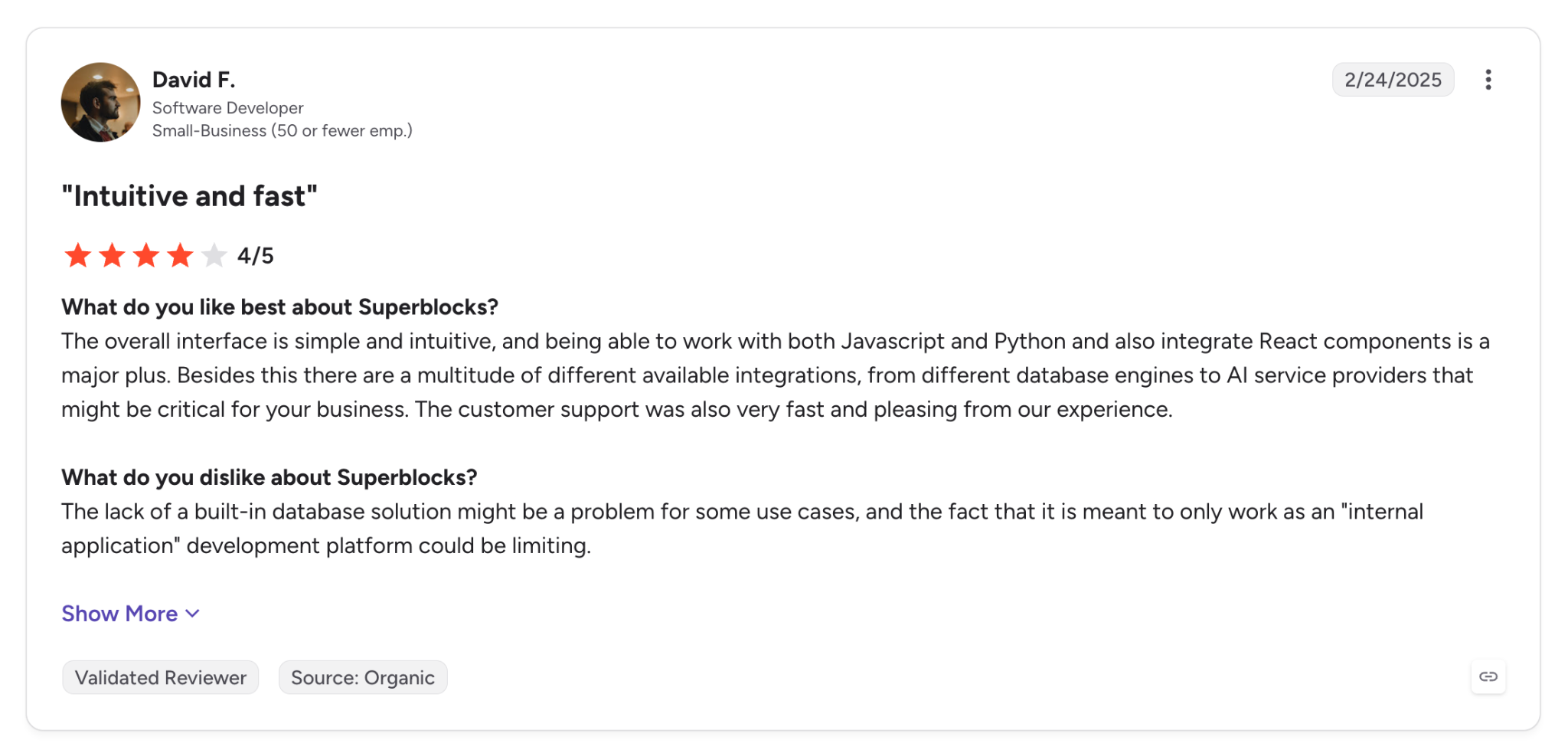
"The lack of a built-in database solution might be a problem for some use cases, and the fact that it is meant to only work as an 'internal application' development platform could be limiting." - David F., G2.
Pricing
Superblocks Teams starts at $125 per month billed monthly, or $100 per month billed annually, and includes 100 Governed Agent Units with a 14-day free trial. Enterprise pricing is custom, with VPC deployment and dedicated support.
Bottom Line
If your teams are starting to build internal apps with AI and IT wants them governed from day one, Superblocks applies IT's access controls and secrets handling to each one. Flex runs Superblocks self-hosted in its own AWS account, with teams across 18 departments building 170 apps in 90 days.
A team that only needs a fairness report on one model can skip it and start with the Microsoft toolbox instead.
2. Microsoft Responsible AI Toolbox: Best for open-source fairness and error analysis on tabular models
What it does: The Microsoft Responsible AI Toolbox is an open-source suite that brings Error Analysis, Fairlearn, InterpretML, DiCE, and EconML into a single Responsible AI dashboard for debugging models.
Best for: Data scientists and ML engineers auditing tabular models before release, especially in regulated decisions like lending or hiring. The same applies to insurance underwriting.
Installation took one line: pip install raiwidgets, and the dashboard opened inside the same notebook session against my loan-approval classifier.
From there, the decision-tree view split the test set into applicant cohorts and showed where the error rate climbed, something a single accuracy score can't show.
The managed version on Azure Machine Learning is narrower, handling regression and classification on tabular data only. It renders up to 5,000 data points and takes scikit-learn MLflow models.
Key Features
- Error analysis: Decision-tree and heatmap views that show the cohorts where a model's error rate climbs.
- Fairness and interpretability: Fairlearn group metrics plus InterpretML explanations for the whole model and for single predictions.
- Counterfactuals and causal analysis: DiCE what-if examples and EconML estimates of how an intervention would change outcomes.
Pros and Cons
Pros:
✅ Free under the MIT license, commercial use included.
✅ One dashboard takes you from spotting an issue to testing a mitigation, with all five libraries already connected.
✅ Responsible AI scorecard in Azure ML (public preview) exports a PDF for product and compliance reviewers who won't open a notebook.
Cons:
❌ Analysis only, so blocking bad outputs in production takes a separate runtime tool.
❌ The Azure ML version is tabular-only, so text and vision models need the open-source package.
❌ LLM evaluation lives in a separate Microsoft tool, so generative AI work splits across two products.
What Users Say
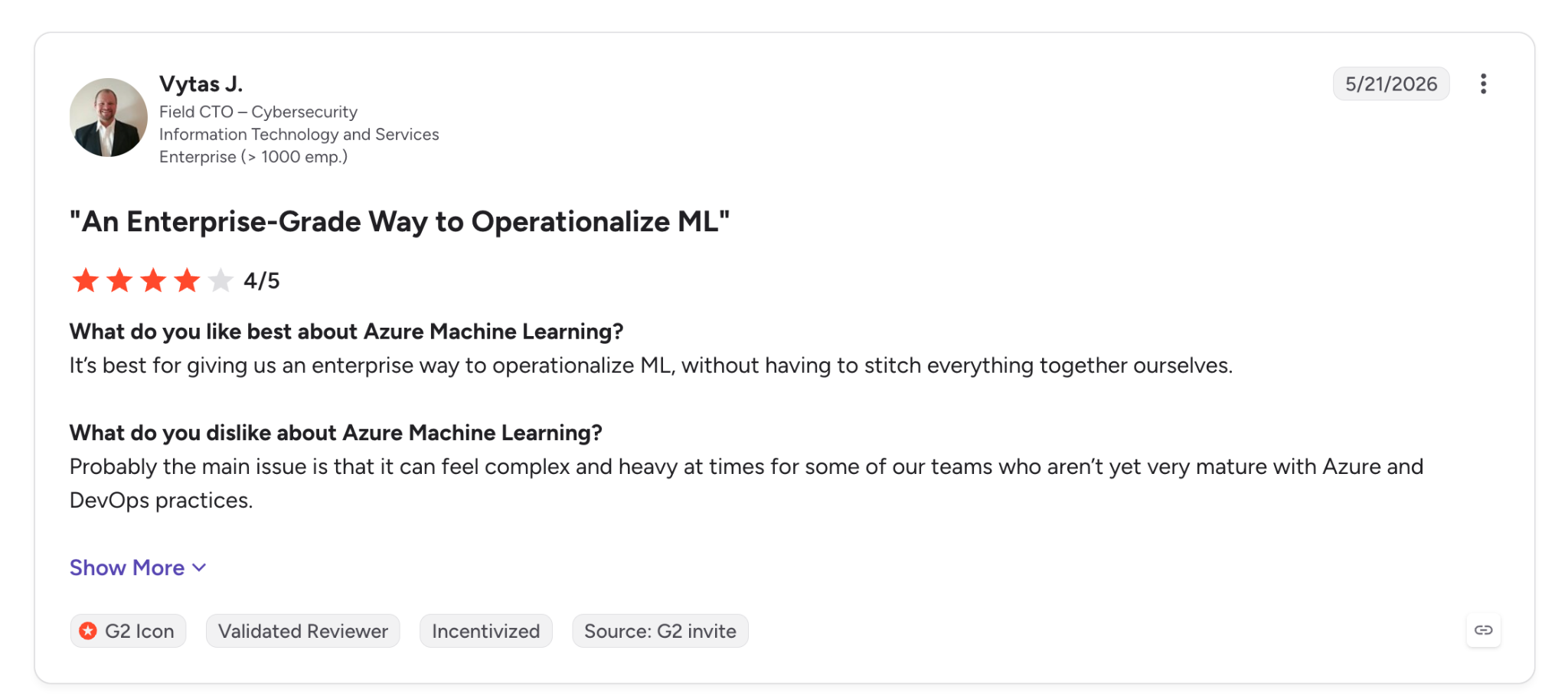
"It's best for giving us an enterprise way to operationalize ML, without having to stitch everything together ourselves." - Vytas J., G2.
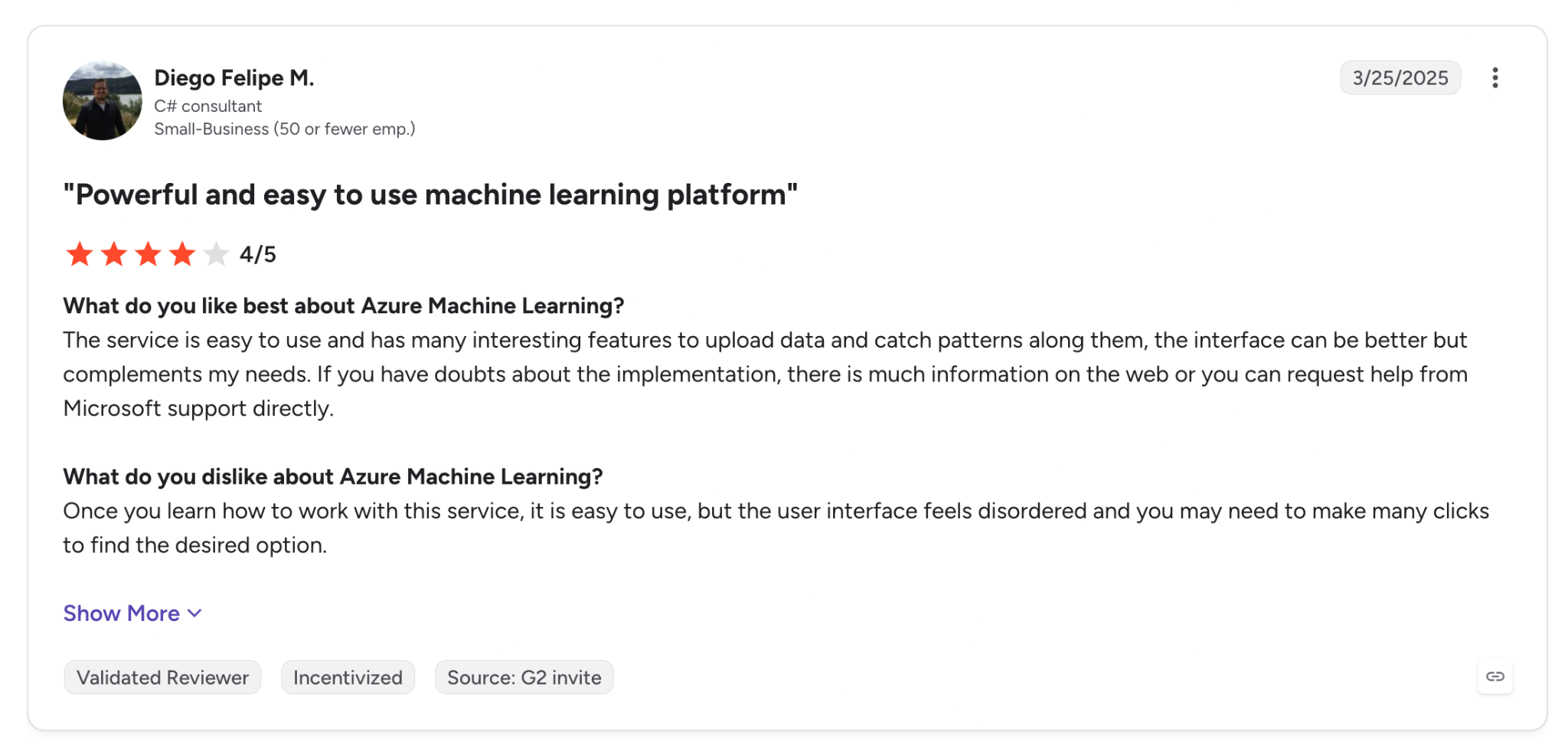
"Once you learn how to work with this service, it is easy to use, but the user interface feels disordered and you may need to make many clicks to find the desired option." - Diego Felipe M., G2.
Pricing
The Responsible AI Toolbox is free and open source under the MIT license, with no paid tier.
Bottom Line
For a team that has to prove a credit or hiring model treats applicant groups fairly, this is the first free tool I'd install. Anyone who needs protection while the model is live will have to add a runtime tool on top.
3. Google Responsible Generative AI Toolkit: Best for safety-testing generative AI apps before launch
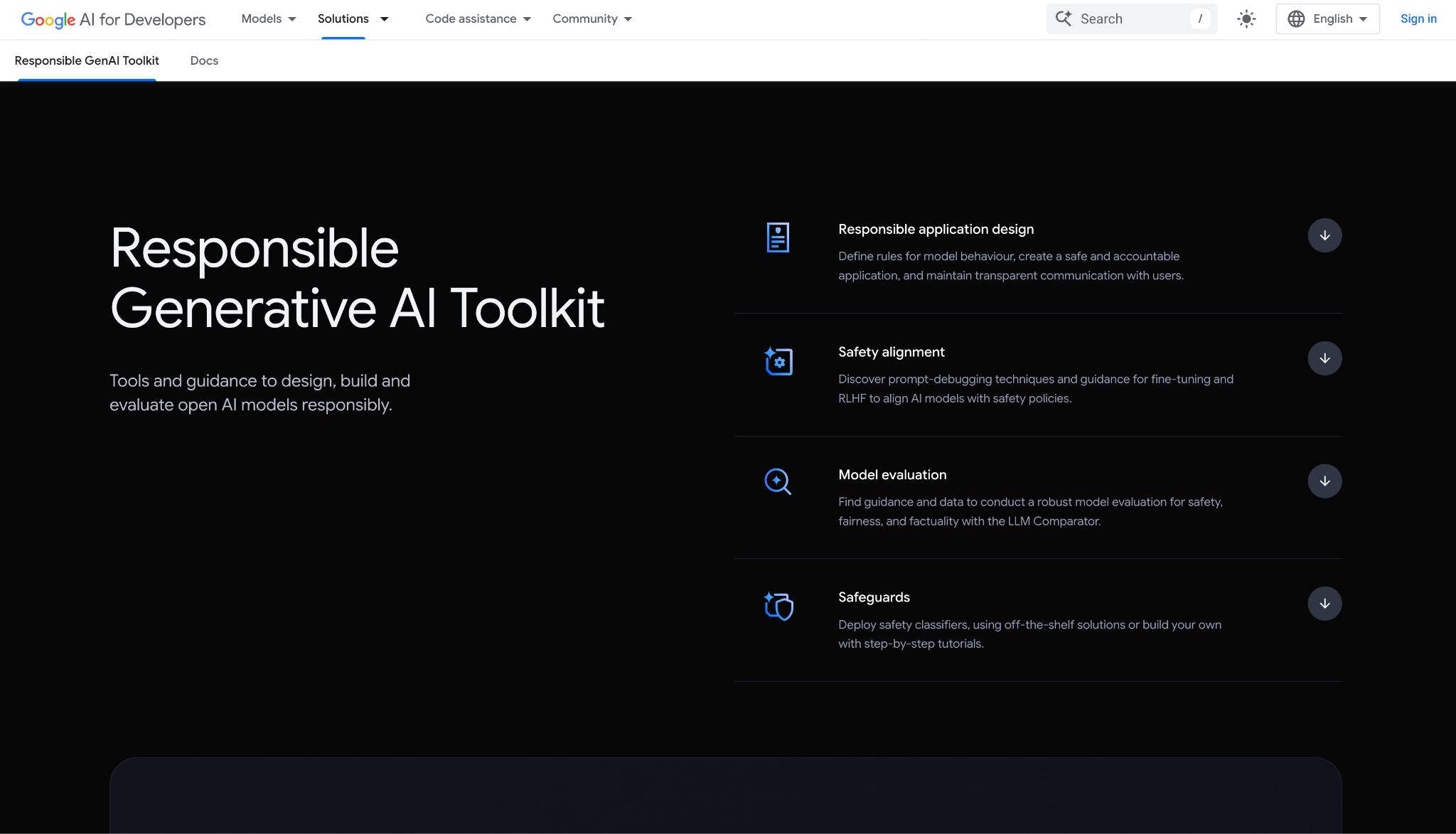
What it does: The Google Responsible Generative AI Toolkit collects guidance and tools for safer generative AI apps, from the Model Alignment library and the Learning Interpretability Tool (LIT) for prompt work to ShieldGemma classifiers, SynthID Text, and Checks AI Safety.
Best for: Developers shipping chatbots or assistants on Gemini or Gemma who need to screen outputs and run evals ahead of release.
Google lays it out in the order you'd build in, starting with the policy and moving through the model and its prompts to evaluation and safeguards.
At the evaluation step, LLM Comparator ran two prompt versions of my support agent against the same inputs and set the ratings side by side, which made the safer template obvious within a few rounds.
Turning that comparison into a full workflow takes manual setup. Each piece has its own repo or console, and some run as APIs. Reporting happens in Checks AI Safety, which runs as its own service.
Key Features
- Safety classifiers: ShieldGemma comes in 2B, 9B, and 27B sizes. You can also train policy-specific models with PET, Google's lightweight tuning method, though you host and wire them yourself.
- Evaluation and debugging: LLM Comparator for side-by-side response reviews and LIT for iterating on prompts.
- Provenance: SynthID Text watermarks model-generated text and detects it later.
Pros and Cons
Pros:
✅ The toolkit components are free or open source, so testing costs nothing until you call billed Google Cloud APIs.
✅ ShieldGemma ships with open weights, so prompts can stay on your own infrastructure.
✅ Spans the build from policy to safeguards, in the order Google recommends.
Cons:
❌ No single install, since each component ships from its own repo.
❌ ShieldGemma 1 screens text only, so image safety needs the separate 4B ShieldGemma 2 model.
❌ Production usage on Google Cloud is billed per token, so costs move with traffic.
What Users Say
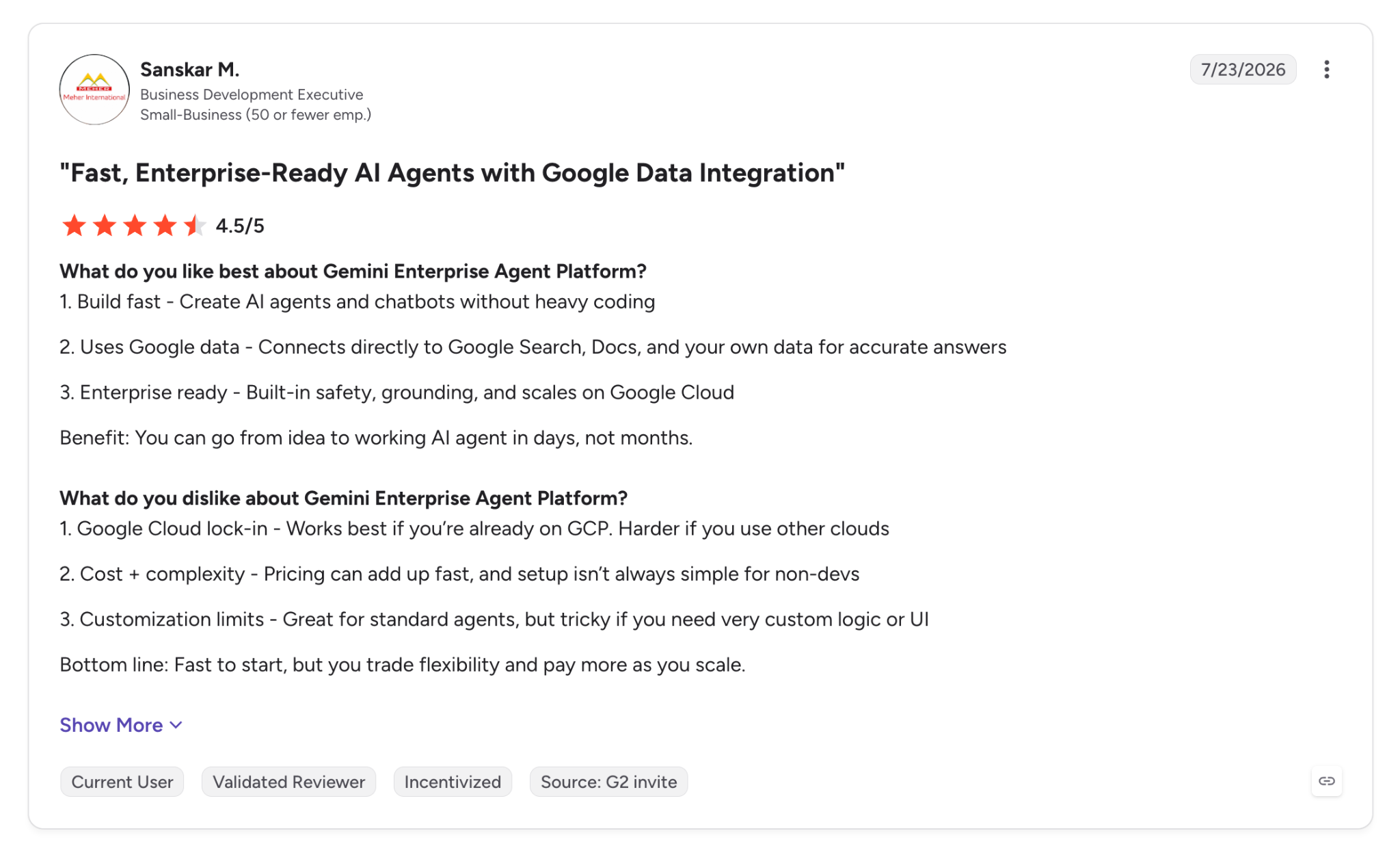
"Enterprise ready - Built-in safety, grounding, and scales on Google Cloud." - Sanskar M., G2.
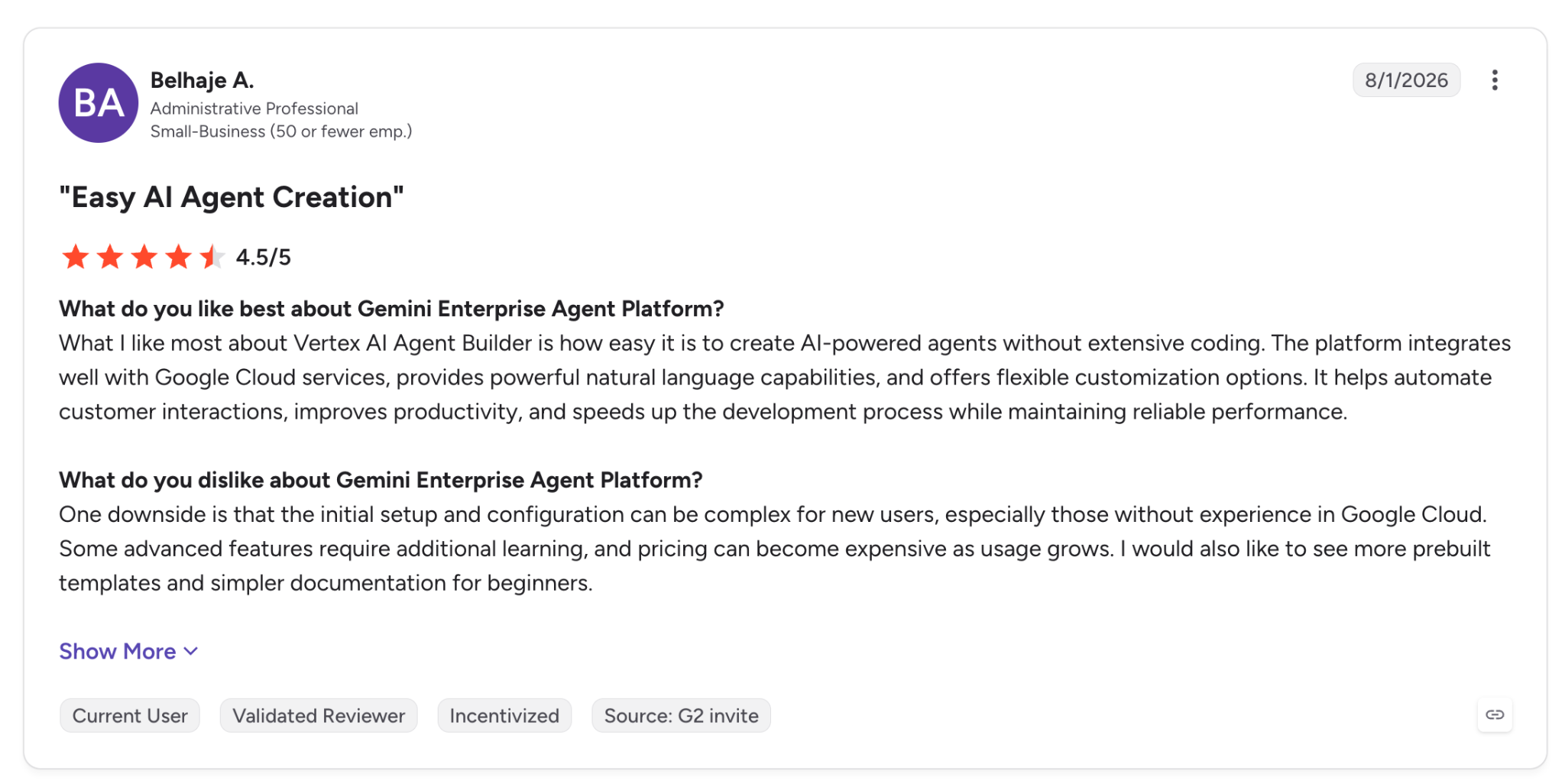
"One downside is that the initial setup and configuration can be complex for new users, especially those without experience in Google Cloud." - Belhaje A., G2.
Pricing
Agents run on Gemini Enterprise Agent Platform bill per token, with the Gemini Deep Research agent at $2 per million input tokens and $12 per million output tokens.
Grounding with Google Search includes 5,000 free queries a month before $14 per 1,000. The toolkit components themselves are free to use.
Bottom Line
If you're building on Gemini or Gemma, the toolkit gives you free classifiers and evals while the app is still in development. For reporting across several models, plan on Checks AI Safety or a governance layer on top.
4. Fiddler AI: Best for low-latency guardrails on LLM and agent traffic
What it does: Fiddler AI is an AI observability and security platform that pairs guardrails, run on its own Fiddler Centor Models, with tracing and evaluations for agents and ML models.
Best for: Platform teams running LLM or agent apps in production that need screening fast enough to run on each call.
Fiddler's free plan already includes the guardrails, which is why it ranks ahead of the governance platforms below. It screens for hallucinations, toxicity, PII and PHI, prompt injection, and jailbreak attempts with latency under 80 milliseconds.
Access starts with a demo request, so I checked my test message against Fiddler's documentation. It covers that exact case, a prompt injection with an SSN attached, and says the guardrails detect and redact PII, PHI, and secrets on the same request.
The redaction also happens close to your data. Because the Centor models run in your environment, the PII check stays in-house with no calls to an outside LLM API.
The free plan covers guardrails only, so observability and access controls start on the paid Developer plan.
Key Features
- Guardrails: Sub-80ms screening for attacks and sensitive-data exposure on each request.
- Agentic observability: Fiddler says it tracks each action and token by user and team across agent runs, with the cost attached.
- Auditable governance: Records enforcement decisions along with who triggered them.
Pros and Cons
Pros:
✅ Free guardrails for prompt injection and jailbreak attempts. Toxicity and PII screening are included as well.
✅ In-environment enforcement keeps prompts away from outside model APIs.
✅ Private deployment options, with VPC and AWS GovCloud listed on Fiddler's site.
Cons:
❌ Every plan routes through sales, the free one included.
❌ Per-trace billing on Developer grows with agent traffic.
❌ G2 reviewers say advanced features take time to learn, more so for anyone new to AI monitoring.
What Users Say
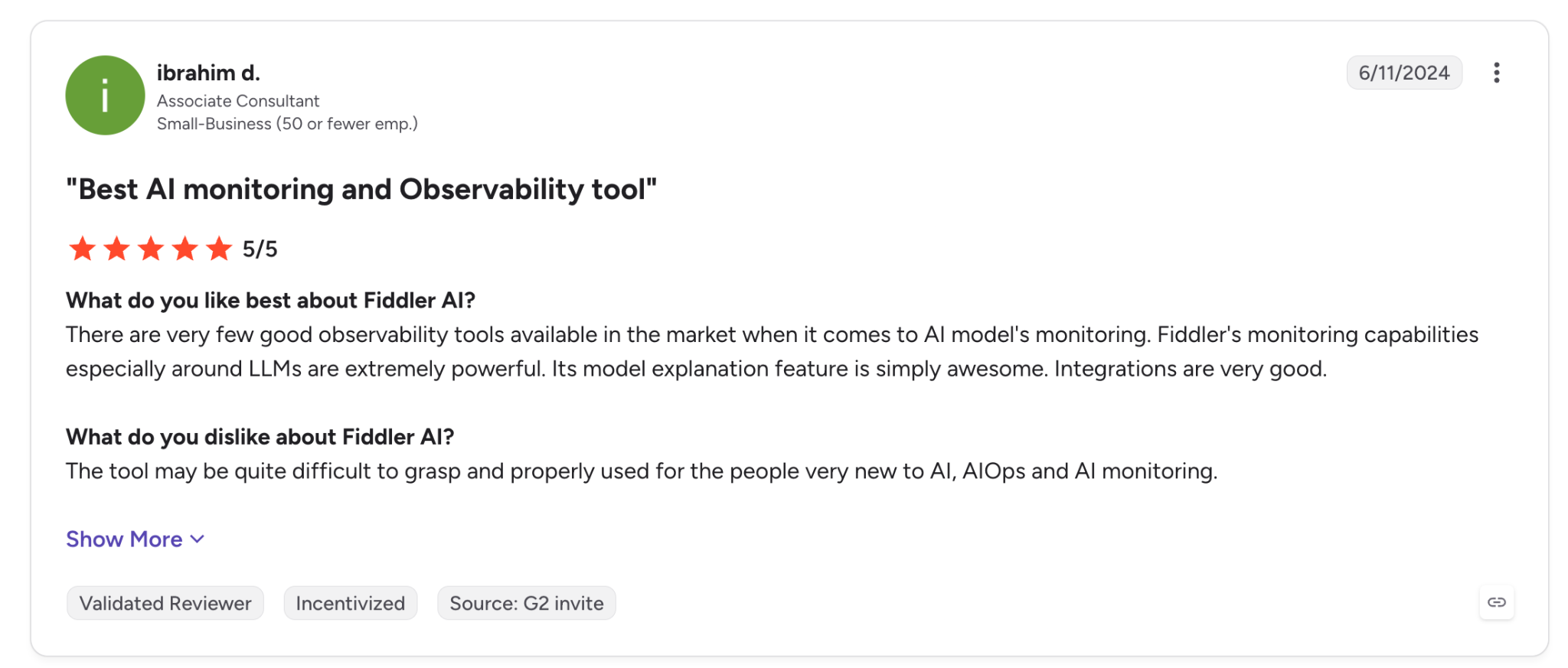
"Fiddler's monitoring capabilities, especially around LLMs, are extremely powerful." - Ibrahim D., G2.
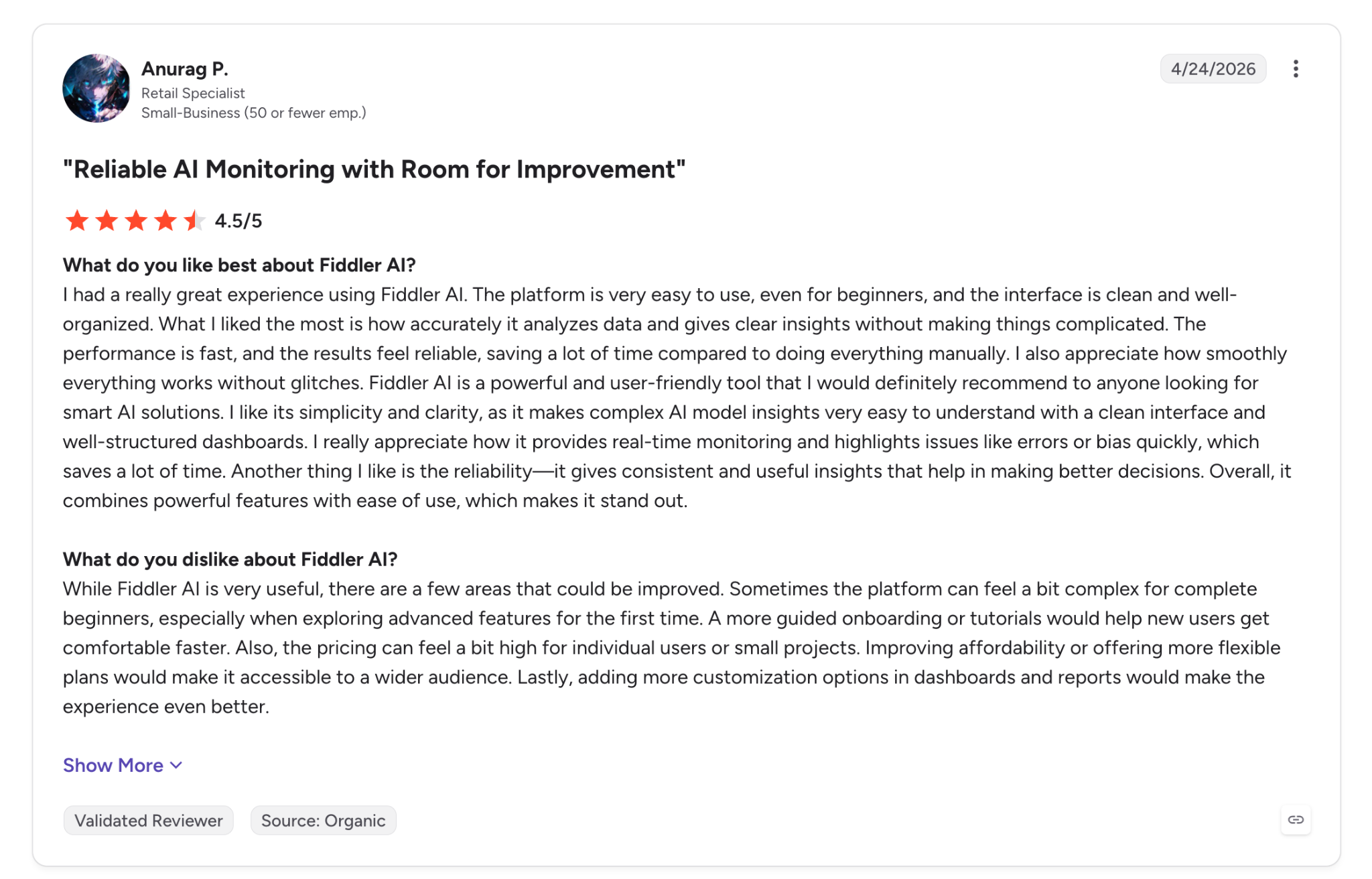
"Sometimes the platform can feel a bit complex for complete beginners, especially when exploring advanced features for the first time." - Anurag P., G2.
Pricing
Fiddler's Developer plan costs $0.002 per trace and adds observability and custom evaluators. It also includes RBAC and SSO. Enterprise is priced by quote and adds VPC and on-premises deployment. The Free plan covers guardrails on live traffic.
Bottom Line
For an LLM app that has to screen each request for injection and PII in under 80 milliseconds, I'd use Fiddler. For group-fairness audits on a tabular model, the Microsoft toolbox does more.
5. IBM watsonx.governance: Best for regulated enterprises tracking models across several clouds
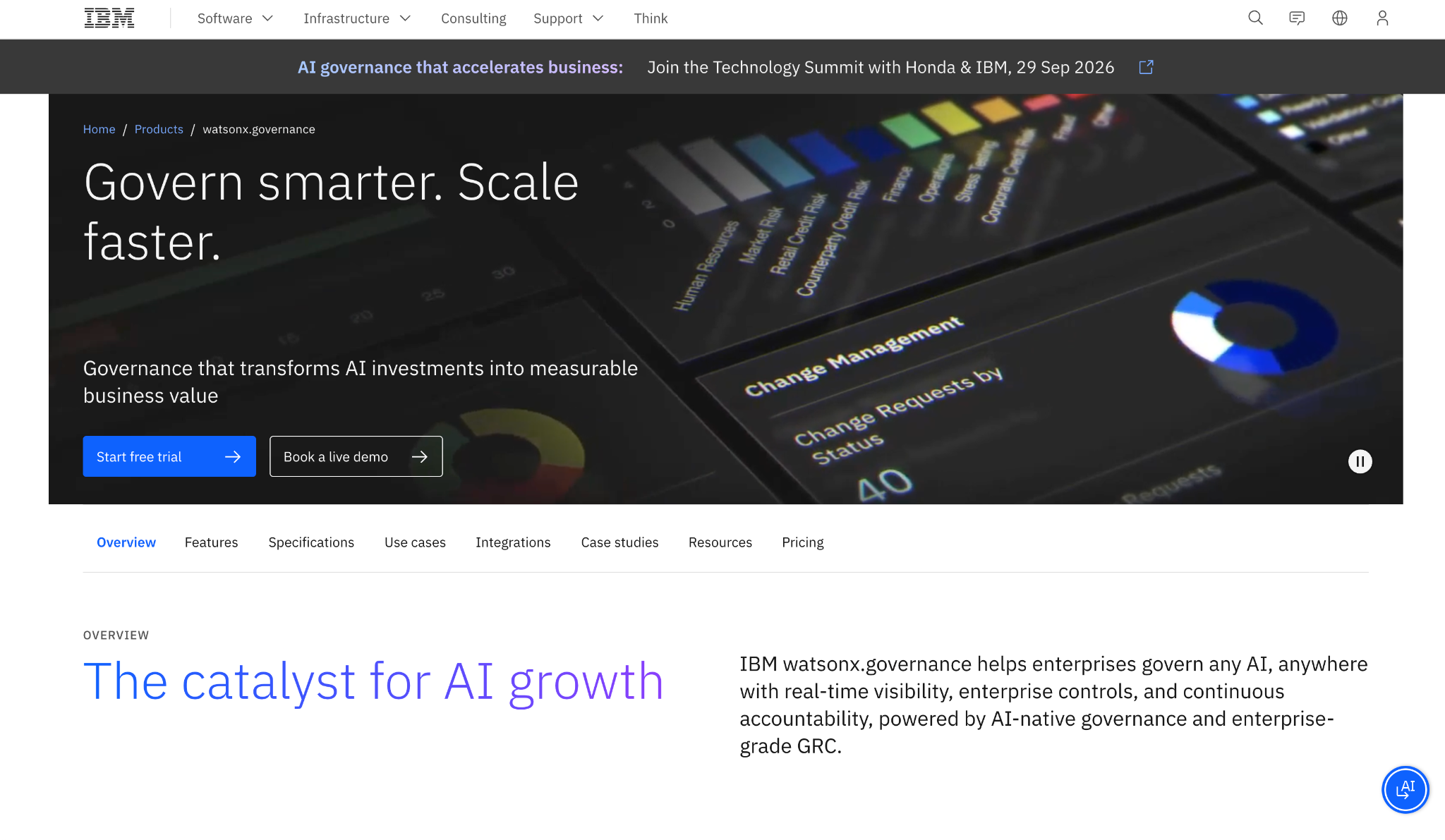
What it does: IBM watsonx.governance is IBM's governance suite for inventorying AI use cases, assessing risk and compliance, and monitoring models running on IBM or third-party stacks.
Best for: Risk and audit teams in regulated industries that need one inventory of models across clouds.
Spinning up the 14-day trial gave me a shared environment, and registering the loan model as a use case kicked off a risk assessment and an applicability assessment against frameworks like the EU AI Act, NIST AI RMF, and ISO 42001.
IBM is strongest on documentation. Each registered model gets a factsheet with its details and approvals, plus monitoring results, and G2 reviewers say those export cleanly for auditors.
A smaller team will struggle to justify $3,500 a month for the Risk & Compliance plans, with one concurrent user, when pay-as-you-go Model Management starts at $0.64.
Key Features
- Shadow AI detection: Finds unmanaged and unapproved AI usage and adds it to the inventory.
- Risk and compliance assessment: Maps each use case to regulatory frameworks and tracks the evidence.
- Model evaluation and monitoring: Watches deployed models for drift and bias. It also flags performance drops, including on models outside IBM's stack.
Pros and Cons
Pros:
✅ Governs models outside IBM's stack, so oversight doesn't stop at one vendor.
✅ Factsheets and audit trails export for auditors; one G2 reviewer says that saves rebuilding them by hand.
✅ Free 14-day trial to test the workflow ahead of a sales call.
Cons:
❌ The 14-day trial runs on included credits, so heavy monitoring tests can use them up.
❌ Hybrid setups need specialist knowledge, according to G2 reviews.
❌ One concurrent user on the Risk & Compliance plans means only one person can work in them at a time.
What Users Say
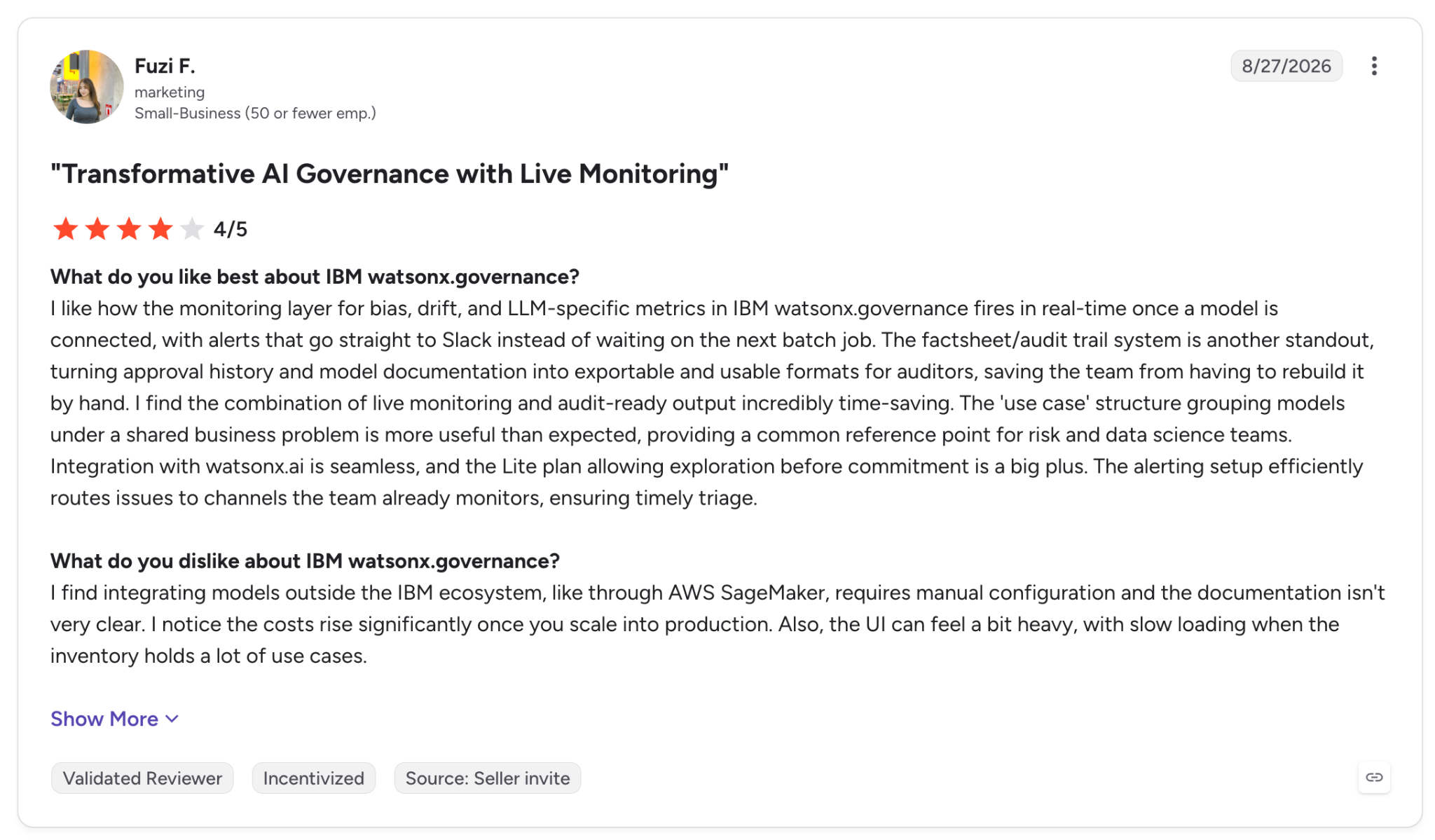
"The factsheet/audit trail system is another standout, turning approval history and model documentation into exportable and usable formats for auditors, saving the team from having to rebuild it by hand." - Fuzi F., G2.
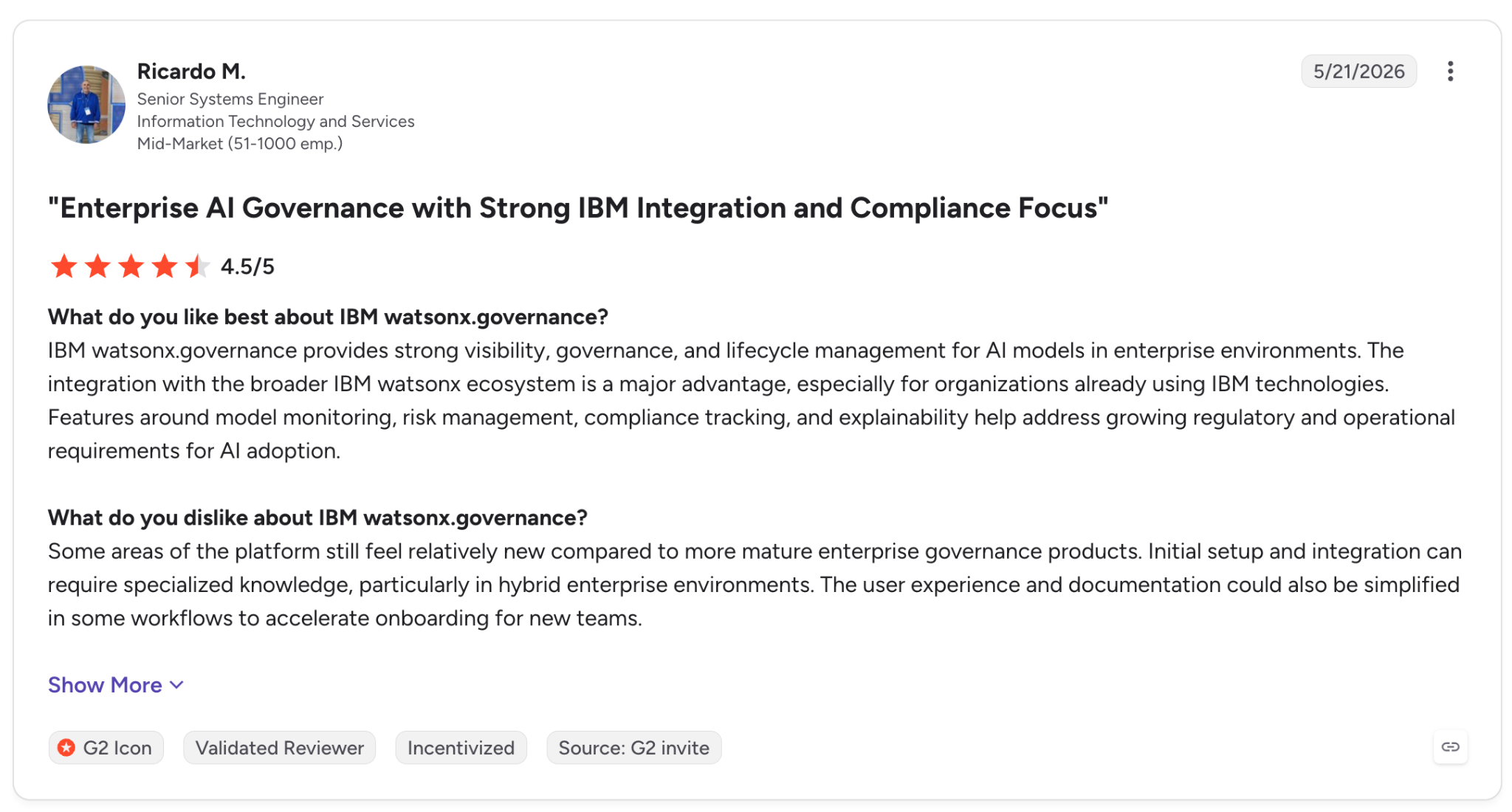
"Initial setup and integration can require specialized knowledge, particularly in hybrid enterprise environments." - Ricardo M., G2.
Pricing
Model Management starts at $0.64 on IBM Cloud with pay-as-you-go billing. Risk & Compliance Basic starts at $3,500 per month and Advanced at $6,450 per month, while the AWS listing starts at $42,000 with 5 AI use cases and 12,000 evaluations. IBM also offers a free 14-day trial.
Bottom Line
For a bank or insurer that has to show regulators a full list of the models it runs, watsonx.governance keeps that list across several clouds. Our roundup of AI governance platforms compares it with dedicated GRC suites.
6. Arthur AI: Best for discovering and policing AI agents at runtime
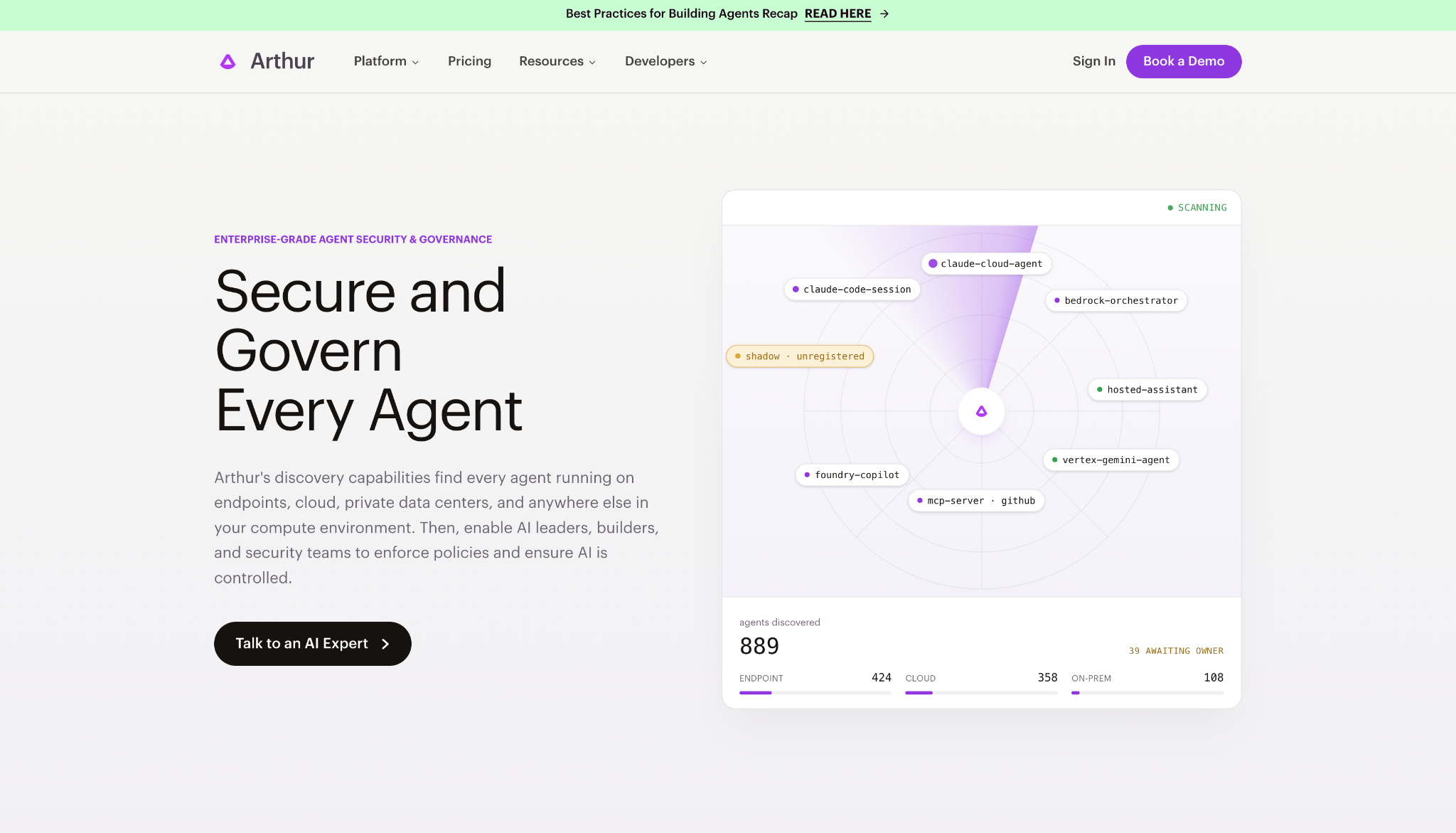
What it does: Arthur AI discovers AI agents running anywhere in your compute environment, then monitors and secures them at runtime, with an open-source engine underneath.
Best for: Security and platform teams that need to see the agents running in the company and enforce policy while they run.
Arthur starts with agent discovery, and its inventory flags shadow and unregistered agents. It also integrates with CrowdStrike Falcon, Elastic, Splunk, and Datadog so alerts reach the tools your security team already uses.
Once an agent is on that list, the runtime layer takes over. It blocked the prompt injection I sent my support agent, and its evals tracked groundedness and PII leakage on each trace, along with whether the agent picked the right tool.
The free plan allows four use cases. With unlimited seats, a second team can join easily, and you'll reach that limit within a couple of projects.
Key Features
- Agent discovery: Catalogs the agents it finds, including unregistered ones.
- Runtime security: Blocks prompt injection and watches tool sequences with Agent Behavioral Analytics.
- Evals and audit logs: Scores groundedness and tool selection among other metrics, with full lineage for audits.
- Cost routing: Detects requests that don't need the expensive model and reroutes them, including to internally hosted open-source models.
Pros and Cons
Pros:
✅ Free plan with unlimited seats, so everyone involved shares one view of the traces.
✅ Open-source Arthur Engine under the MIT license if you want to self-host the guardrails.
✅ Security tool integrations route agent alerts into the security monitoring tools your team already uses.
Cons:
❌ Free tier caps at 4 use cases, enough for one or two projects.
❌ Dedicated VPC and SSO only come with Enterprise. SLAs are Enterprise-only as well.
❌ Its two G2 reviews date from 2022, so public buyer feedback on the agent product is thin.
What Users Say
"Arthur is one of the best companies I have worked with in the AI field, their Solutions which include Natural Language Processing are really efficient and well developed." - Riad H., G2.
"Nothing as such, but it's too costly to purchase." - Sudhir J., G2.
Pricing
Arthur's Premium plan costs $60 per month for up to 100 use cases with custom metrics and alerting. The Free plan costs $0 per month for up to 4 use cases.
Enterprise is quoted by sales and adds managed VPC options and SSO, with SLAs and a BAA also on that plan.
Bottom Line
For a company where new agents appear faster than they get registered, Arthur gives security teams a way to find them and set limits on them. We cover more tools in this lane in our list of AI code governance tools.
7. Credo AI: Best for policy-led governance mapped to AI regulations
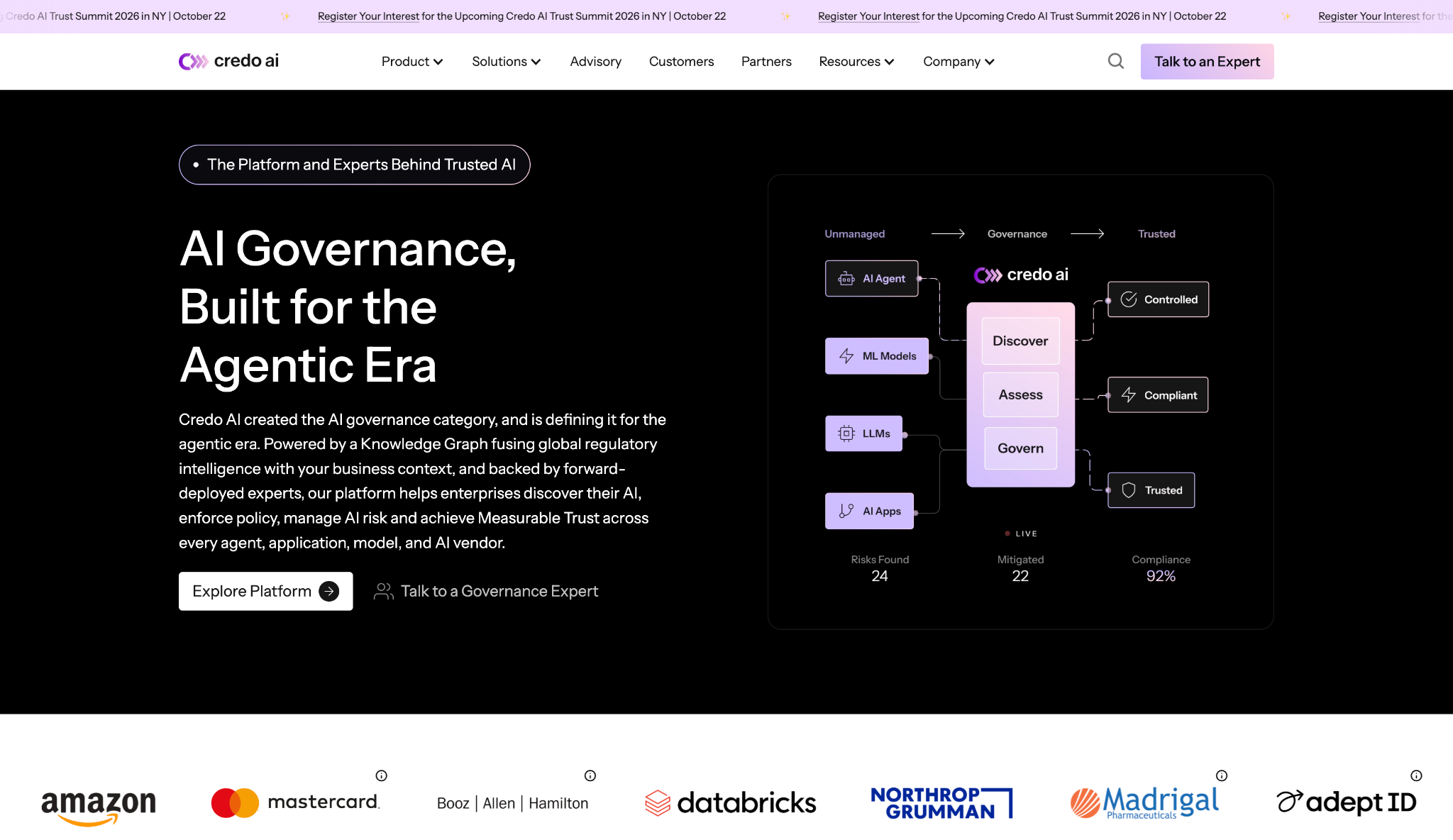
What it does: Credo AI is an AI governance product centered on its AI Registry and Policy Engine, with risk scoring on top. Its ready-made policy packs cover the EU AI Act, NIST AI RMF, ISO 42001, and U.S. rules such as OMB M-25.
Best for: GRC and legal teams that need audit records for many AI use cases at once. Risk teams can work from the same registry.
Credo AI has no free tier or trial, so I went through its product documentation and demo material.
The documentation centers on the Policy Engine. You pick a regulation from the policy packs and Credo translates it into checks. The engine records the evidence for audit, while the Govern AI Assistant (GAIA) handles intake and risk mapping.
G2 reviewers find the ready-made packs easy to use. Bespoke risk scoring is where they struggle, a problem if your internal policy goes beyond the standard regulations.
Key Features
- AI Registry: One catalog of the AI in use, including vendors and shadow AI. Agents and models sit in the same list.
- Policy Engine: Ready-made packs for the regulations listed above, with policy-to-code translation.
- Agent Governor (beta): Enforces rules inside the agent loop before an action runs, but it's still a research preview without a production SLA.
Pros and Cons
Pros:
✅ Ready-made policy packs give a starting point for each regulation.
✅ Evidence recording and audit sit in the Policy Engine, next to the policies they support.
✅ Ready-made integrations with cloud platforms and workflow tools such as ServiceNow and Jira. AWS, Azure, Snowflake, and Databricks are on the list too.
Cons:
❌ No self-serve trial, so evaluation starts with a sales conversation.
❌ Custom risk scoring is hard to configure, per G2 reviewers.
❌ Designed for risk owners first, so developers will likely work with it through integrations.
What Users Say
"I find it useful for tracking who owns and approved the model, keeping evidence for compliance and audits, and monitoring the AI after deployment." - Kadam G., G2.
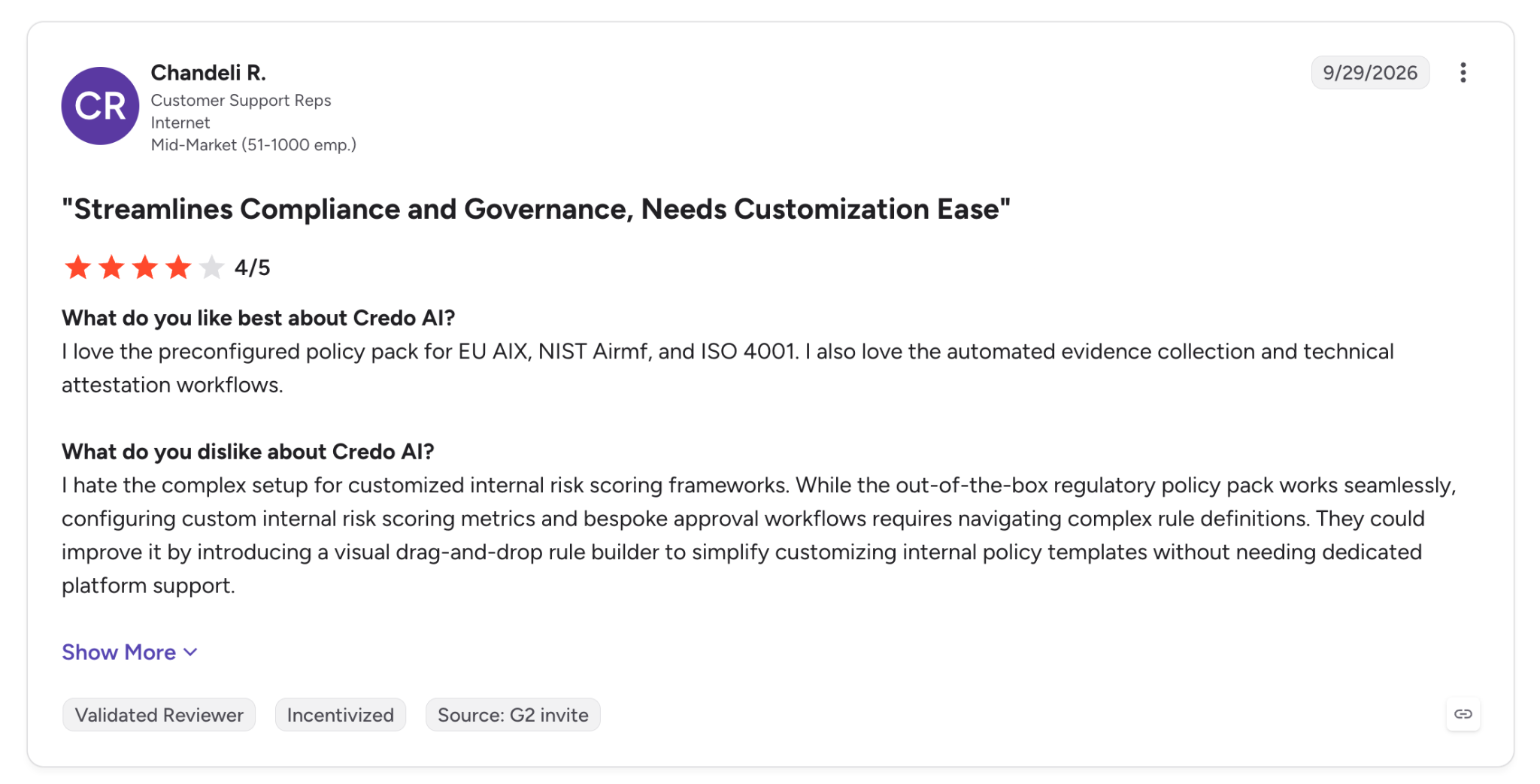
"I hate the complex setup for customized internal risk scoring frameworks." - Chandeli R., G2.
Pricing
Credo AI doesn't publish prices. Its AWS Marketplace listing describes an annual Enterprise subscription based on the number of AI use cases, on 12-, 24-, or 36-month contracts through a private offer.
Bottom Line
If your responsible AI work is driven by legal and compliance deadlines, Credo AI lets you start each program from a ready-made policy pack. Developers who want a library to install today will find one in the open-source section below.
8. Holistic AI: Best for bias and red-team testing tied to compliance evidence
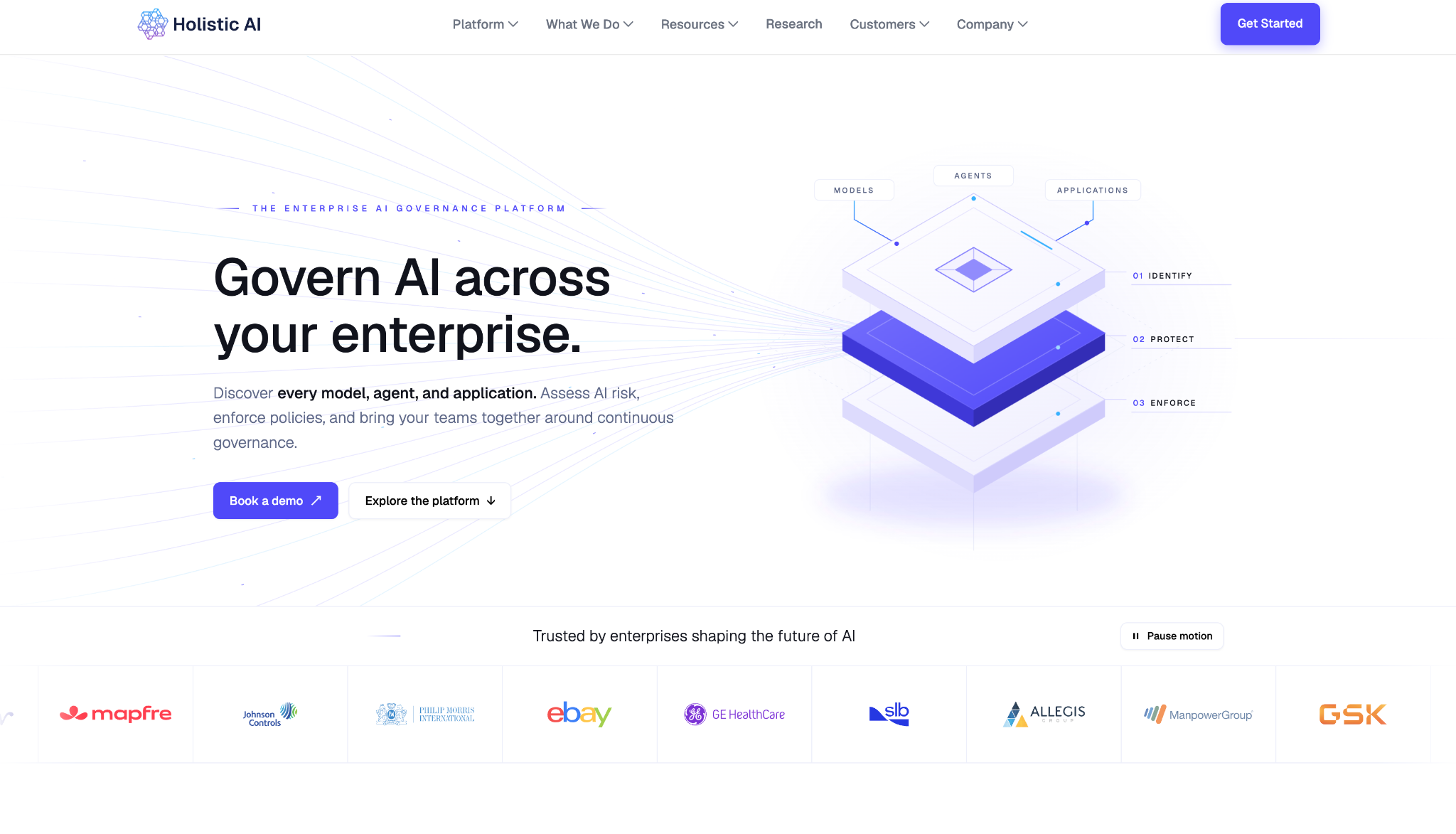
What it does: Holistic AI is a governance suite that discovers AI systems and runs 40+ tests for bias, hallucination, privacy, and adversarial resilience, then maps the results to regulatory controls.
Best for: Enterprises that need test results and regulatory mapping in one record, especially for EU AI Act readiness.
This entry draws on Holistic AI's product material and Gartner Peer Insights reviews, since access sits behind a demo.
Its discovery runs across AWS, Azure, GitHub, and Databricks, with 20+ integrations in all, and builds a profile of each system's ownership and risk. After discovery, it red-teams those systems for prompt injection and jailbreaks and keeps watching drift and performance once they're deployed.
Guardian Agents extend it from testing into enforcement, with actions to block, redirect, remediate, or escalate. Covering that much takes time to set up, and Gartner Peer Insights reviewers flag rollout as slow.
Key Features
- AI discovery: Finds AI systems across cloud accounts and code repositories, and maps dependencies and lineage on its own.
- Risk testing: The full 40+ test library, with red teaming for injection and jailbreaks.
- Guardian Agents: Supervise autonomous AI and intervene when a policy threshold is crossed.
Pros and Cons
Pros:
✅ 40+ tests and red teaming from a single vendor.
✅ Discovery reaches code repositories as well as cloud and SaaS environments.
✅ Controls map to the EU AI Act and ISO/IEC 42001, with approvals and deployment gates. NIST AI RMF is covered too.
Cons:
❌ No public pricing or trial, only a demo form.
❌ Integrations and deployment are slow to set up, according to Gartner reviewers.
❌ Only 12 ratings on Gartner Peer Insights, a thin base for judging it.
What Users Say
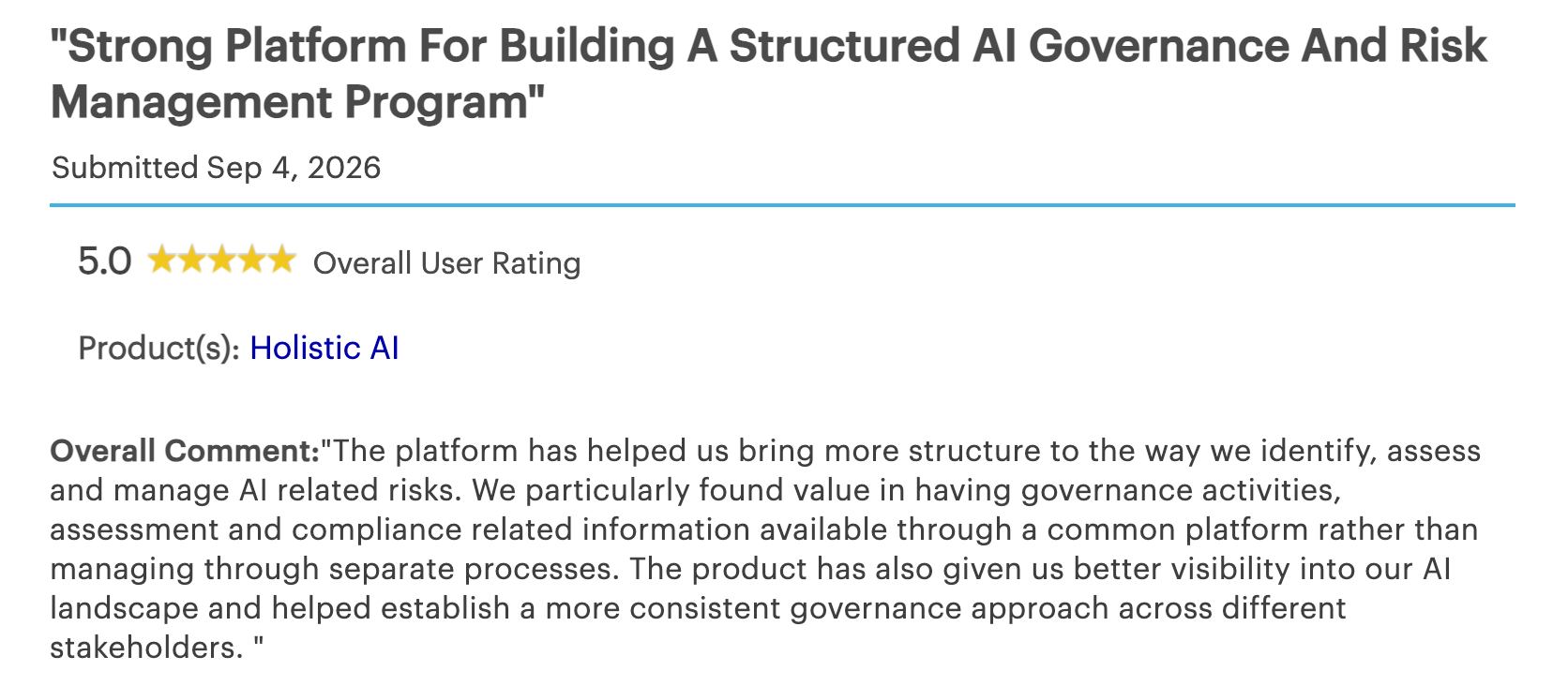
"The platform has helped us bring more structure to the way we identify, assess and manage AI related risks." - Manager of IT Services, Gartner Peer Insights.
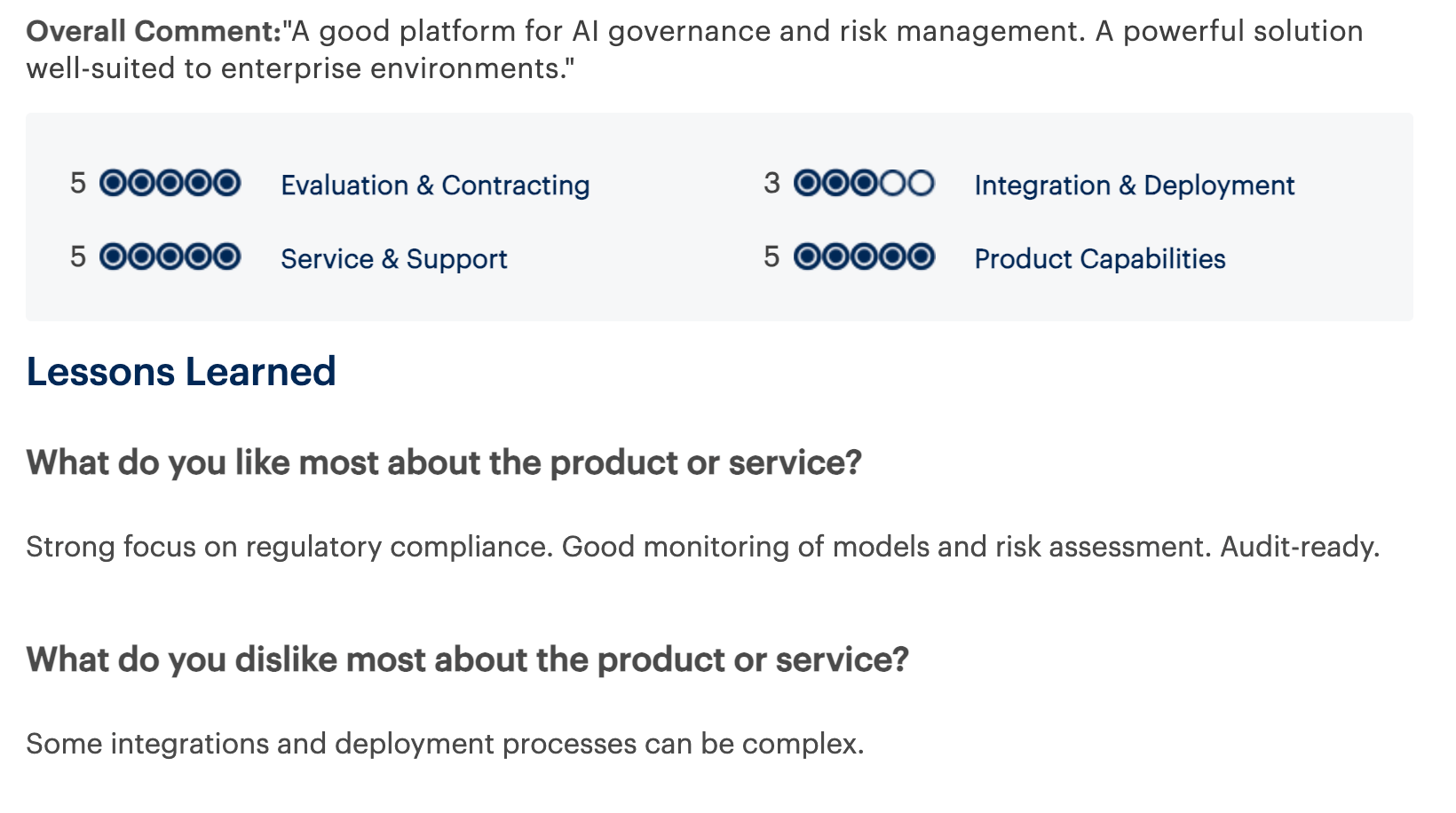
"Some integrations and deployment processes can be complex." - Head of Product, Gartner Peer Insights.
Pricing
Holistic AI quotes pricing after a demo request, with no public tiers.
Bottom Line
For an enterprise that wants bias testing and red teaming tied to compliance mapping, Holistic AI offers all of it from one vendor. A developer who just needs to check one model for disparate impact will reach a result faster with Fairlearn or Aequitas.
9. DataRobot: Best for teams that build, deploy, and govern models on one platform
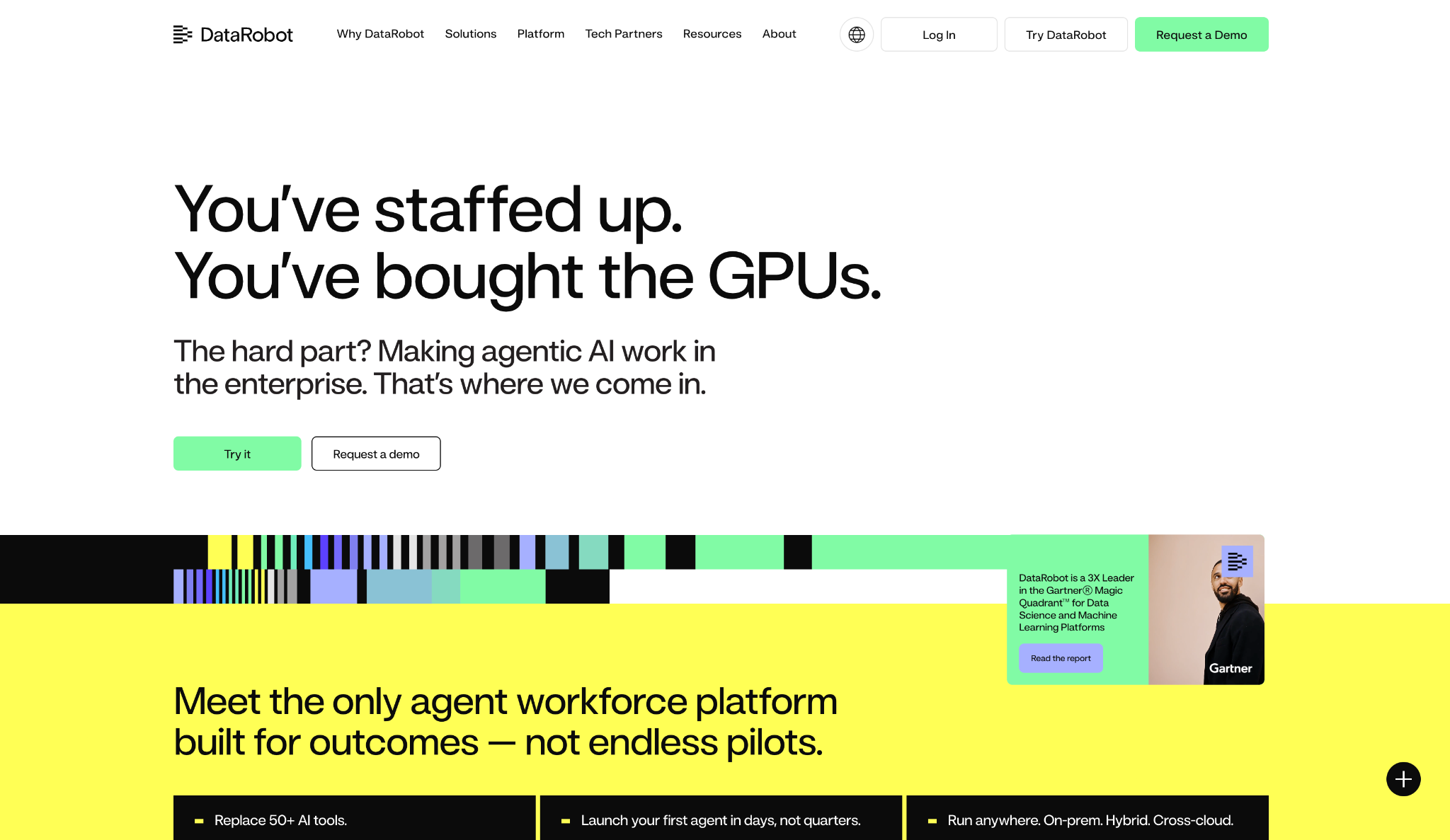
What it does: DataRobot is an end-to-end platform for building, deploying, and governing enterprise AI agents and classic ML models, co-engineered with NVIDIA.
Best for: Data science teams that want governance inside the tool where they already build models.
The free trial runs 30 days with full platform access and no contract, the longest on this list, ahead of the 14-day trials from Superblocks and IBM.
DataRobot says governance runs through the whole lifecycle. It tracks assets and activity, enforces access and approval controls before a model reaches production, and generates audit documentation along the way.
Licensing cost shows up in DataRobot's G2 reviews, and a team that already runs its own ML pipeline will pay for more than it needs.
Key Features
- Enforceable controls: Set rules from access to approvals that meet enterprise and industry compliance requirements.
- Lifecycle tracking: Logs assets and activity across the lifecycle, and generates the audit documentation as it goes.
- Deploy anywhere: Run agents and models from the edge to cross-cloud setups. On-premises and hybrid deployments are supported as well.
Pros and Cons
Pros:
✅ 30-day free trial with full access and no commitment.
✅ Governance and model building in one place, with audit documentation generated as models move through the lifecycle.
✅ Flexible deployment, including on-premises and hybrid.
Cons:
❌ Licensing costs rise quickly for smaller companies, G2 reviewers say.
❌ No public pricing, so comparing cost starts with a demo request.
❌ More than you need if you already run an ML stack and only want the governance piece.
What Users Say
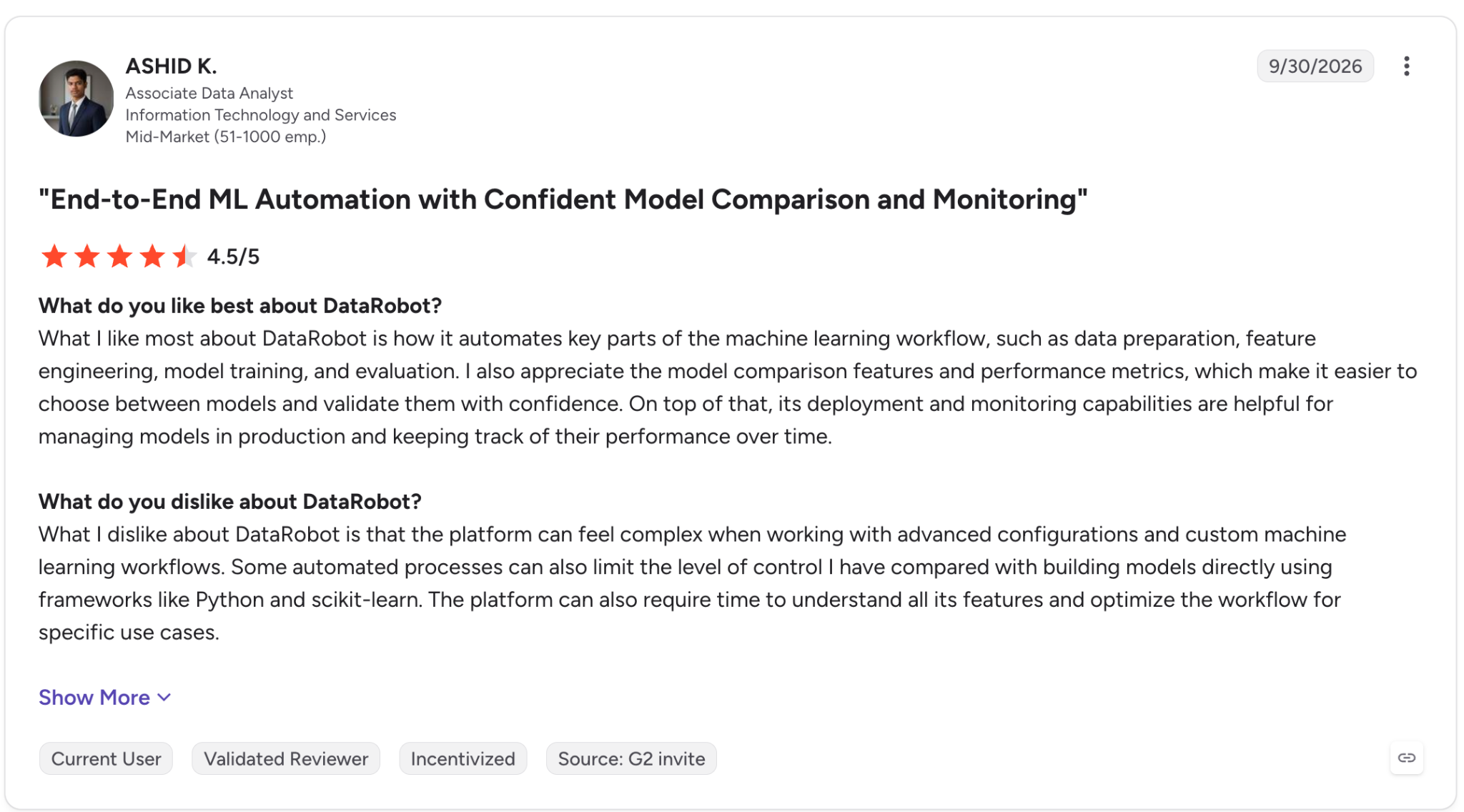
"I also appreciate the model comparison features and performance metrics, which make it easier to choose between models and validate them with confidence." - Ashid K., G2.
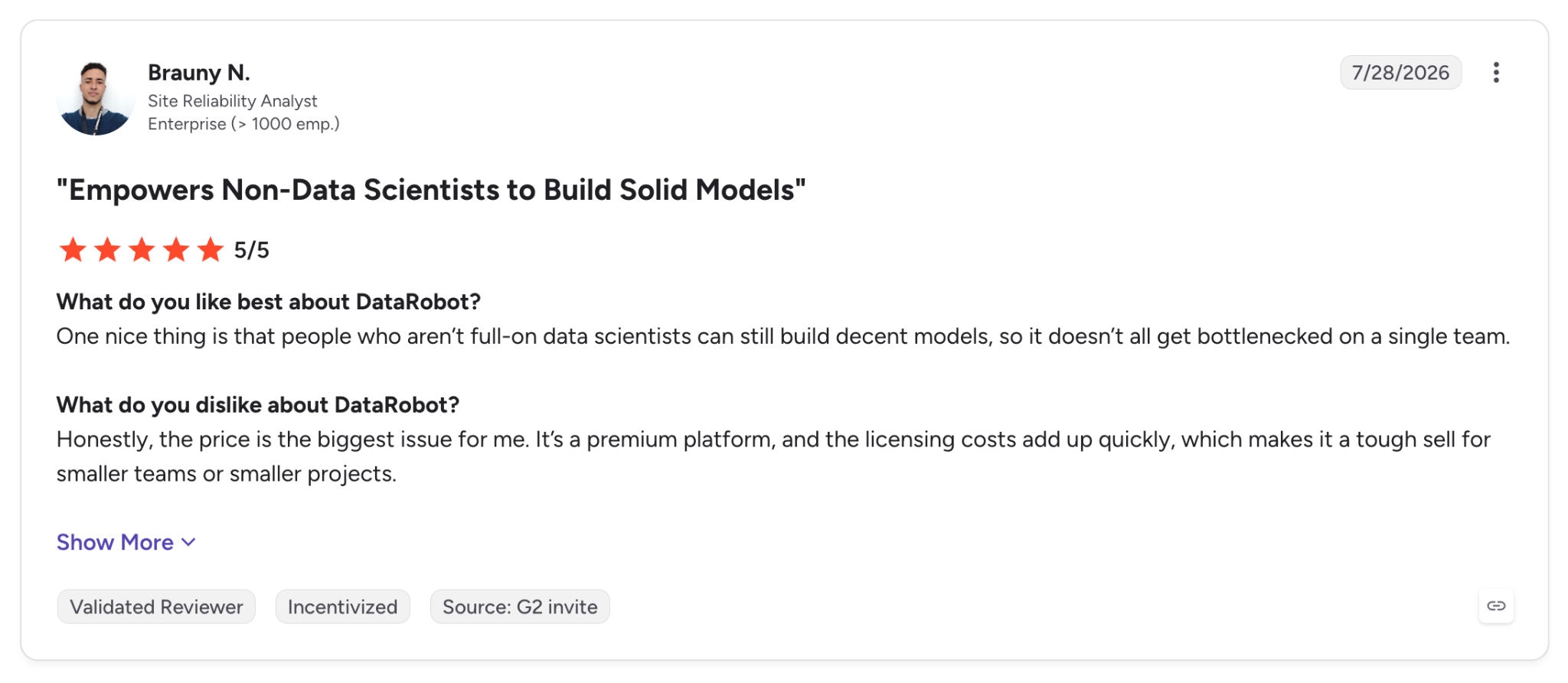
"It's a premium platform, and the licensing costs add up quickly, which makes it a tough sell for smaller teams or smaller projects." - Brauny N., G2.
Pricing
DataRobot doesn't list prices. It offers a 30-day free trial with full platform access, and paid plans run on custom quotes through a demo request.
Bottom Line
For a data science team that wants model building and responsible AI controls under one license, DataRobot includes both, and the 30-day trial lets you test it before signing.
10. Arize AI: Best for open-source LLM tracing and evaluations
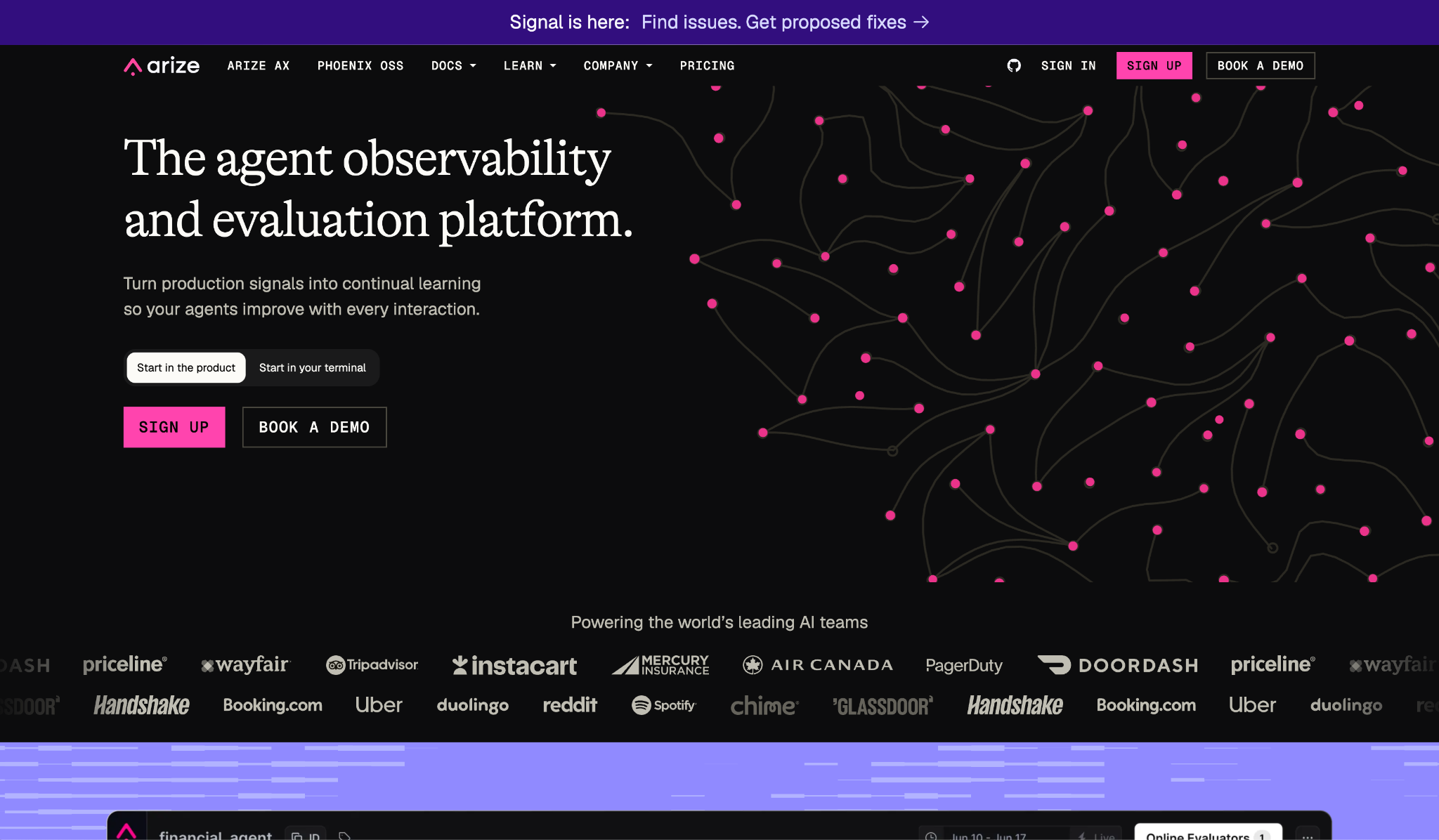
What it does: Arize AI is an observability and evaluation platform for AI agents and models, offered as the managed Arize AX and the open-source Phoenix.
Best for: Developers who want to trace and evaluate LLM apps on open standards ahead of a paid plan.
Phoenix was the quickest install of the vendor-backed tools. It's local-first, based on OpenTelemetry and OpenInference, and it traced each step of my support agent before I'd created an account anywhere.
Moving to Arize AX adds online evals that score responses on a rolling schedule against production traces. Alyx, Arize's AI engineering agent, can run those evals and investigate failures for you.
An agent in production will exceed the free AX limits, since the free tier allows 25,000 spans a month with 15 days of retention.
Key Features
- Tracing: Step-by-step traces through 40+ integrations, including OpenAI, Anthropic, LangGraph, and CrewAI.
- Online evals: Score agent responses continuously as traffic comes in.
- Alyx: An AI agent that runs evaluations, debugs issues, and suggests fixes inside Arize AX.
Pros and Cons
Pros:
✅ Phoenix is free and open source, released under the Elastic License 2.0, and it runs locally.
✅ Open standards should make your traces easier to move if you switch vendors.
✅ Unlimited users and evals on all AX plans.
Cons:
❌ Free AX is capped at 25,000 spans and 15 days of retention.
❌ Self-hosting AX is limited to Enterprise.
❌ The feature set takes time to learn, from traces and datasets to experiments and annotations, according to G2 reviews.
What Users Say
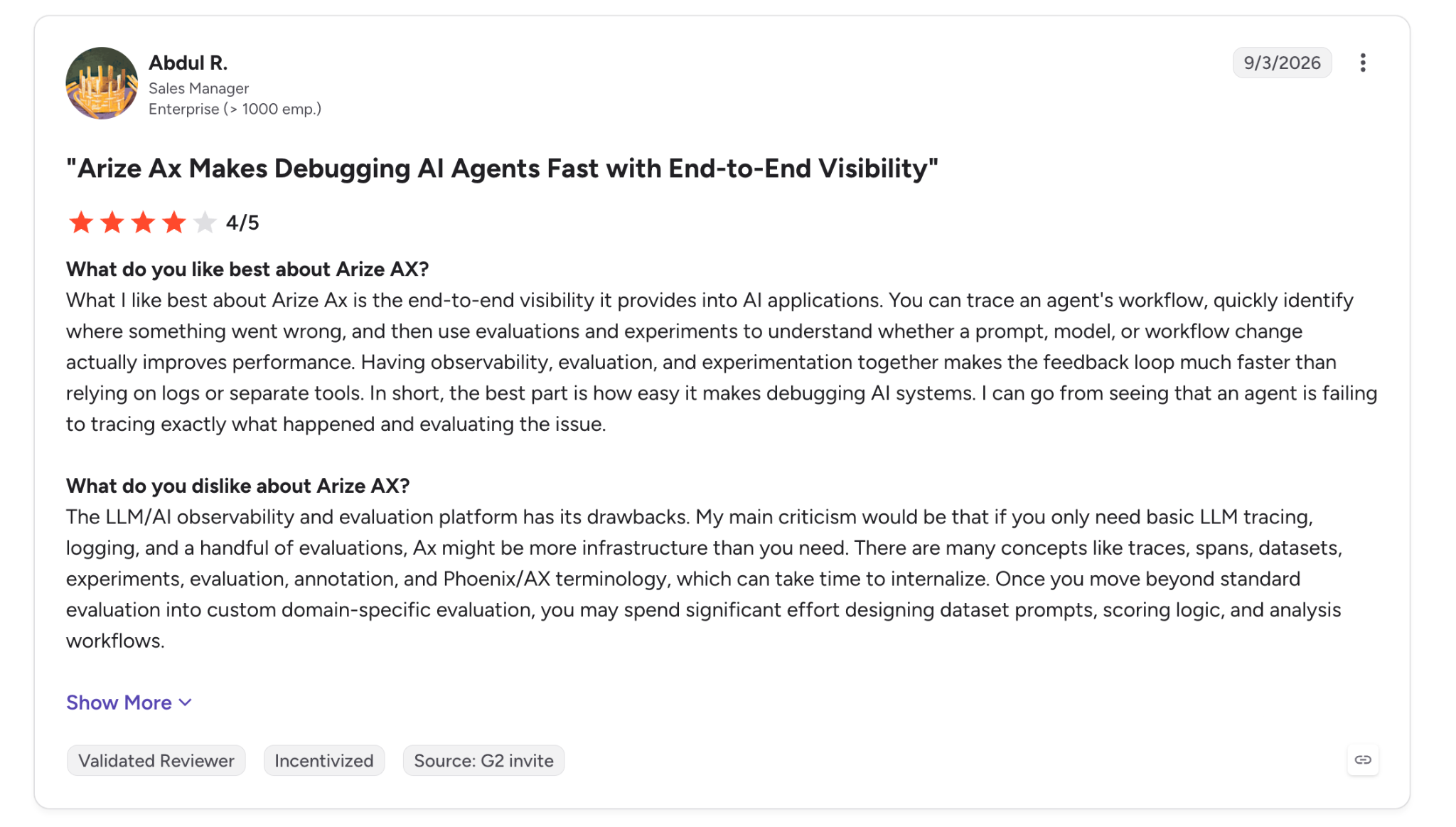
"You can trace an agent's workflow, quickly identify where something went wrong, and then use evaluations and experiments to understand whether a prompt, model, or workflow change actually improves performance." - Abdul R., G2.
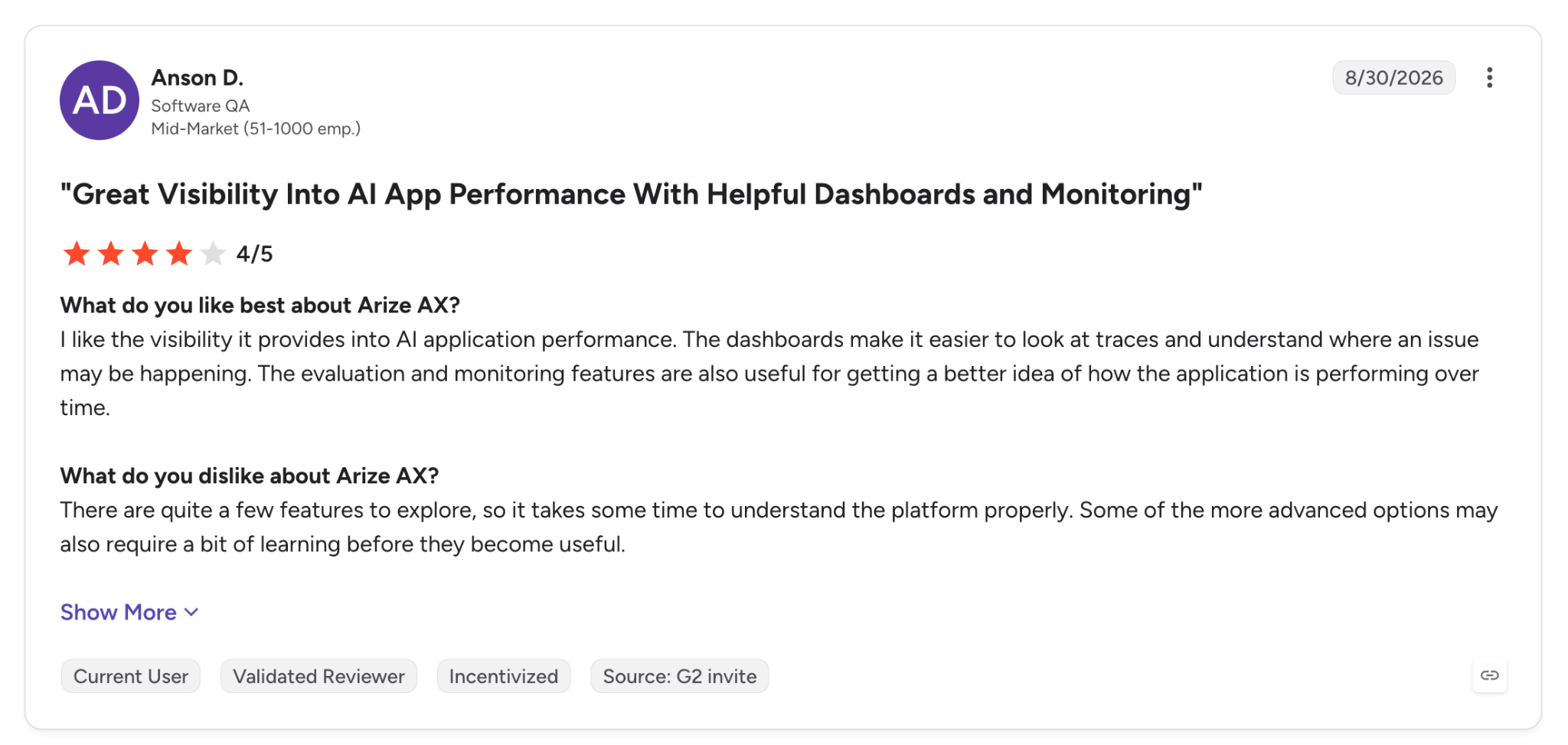
"There are quite a few features to explore, so it takes some time to understand the platform properly." - Anson D., G2.
Pricing
AX Pro costs $50 per month for 50,000 spans and 10 GB with 30-day retention, and AX Enterprise pricing comes through sales, with SaaS or self-hosted deployment. AX Free covers 25,000 spans and 1 GB a month. Phoenix is free and open source.
Bottom Line
For an engineer who wants to inspect an LLM app this week without a procurement cycle, Phoenix was the quickest to get running in my tests, since it runs from a local install. If you need policy mapping, pair it with a governance platform.
Open-source frameworks and hyperscaler toolkits worth knowing
Microsoft, Google, AWS, and TensorFlow all publish their own responsible AI toolkits. These libraries and cloud provider tools are worth keeping next to the best responsible AI tools above, and our guide to building a responsible AI framework shows how they work together.
A US framework and an EU law give this tooling its context. The NIST AI Risk Management Framework gives teams a shared vocabulary for mapping and measuring AI risk.
The EU AI Act applies its high-risk rules from December 2, 2027 for systems in areas like employment and education, and from August 2, 2028 for AI embedded in regulated products, so the documentation these tools produce already has a deadline.
Which responsible AI tool should you choose?
The best responsible AI tools for your stack depend on where the risk sits. It can be in the model or the live traffic, in the paperwork, or in the apps people build on top of all three.
- Choose Superblocks if people across the company are building internal apps with AI and IT needs guardrails and a system of record for each one, with audit logs on Enterprise.
- Choose the Microsoft Responsible AI Toolbox if you need a free fairness and error-analysis pass on a tabular model.
- Choose the Google Responsible Generative AI Toolkit if you build on Gemini or Gemma and want Google's own classifiers and side-by-side evals.
- Choose Fiddler AI if guardrails have to run on live LLM traffic without adding delay.
- Choose IBM watsonx.governance or Credo AI if regulators or legal deadlines drive the program. IBM keeps one list of models across several clouds, and Credo starts from regulatory packs.
- Choose Arthur AI if security needs an inventory of the company's agents before it can enforce policy on them.
- Choose Holistic AI if you want test results and compliance mapping in the same record.
- Choose DataRobot if you want governance attached to the platform where your team builds its models.
- Choose Arize AI if you want open-source tracing and evals before paying for anything.
For examples of how teams put these checks into practice in lending, healthcare, and hiring, see our responsible AI examples.
Skip this category if you only call a hosted model for low-stakes internal drafts and the provider's safety filters already meet your company's policy.
Final verdict
Among the best responsible AI tools for model-level checks, the Microsoft Responsible AI Toolbox and Arize Phoenix give developers broad coverage at no cost, and I'd run Fiddler on live LLM traffic.
Teams facing audits need a different layer. IBM watsonx.governance, Credo AI, and Holistic AI suit organizations whose next deadline is a compliance review.
For the internal apps your teams create with AI, Superblocks applies governance as each one is created. New apps inherit the org's guardrails and access rules, with audit logs on Enterprise.
Whichever mix you pick, check what each tool records before something goes wrong. If you'd like to see how Superblocks' audit logs work, you can book a demo.
Frequently asked questions
What are the best responsible AI tools?
The best responsible AI tools are Superblocks for governed AI app development, the Microsoft Responsible AI Toolbox for fairness and error analysis, Fiddler AI for runtime guardrails, and Arize AI for LLM tracing.
Regulated enterprises can add a governance platform such as IBM watsonx.governance or Credo AI.
What is the best ethical AI to use?
The best ethical AI to use is a model or platform with published safety policies, documented limits, and controls your team can audit. For developers, in practice, it means pairing the model with tools that test for bias and keep a log of decisions.
Is there such a thing as responsible AI use?
Yes. Responsible AI use is a working practice that combines fairness testing, human oversight, privacy safeguards, and clear accountability for each AI system you deploy. Our guide to what responsible AI is goes deeper on the principles.
What is the difference between responsible AI and AI governance?
The main difference between responsible AI and AI governance is scope. Responsible AI covers the principles and technical checks behind fair, safe AI, while AI governance sets the policies, ownership, and audit trails an organization uses to enforce them.
Are there free responsible AI tools?
Yes, several responsible AI tools are free. The Microsoft Responsible AI Toolbox, Fairlearn, Aequitas, NeMo Guardrails, and Arize Phoenix are open source, and Fiddler and Arthur both offer free tiers.
At Virgin Voyages, non-technical teams now build their own AI apps, with IT governance fully intact. The result: 15+ production apps, seven departments onboard, and zero dedicated frontend engineers.
At Matthews, a marketing manager with zero coding background built an app that auto-generates offering memorandums, cutting turnaround from days to hours. See how the brokerage is putting AI builders on every team, with full governance intact.


Stay tuned for updates
Get the latest Superblocks news and internal tooling market insights.
Request early access
Step 1 of 2
Request early access
Step 2 of 2

You’ve been added to the waitlist!
Book a demo to skip the waitlist
Thank you for your interest!
A member of our team will be in touch soon to schedule a demo.
production apps built
days to build them
semi-technical builders
traditional developers
high-impact solutions shipped
training to get builders productive
SQL experience required
See the full Virgin Voyages customer story, including the apps they built and how their teams use them.

"Those tools are great for proof of concept. But they don't connect well to existing enterprise data sources, and they don't have the governance guardrails that IT requires for production use."
Table of Contents
%20(1).png)

Multiple authors
What Is Secrets Sprawl? 7 Places Keys Hide and How to Fix It
Secrets sprawl explained: what counts as a secret, the 7 places credentials hide, the warning signs, 2026 leak data, and a 5-step plan to fix it.


%20(1).png)